 Saltar al contenido

Crear un blog es sin duda una de las mejores maneras de construir una audiencia en línea. Crear y diseñar un blog son cosas distintas entre sí.
El diseño del blog es una de las partes más ignoradas de los blogs. Hay muchos blogueros que pasan por alto el diseño del blog simplemente porque piensan que es un factor menor. Sin embargo, el diseño de un blog es un factor determinante en su éxito.
Si estás buscando plugins de diseño de blogs para WordPress con los que crear blogs con un aspecto increíble, tenemos algunos de los mejores plugins para diseñar tu blog. Te presentamos los siete mejores plugins de diseño de blogs para que disfrutes de la mejor interfaz a la hora de crear blogs preciosos.
Echemos un vistazo a esos plugins y a las funciones que ofrecen para que tu blog luzca eficaz.
Complementos | Propósito | Calificaciones | Versiones | Descargar |
Ultimate Blocks | Diseño de entradas de blog | Gratis | ||
Galleryberg | Galería | Gratis | ||
Sliderberg | Corredera | Gratis | ||
Elementor | Diseño completo del sitio web | Gratis y Pro | ||
PostX | Diseño de cuadrícula de entradas | Gratis y Pro | ||
Tableberg | Mesa | Gratis | ||
Diseñador de blogs | Diseños de blogs | Gratis y Pro | ||
Constructor de Tablas WP | Mesa | Gratis y Pro |
Ultimate Blocks
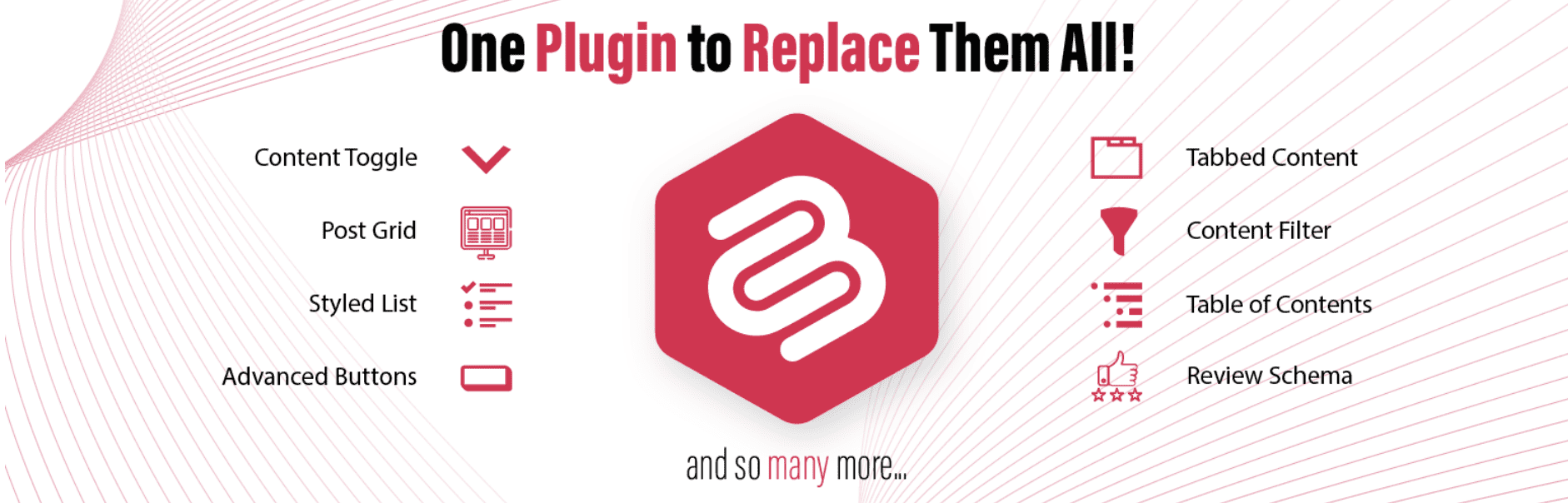
Ultimate Blocks cuenta con una colección de más de 20 bloques que te ofrecen las funcionalidades de varios plugins que puedes implementar en el editor de bloques de Gutenberg.
Ultimate Blocks, el plugin de diseño de blogs para WordPress, se creó para que tus blogs tengan un aspecto atractivo y llamativo gracias a sus fantásticos bloques.
Hay ciertos elementos que son imprescindibles en un blog. Son: las opciones para compartir en redes sociales, las imágenes, las listas con estilo, los botones, los separadores y las llamadas a la acción (CTA). Encontrarás estos elementos en forma de bloques si utilizas Ultimate Blocks.
Los bloques son altamente personalizables y prometen un aspecto profesional clásico para tu blog. Puedes personalizar el margen y el relleno de cada elemento, añadir CSS personalizado, cambiar el color de fondo, etc.
Características clave
- Complemento ligero y polivalente
- Gestor modular de plugins y bloques
- Soporte para CSS personalizado
- Compatible con Gutenberg
- Más de 20 bloques fantásticos
- Bloques altamente personalizables
- Esquema habilitado para mejorar el posicionamiento SEO
- Bien programado para ofrecer un rendimiento óptimo
Versiones disponibles y precio: Descarga el complemento para gratis. También puedes probar su versión pro durante $49 anual para una sola página web.
Galleryberg
Galleryberg es un plugin ligero de galería para Gutenberg diseñado para que las imágenes de tu blog luzcan espectaculares con el mínimo esfuerzo. Incluye cuatro diseños modernos de galería (Mosaico, Masonry, Justificado y Cuadrado) para que puedas elegir el estilo perfecto para las entradas de tu blog o cartera páginas.
Su función integrada lightbox la función permite a los lectores ver imágenes en una hermosa superposición sin distracciones con una navegación fluida, casi como un control deslizante, sin necesidad de un separador complemento de slider. También puedes activar o desactivar la ventana emergente para cada galería, lo que te ofrece flexibilidad a la hora de presentar el contenido.
Since it’s built for the block editor, you can insert, reorder, and style your galleries directly in Gutenberg without relying on shortcodes. Whether you’re a travel blogger showcasing photography or a food blogger presenting recipe images, Galleryberg helps you keep your visuals clean, modern, and mobile-friendly.
Características clave
- Four gallery layouts: Tiles, Masonry, Justified, and Square
- Built-in responsive lightbox with smooth navigation
- Fully Gutenberg-ready (no shortcodes needed)
- Mobile-friendly design that looks great on all devices
- Simple customization from the block editor
- Option to enable or disable lightbox per gallery
Versiones disponibles y precio:
Galleryberg is completely free and available in the WordPress plugin directory.
Slidererg

Sliderberg is a block-based slider plugin built specifically for the Gutenberg editor, making it simple to add eye-catching sliders to your blog without any coding. Its intuitive interface lets you create image, text, or mixed-content sliders directly inside the editor, with real-time previews so you can fine-tune designs instantly.
You can control slide transitions, speed, and navigation styles while keeping the slider fully responsive for mobile and tablet users. Unlike traditional slider plugins that rely on shortcodes or external builders, Sliderberg works natively with blocks—so it’s fast, lightweight, and integrates seamlessly with your existing blog content.
Whether you want a simple image showcase or a dynamic hero section for your blog homepage, Sliderberg gives you the flexibility to create modern, performance-friendly sliders in minutes.
Características clave
- 100% Gutenberg block-based slider builder
- Supports images, headings, text, and buttons inside slides
- Responsive design for mobile and tablet devices
- Customizable transitions, autoplay, and navigation styles
- Live preview while editing
- Lightweight and optimized for performance
Versiones disponibles y precio:
Sliderberg is available for free on the WordPress plugin directory.
Elementor
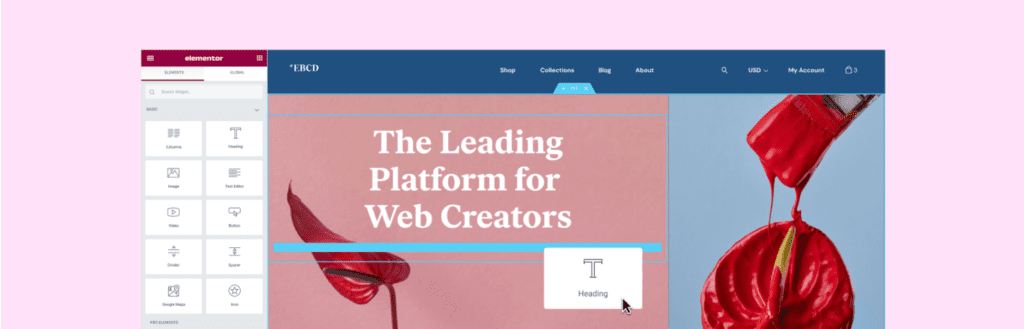
Elementor is one of the most popular page builders, known for its fast, drag-and-drop interface and real-time editing. Whether you’re building a blog, business site, or portfolio, it gives you full control over layout and style—no coding needed.
You can tweak everything from headers and footers to blog post layouts, colors, and animations. With over 40 free widgets and access to 100+ templates and 300+ content blocks, it makes building custom pages quick and easy.
Choose a template, drop in your content, and fine-tune the design to match your vision—even archive pages are fully customizable.
Características clave
- Let’s You Design an Entire Website, Including Blogs and Archive Page
- Powerful Drag & Drop Page Builder
- Real-Time Preview
- Mobile Responsive Layouts
- 40+ Free Widgets
- 100+ Stunning Full-Page Templates
- 300+ Ready-Made Blocks
- Custom Fonts & Icons (Pro)
- Role Manager (Pro)
- Soporte para CSS personalizado (Pro)
- Creador de WooCommerce (Pro)
Versiones disponibles y precio: Get this WordPress Blog design plugin for gratis. The price of the pro version starts from $79 yearly for a single website.
PostX
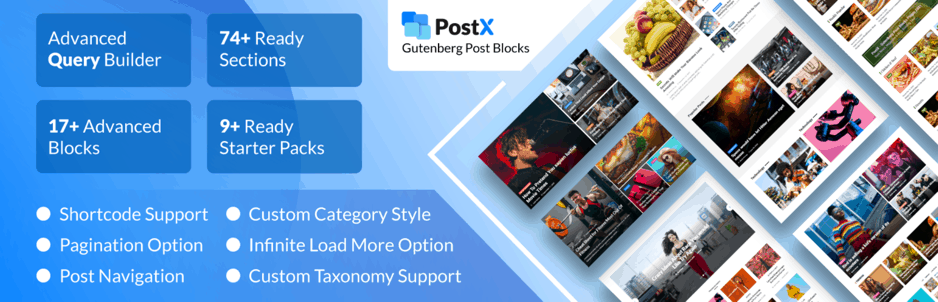
PostX is a powerful blog layout plugin for Gutenberg users who want full design control. It lets you easily create grids, lists, sliders, carousels, and magazine-style blocks.
You can build visually rich layouts in minutes with 88+ ready-made blocks and deep customization options—including Google Fonts, custom CSS, and animation effects. Just pick a block, import it, and start editing.
It also includes advanced tools like an Archive Builder, category-specific colors, flexible post query settings, and a dynamic post slider for eye-catching presentations.
Características clave
- 88+ Ready-Made Blocks
- 19 Beautifully Crafted Gutenberg Post Blocks
- Google Font Support
- Category Specific Color Options (Pro)
- Soporte para CSS personalizado
- Archive Builder (Pro)
- Customizable Table of Contents (Pro)
- Advanced Layout Options
- Dynamic Slider
- Ajax Filtering
- Yoast Meta Support Addons (Pro)
Versiones disponibles y precio: Try the Lite version of PostX for gratis. The price of the pro version starts from $49 anual para una sola página web.
Tableberg
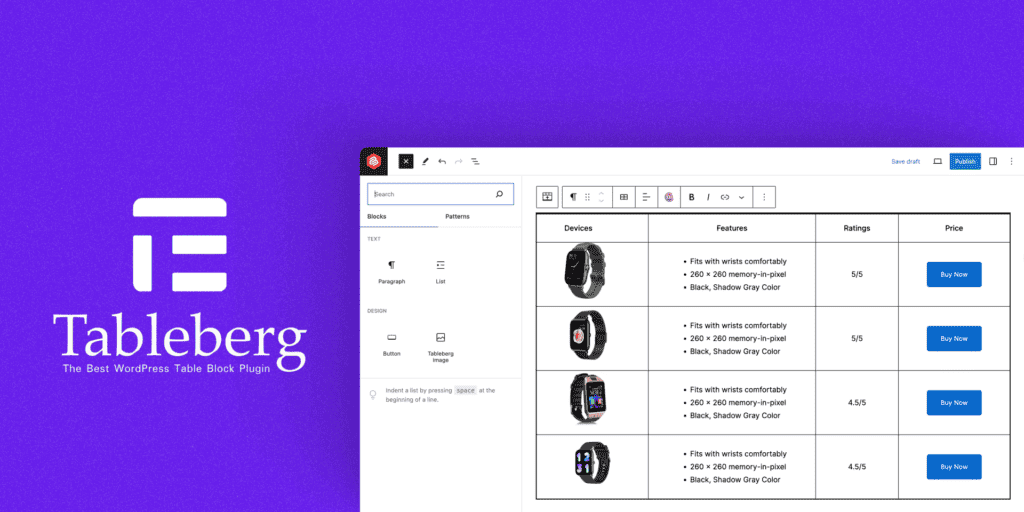
Tableberg is a versatile table builder designed for WordPress bloggers who want visually appealing, responsive tables that perfectly fit their site’s theme.
It offers intuitive controls for headers, footers, alignment, and extensive color options, letting you customize every detail to match your branding seamlessly.
Plus, with built-in responsiveness, your tables will look sharp and professional across all devices, ensuring a consistent user experience.
Características clave
- User-Friendly Interface
- Adjustable Table Headers and Footers
- Cell Padding Customization
- Color Customizations
- Control Over Border Sizes and Colors
- Diseño responsivo
- Sub-Blocks (Text, Image, Buttons, & Lists)
Versiones disponibles y precio: Tableberg is a free plugin. You can get the pro version for $49 anual para una sola página web.
Diseñador de blogs
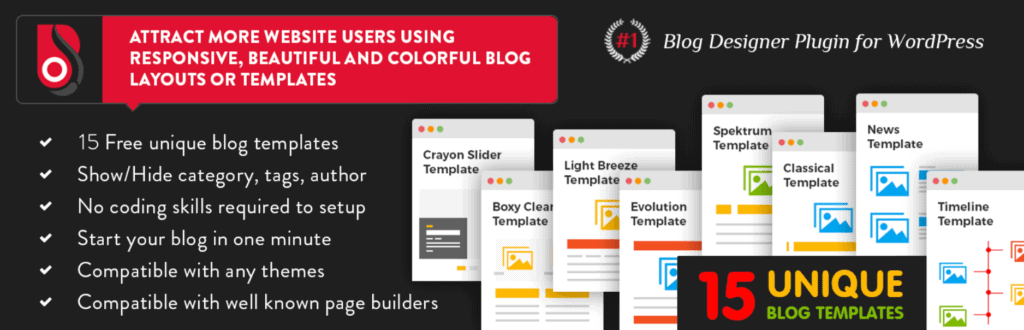
Diseñador de blogs is a premium plugin with 50+ stylish templates to enhance your blog’s look instantly. You can import and apply designs without touching code, from sliders and masonry to timelines and full-width layouts.
It includes 45+ unique layouts for single posts and customization options for categories, tags, archives, and even author pages—giving every part of your blog a polished, consistent style.
You’ll also find WooCommerce support, letting you design product archive pages with the same creative freedom.
Características clave
- Custom Post Type Support
- Multiple Post Category & Tag Selection
- WooCommerce Support
- Easy Digital Download Support
- Archive & Single Post Layout Support
- Carousel Blog Template
- Slider Layout Support
- Multiple Blog Showcase
Versiones disponibles y precio: Descarga el complemento para $59 para una sola página web.
Constructor de Tablas WP
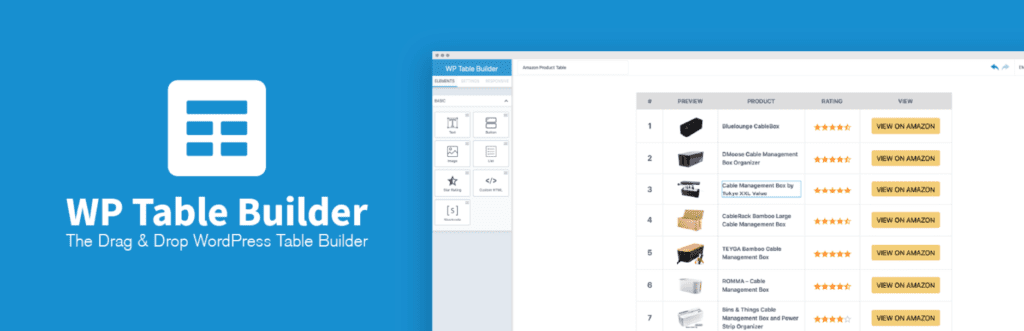
Constructor de Tablas WP is a beginner-friendly yet powerful drag-and-drop plugin for creating all types of tables on your WordPress blog—like pricing tables, product comparisons, content tables, and more.
It comes with essential elements such as text, images, star ratings, lists, shortcodes, and custom HTML—all fully customizable. You can manage cells easily by adding rows, columns, merging, or splitting as needed.
The tables are fully responsive and look great on any device. The Pro version adds even more with ready-made templates, advanced elements, tooltips, and extra customization options for a more dynamic table design.
Características clave
- Soporte para códigos cortos
- Gutenberg Block Editor Compatible
- Responsive Table Layouts
- Plantillas prediseñadas (Pro)
- 5+ Free Elements
- 5 Advanced Elements
- Powerful Drag & Drop Table Builder
- Import & Export Tables
- Cell Management
- Personalización avanzada de celdas
Versiones disponibles y precio: You can try the standard features of the plugin for gratis. The price of the pro version starts from $49/year for a single site.
Conclusión
We hope that we’ve provided you with enough information to design your blog to the maximum level to grab your customers’ attention and monetize your website usign your blogs.
All of the plugins are equally qualified to beautify your blog section. Check out the free version first if you are new to blogging. But you can try out the pro version directly if you are an advanced user.
In the comment section, let us know your thoughts about these seven best blog design plugins for WordPress. Don’t forget to share the post with your friends and family if you enjoyed it.
We also have a list below that might interest you more about other WordPress plugins. Who knows, you might need them shortly.
Entradas relacionadas:
- 9 Best UI/UX WordPress Plugins for A Good User Experience
- 7 Best Editor Plugins For WordPress
- 6 Best Free WordPress Front-End Editing Plugins
- 7 Best CSS Editor WordPress Plugins
Divulgación: Esta publicación contiene enlaces de afiliados. Esto significa que si realizas una compra utilizando cualquiera de estos enlaces, recibiremos una pequeña comisión sin costo adicional para ti.
Deja una respuesta
Lo siento, debes estar conectado para publicar un comentario.