 Saltar al contenido
·
Cómo añadir un temporizador de cuenta atrás en WordPress (3 pasos sencillos)
Un temporizador de cuenta regresiva crea urgencia, genera expectación y aumenta las conversiones. Ya sea que estés realizando una venta flash, promocionando un evento o lanzando un producto, agregar un temporizador de cuenta regresiva a WordPress toma menos de cinco minutos usando la herramienta adecuada. Esta guía explica cómo agregar un temporizador de cuenta regresiva en WordPress usando Countdown Block by Ultimate…
·
How to Create a Table in WordPress Using Google Sheets Data (Step-by-Step)
Managing structured data is very easy with Google Sheets. Many website owners use it to organize product lists, price tables, stock data, event schedules, comparison charts, and reports. But storing data is only one part of the work. The real challenge starts when you want to show them nicely on WordPress websites. Because WordPress does…
·
How to Add a Custom Pricing Table in Elementor (Using WP Table Builder)
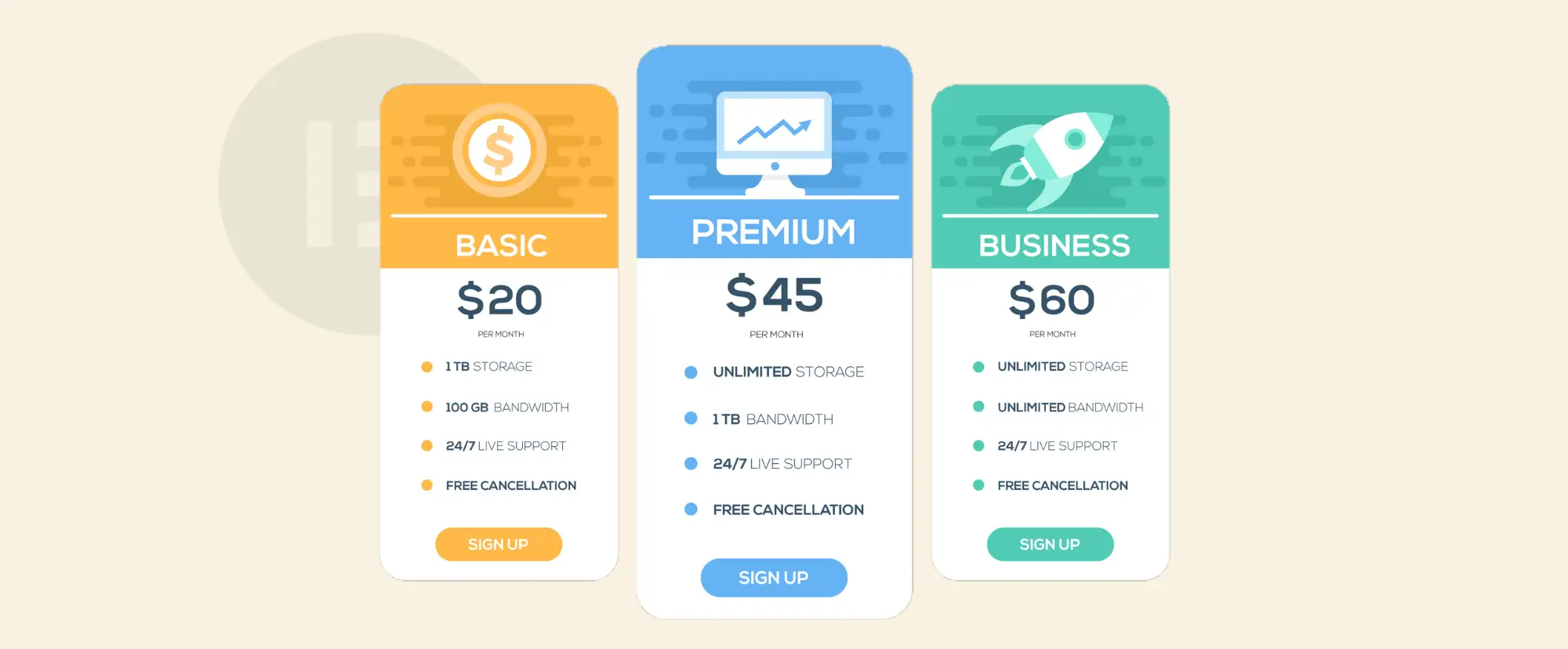
If you build websites with Elementor, you already know it comes with a built-in Pricing Table widget. It works well for simple pricing sections. But sometimes you may want better layout flexibility, advanced row and column control, which aren’t always available in default widgets. WP Table Builder could be very useful in such situations. It…

·
How to Import a CSV File and Display It as a Table in WordPress
Many website owners today store important data in CSV files. You can create it using tools like Microsoft Excel or Google Sheets. But uploading a CSV file directly to WordPress does not show the data as a table on your website. You need the right steps to make it work. If you want to show…
·
How to Create a Custom WooCommerce Product Table (With Add to Cart Buttons)
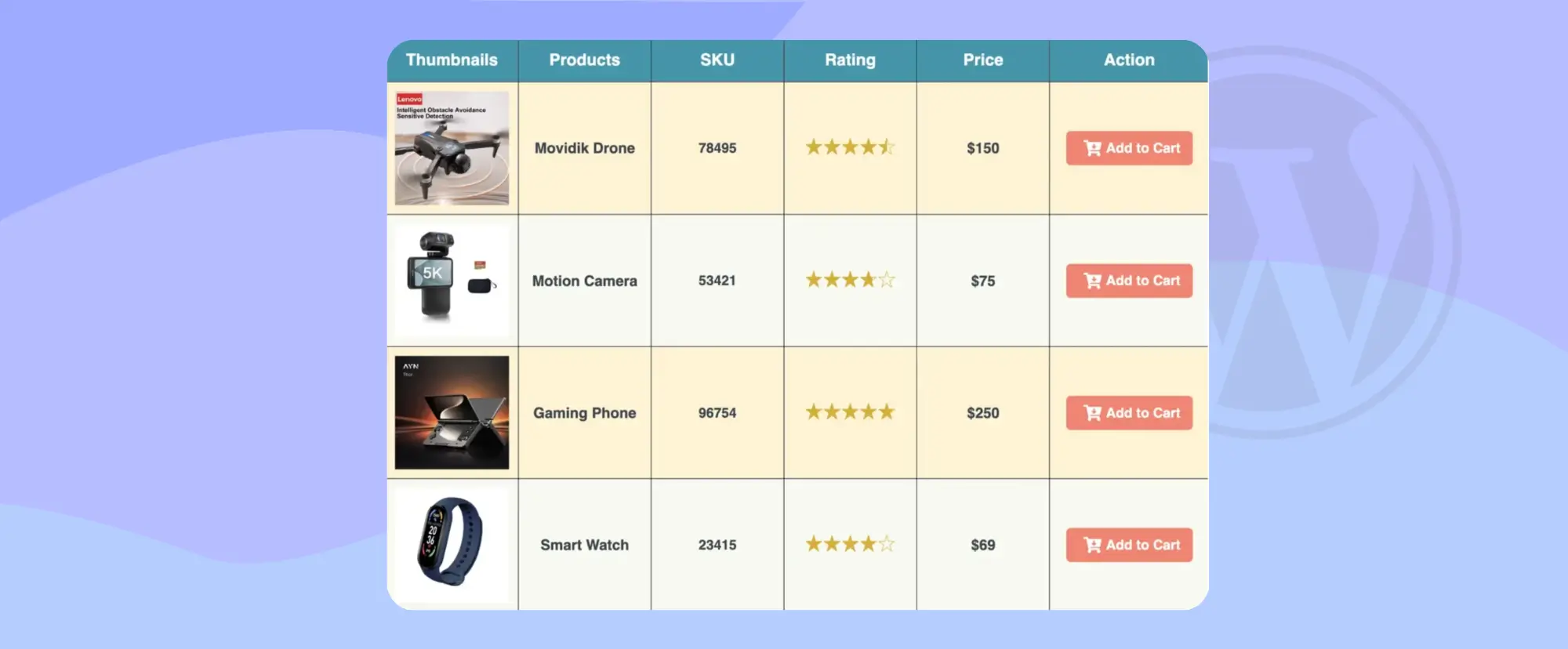
If you run an online store with WooCommerce, you already know that product layout matters a lot. The default shop page shows products in a grid view. This works fine for many stores. But sometimes, your customers need a faster and clearer way to see many products at once. This is where a custom WooCommerce…

·
How Tables Can Make Your Posts LLM Friendly
AI tools like Google AI Overviews, ChatGPT, and Perplexity AI are changing how people discover content. Many readers no longer click ten links to compare tools. They ask a question and expect a clear answer. These systems scan blog posts, extract key facts, and build short summaries. If your content is not structured clearly, it…
·
How to Create a Feature Comparison Table (Step by Step)
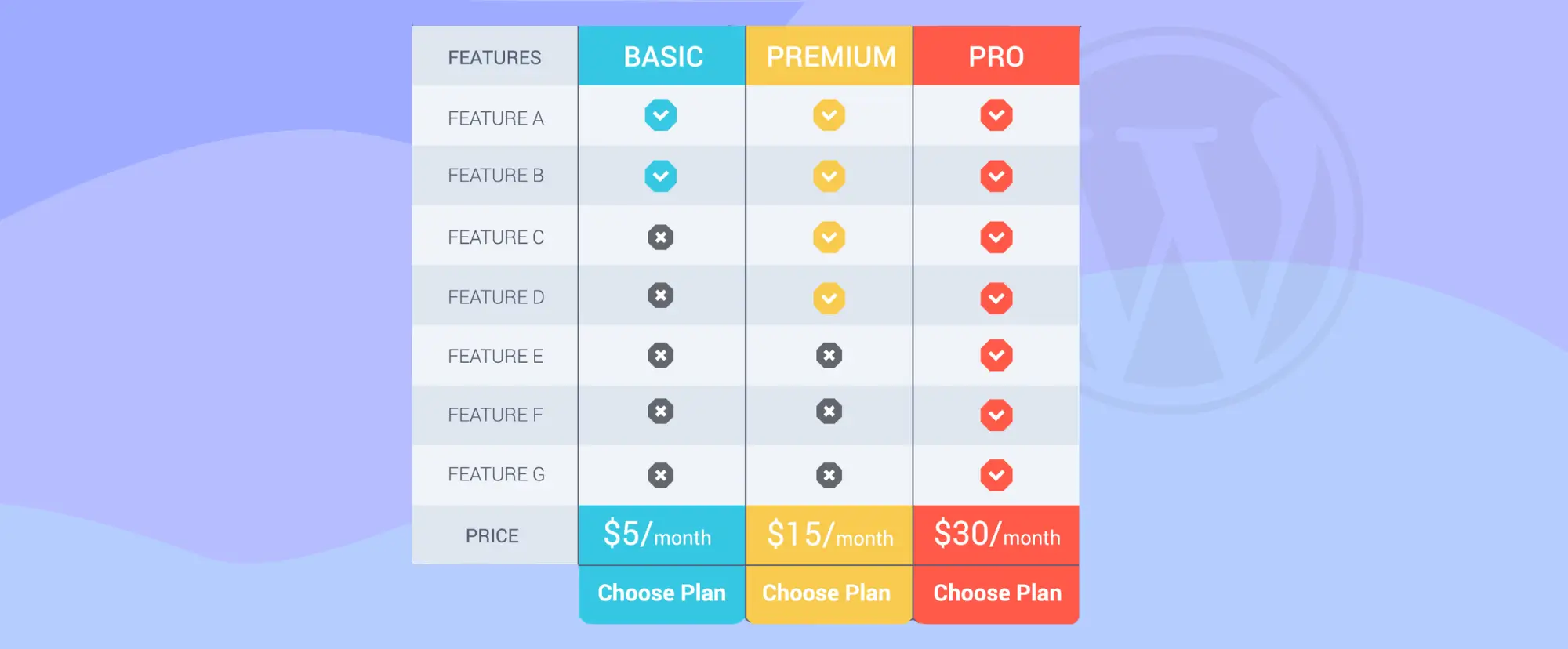
When people visit your website, they want clear answers. They want to know which product, plan, or service is right for them. A feature comparison table helps them see the differences quickly because it shows features side by side in a simple layout. This makes decision-making easier and faster. If you run a business website,…
·
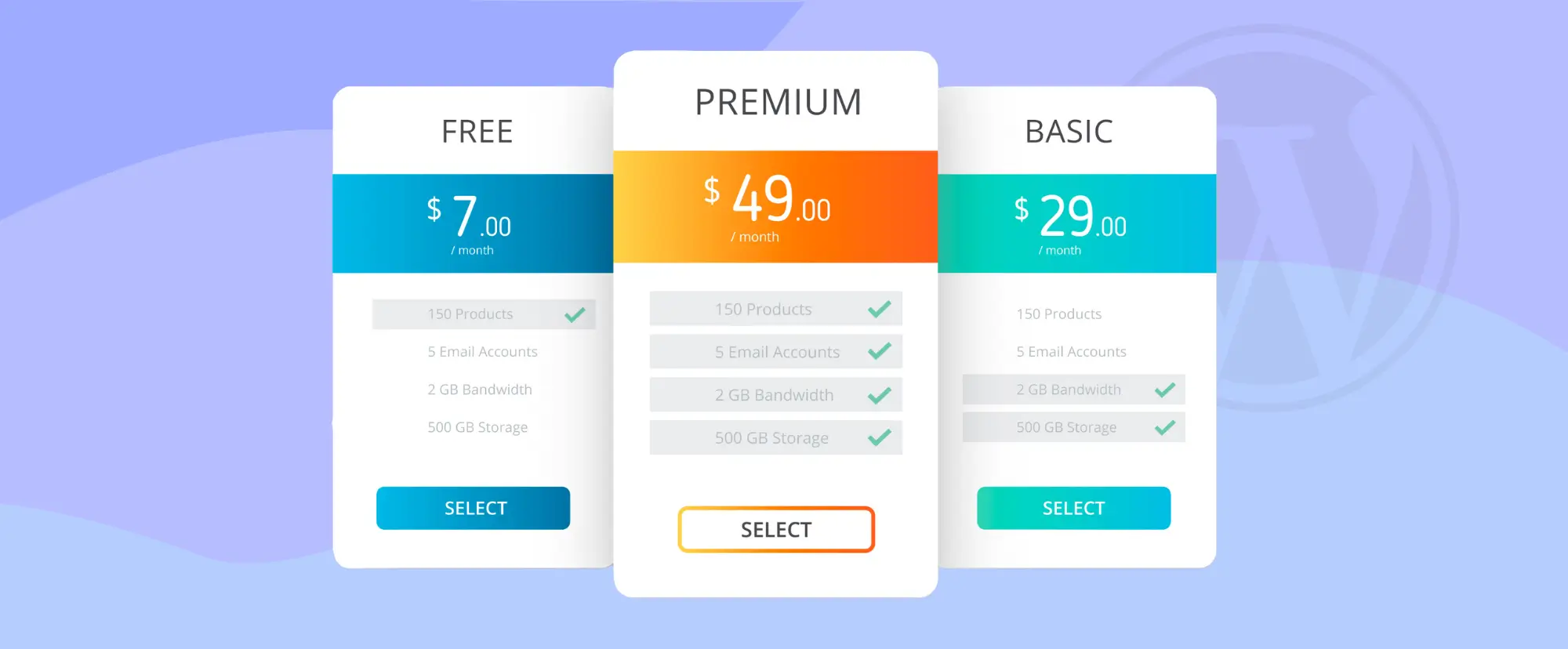
Cómo crear una tabla de precios de alta conversión en WordPress
Una tabla de precios es el lugar donde los visitantes dejan de navegar y empiezan a pensar en comprar un producto. Cuando los usuarios llegan a la página de precios, ya no preguntan qué hace tu producto. Hacen algunas preguntas serias: ¿Qué plan es el adecuado para mí? ¿Vale la pena este precio? ¿Puedo confiar en esta decisión? Una tabla de precios de alta conversión…

·
How to Showcase Clients’ Logos in WordPress (Step-by-Step Guide)
Displaying your clients’ logos on your website is one of the easiest ways to build instant trust and credibility. Whether you run an agency, offer services, or work as a freelancer, showcasing logos of brands you’ve worked with helps visitors feel confident about choosing you. A clean logo grid works especially well on homepages, landing…

·
How To Add Amazon Product Boxes In WordPress (Using a Table Plugin)
Amazon product boxes are commonly used in affiliate content to present product information, images, and call-to-action links in a structured way. While there are multiple ways to add Amazon product boxes in WordPress, one practical approach is using a table plugin to build a custom layout without writing any code. In this guide, we’ll show…
