

Il piè di pagina è una parte essenziale di un sito web. Esso contiene widget di social media, logo del marchio, sezione chi siamo, modulo di contatto, barra delle notifiche, ecc. Puoi anche aggiungere codici e script nella sezione del piè di pagina.
Sebbene ogni tema includa una sezione piè di pagina, sono necessari plugin per il footer per personalizzarla e aggiungere ulteriori funzionalità.
Molti plugin WordPress per il footer possono aiutarti ad aggiungere un piè di pagina e a personalizzare la sezione del footer. Per aiutarti a scegliere il plugin giusto, abbiamo creato un elenco dei 9+ migliori plugin WordPress per il footer.
Plugin | Scopo | Valutazioni | Ulteriori informazioni |
WPCode | Codice piè di pagina | ; | |
ElementsKit | Costruttore di piè di pagina e modelli | ; | |
Twentig | Personalizzazione del piè di pagina per i temi predefiniti | ; | |
Element Pack Pro | Elementor Footer Builder | ; | |
Header Footer per Beaver Builder | Generatore di piè di pagina | ; | |
Frammenti di codice Woody | Generatore di piè di pagina | ; | |
Colonne della griglia del mega footer | Colonne del piè di pagina | ; | |
Elementor | Costruttore di piè di pagina e modelli | ; | |
Fluent Forms | Modulo di contatto del piè di pagina | ; | |
Monarca | Widget di follow social del footer | N/A | ; |
ConvertForce | Barra di notifica a piè di pagina | ; |
Ora entriamo nel dettaglio di questi plugin.
Inserisci intestazioni e piè di pagina
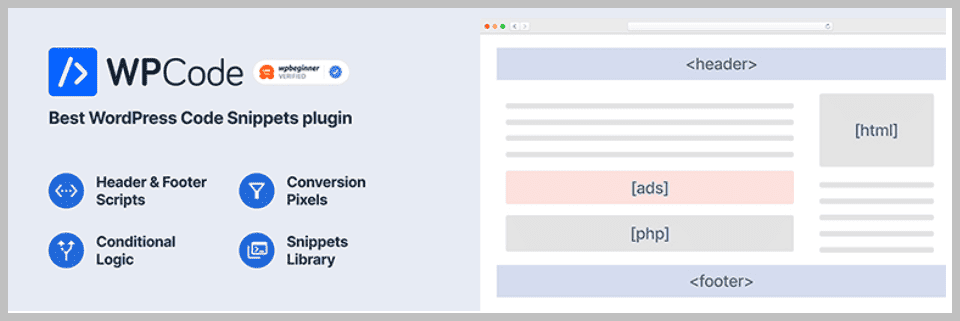
Se desideri aggiungere codici o script personalizzati all'intestazione e al piè di pagina, Insert Headers and Footers è la scelta migliore.
Il plugin ti consente di aggiungere codice Google Analytics, codice Pixel di Facebook, personalizzato CSS, HTML, ecc., alla sezione dell'intestazione e del piè di pagina del tuo WordPress nativo.
Pertanto, non è necessario addentrarsi nei file PHP del tema per modificare il piè di pagina o l'intestazione. Questo plugin Footer per WordPress funziona perfettamente con qualsiasi tema; inoltre, non perderai il codice personalizzato del tuo piè di pagina nemmeno dopo aver cambiato tema.
È altamente raccomandato per le persone che desiderano sfruttare al meglio la propria intestazione e il proprio piè di pagina.
Caratteristiche principali
- Facile da configurare
- Inserisci script
- Aggiungi Google Analytics
- Supporta CSS personalizzato
- Inserisci il codice del Pixel di Facebook o qualsiasi altro codice di monitoraggio
- Inserisce qualsiasi codice o script, inclusi HTML e JavaScript
- Disattiva il plugin su pagine specifiche
Prezzo
Prova il plugin gratuitamente.
Elements Kit
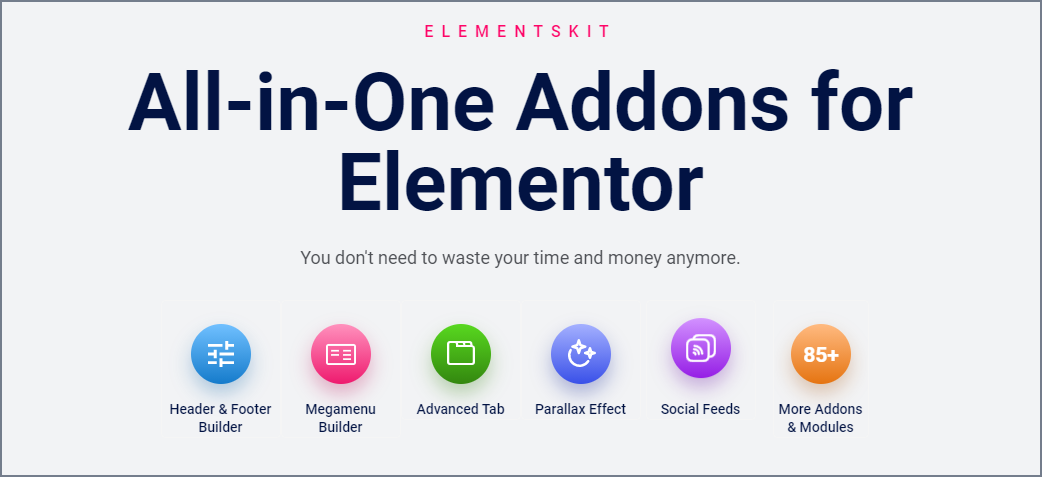
Elements Kit è un plugin aggiuntivo per Elementor che consente di modificare e creare ogni sezione per costruire un bellissimo sito web. Funziona solo con il page builder Elementor.
Il plugin ti offre oltre 55 widget efficaci per creare facilmente qualsiasi sezione. In aggiunta, non hai bisogno di programmare per generare alcuna sezione. Basta trascinare e rilasciare il widget nel template desiderato e creare sezioni bellissime.
Perciò puoi creare non solo un'intestazione o qualsiasi sezione di pagina, ma anche un piè di pagina. Inoltre, ti offre modelli già pronti, così non devi creare alcuna sezione da zero.
ElementsKit include oltre 7 homepage pronte all'uso, più di 300 sezioni pronte e oltre 250 blocchi pronti per aiutarti a creare un sito web in modo rapido ed efficiente. Pertanto, non sarà necessario installare diversi plugin quando hai tutto sotto lo stesso tetto.
Puoi personalizzare il layout e la tipografia del piè di pagina e aggiungere link, moduli, loghi, ecc., nella sezione. Il piè di pagina o qualsiasi sezione creata con questo plugin di piè di pagina per WordPress è completamente responsive e supporta lo schermo di ogni dispositivo moderno.
Caratteristiche principali
- Generatore di intestazioni e piè di pagina
- 45+ Modelli di intestazione e piè di pagina predefiniti
- Generatore di widget
- Generatore di Mega Menu
- Oltre 70 widget gratuiti e premium
- Oltre 35 pagine pronte
- Oltre 500 sezioni pronte
- Widget WooCommerce
- Contenuto in primo piano (Pro)
- Widget Galleria. Filtrabile, Masonry, Griglia (Pro)
- Copia e incolla tra domini (Pro)
Prezzo:
Puoi provare la versione gratuita disponibile nel repository di WordPress. La versione Pro costa $49 all’anno per un singolo sito web.

Twentig
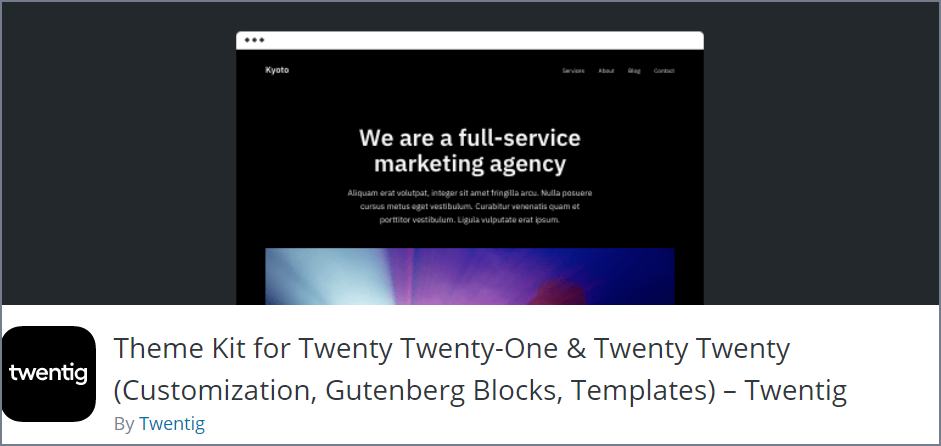
Successivamente, abbiamo Twentig, un brillante plugin WordPress supportato da Gutenberg che ti consente di personalizzare il tuo tema WordPress predefinito nel modo desiderato.
Offre numerosi modelli di blocchi già pronti che ti consentono di creare immediatamente una sezione web. Inoltre, dispone di tutti gli elementi necessari per creare una sezione di pagina o un sito web in modo rapido ed efficiente. Non è richiesta alcuna conoscenza di programmazione.
Puoi creare un sito web fantastico da zero con il loro design su misura e modelli di pagina personalizzati. Invece di crearne uno, puoi importare un modello di sito web completo progettato e realizzato da professionisti premiati.
Tutto quello che devi fare è scegliere il modello di sito web di base che preferisci e inserirlo nel tool di personalizzazione. Dopodiché, personalizza il modello come più ti piace e pubblicalo.
Per personalizzare il piè di pagina, puoi modificare il layout del piè di pagina e quello dei widget, regolarne la larghezza, aggiungere icone dei social media e così via.
Caratteristiche principali
- Personalizzazione di intestazione e piè di pagina
- Modelli pronti all'uso
- Pronto per Gutenberg
- Personalizzazione di tipografia e colori
- Personalizzazione avanzata dei temi
- Sezioni flessibili della pagina di importazione
Prezzo
Scarica il plugin gratuitamente.
Elements Pack Pro
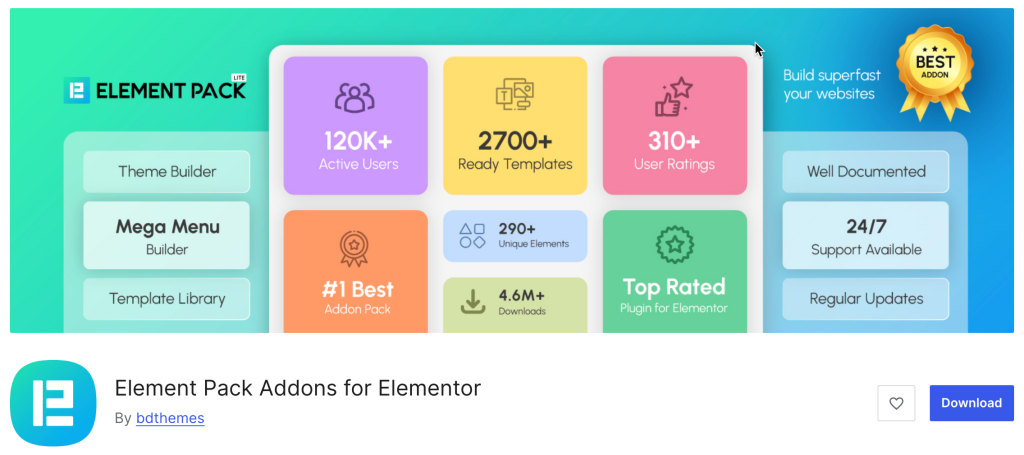
Elements Kit era un add-on "tutto in uno" ed Element Pack Pro si colloca decisamente nella stessa categoria. Sviluppato da BdThemes, è senza dubbio la libreria di add-on più completa per Elementor, progettata per offrirti il controllo totale su ogni sezione del tuo sito, in particolare sul piè di pagina.
Mentre molti plugin offrono solo una manciata di widget, Element Pack Pro mette a disposizione una vastissima libreria con oltre 290 widget e più di 2.700 modelli di design. Tra questi vi è un generatore dedicato per intestazioni e piè di pagina che ti permette di superare i limiti del tuo tema e progettare un’area piè di pagina personalizzata partendo da zero, grazie a un’interfaccia visiva di tipo "drag-and-drop".
Caratteristiche principali
- Generatore di intestazioni e piè di pagina
- Oltre 2.700 risorse pronte all'uso
- Copia e incolla in tempo reale
- Controlli di visibilità
- Integrazioni di terze parti
- Axonato alle prestazioni
Prezzo
È disponibile una versione gratuita. Il piano Premium parte da $49 all’anno per un singolo sito, con piani a vita disponibili a partire da $99.
Header Footer per Beaver Builder
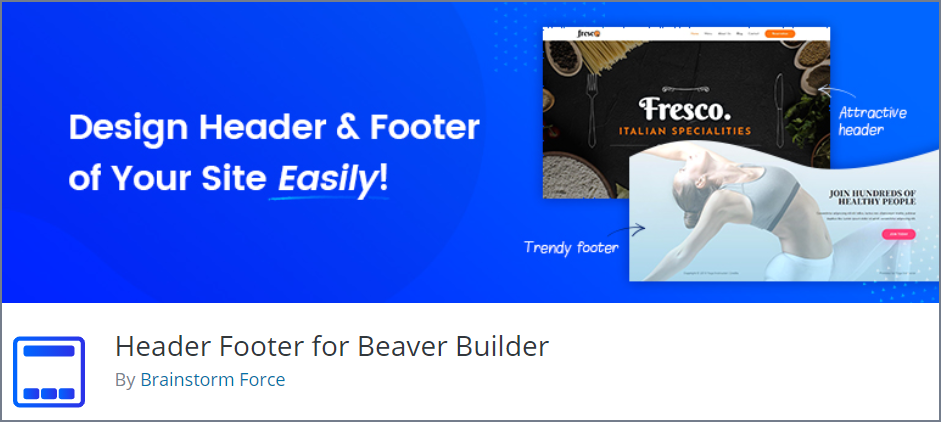
Se sei un grande fan di Beaver Builder, puoi potenziarne le funzionalità installando Header Footer, il plugin WordPress per il piè di pagina di Beaver Builder. Si tratta di un plugin semplice che ti permette di utilizzare modelli e pagine personalizzati come intestazione o piè di pagina del tuo sito.
Per creare e progettare un'intestazione o un piè di pagina personalizzati, non è necessaria alcuna conoscenza di programmazione, poiché il plugin consente di trascinare e rilasciare i widget per creare un'intestazione e un piè di pagina dall'aspetto unico utilizzando Beaver Builder.
Questo plugin è una delle migliori soluzioni gratuite per personalizzare l'aspetto delle sezioni di intestazione e piè di pagina con qualsiasi contenuto desideri. Il plugin aggiunge semplicemente le impostazioni "Beaver Builder Header Footer" nella pagina delle impostazioni del page builder, consentendoti di inserire il modello personalizzato che hai salvato o creato in precedenza.
L'unico inconveniente del plugin è che al momento funziona solo con sei temi: Astra, il tema Beaver Builder, il tema Genesis, il tema Primer, il tema GeneratePress e il tema Never.
Caratteristiche principali
- Leggero e semplice
- Per principianti
- Responsive Design
- Modelli personalizzati come intestazione e piè di pagina
Prezzo
Scarica la versione gratuita e goditi il plugin.
Frammenti di codice Woody
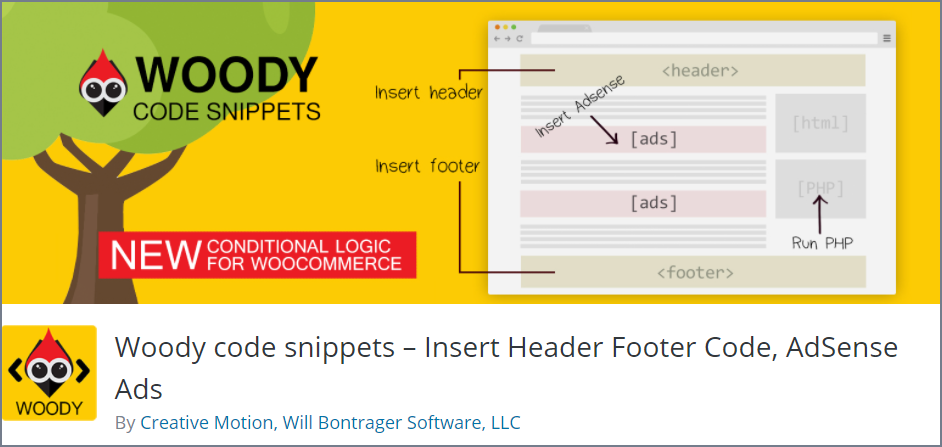
Aggiungere diversi codici personalizzati con gli snippet di Woody Code è semplicissimo e immediato.
Questo plugin per il piè di pagina non consente di modificare i file PHP del tema come fa il plugin "Insert Headers and Footers". È invece sufficiente inserire i codici nell'intestazione e nel piè di pagina.
È possibile aggiungere facilmente Google Analytics, Facebook Pixel, il codice AdSense o qualsiasi altro codice di tracciamento nel piè di pagina.
Puoi migliorare ulteriormente il tuo piè di pagina aggiungendo widget di social media o altri widget che estraggono contenuti da altre fonti esterne.
Tuttavia, puoi mostrare o nascondere frammenti di codice in base a una logica condizionale. Puoi persino importare o esportare frammenti di codice in modo da poterli utilizzare ogni volta che vuoi.
Caratteristiche principali
- Inserisci intestazioni e piè di pagina
- Inserisci Google Analytics, Yandex, Metrika
- Mostra o nascondi i widget in base alla logica condizionale
- Inserisci pixel di Facebook, script di Facebook, ecc.
- Inserisci frammenti di codice PHP
- Esportazione e importazione di modelli
- Annulla le modifiche con le revisioni del codice (Premium)
- Cloud storage per snippet (Premium)
Prezzo
Scarica il plugin gratuitamente.
Colonne della griglia del mega footer
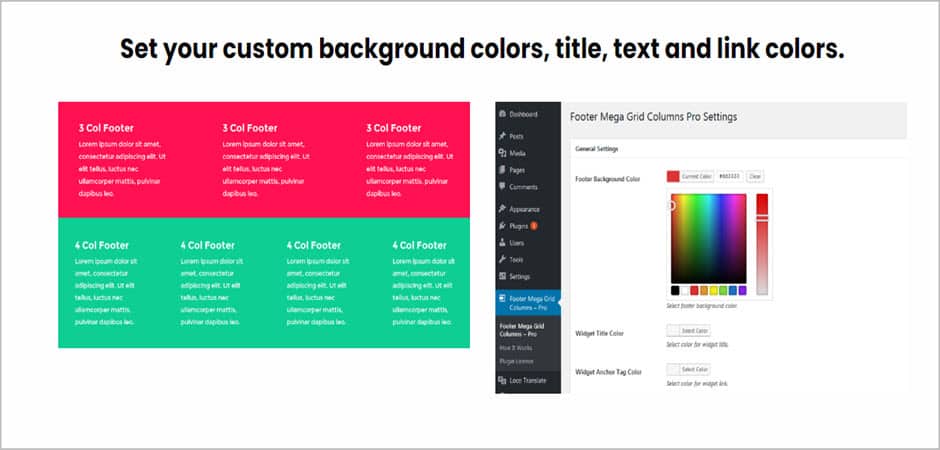
Footer Mega Grid Columns funziona solo con le schermate dei widget legacy, classic e vecchi. È un plugin gratuito che ti consente di creare aree di footer nella griglia.
Questo plugin WordPress per il piè di pagina registra un'area widget del footer per il tuo tema e ti consente di aggiungere e mostrare widget in una vista a griglia con più colonne. Puoi anche aggiungere widget di terze parti.
Footer Mega Grid Columns offre anche una versione pro che consente di impostare una griglia personalizzata quando si aggiunge il widget nell'area delle colonne del footer mega grid.
La versione pro di questo plugin per il piè di pagina offre la tua impostazione della griglia e personalizzazioni avanzate come colori di sfondo, titolo, testo e colori dei link.
Caratteristiche principali
- Impostazioni della griglia dei widget (Pro)
- Colore di sfondo personalizzato (Pro)
- Imposta titolo, testo e colore del collegamento (Pro)
- Aggiungi griglia personalizzata per il widget (Pro)
- Supporto CSS personalizzato (Pro)
- Supporto agli shortcode (Pro)
- Supporto per widget di terze parti
- Mostra tutti i widget in griglia
- Può essere utilizzato con la maggior parte dei temi
Prezzo
Prova la versione gratuita disponibile nel repository di WordPress. La versione Pro costa $129 all’anno per un numero illimitato di siti web.
Elementor

Non c'è nulla che tu non possa fare per progettare un sito web straordinario usando Elementor. È il principale plugin per la creazione di pagine di siti web WordPress che ti consente di creare facilmente un sito web con la sua interfaccia visiva drag & drop.
Offre più di 100 widget per creare qualsiasi sezione di pagina e pagina web. Anche la creazione di footer è semplice utilizzando il costruttore di temi. Ma per creare il footer, sarà necessaria la versione pro.
Puoi crearne uno da zero oppure puoi sceglierne uno dalla libreria di modelli. Se ne scegli uno dalla libreria di modelli, dovrai personalizzare il contenuto. Tuttavia, tutti i design dei piè di pagina sono ottimizzati per i dispositivi mobili.
Puoi aggiungere quasi tutti i widget nel tuo footer. Ad esempio, puoi aggiungere icone social con effetti al passaggio del mouse, un modulo di contatto, elenchi puntati con icone, link utili, loghi, sfondi, ecc.
Puoi creare un numero illimitato di piè di pagina e selezionare piè di pagina diversi per pagine diverse e dispositivi diversi. Inoltre, puoi anche scegliere di mostrare il tuo piè di pagina in tutto il sito Web o solo per pagine selezionate.
Caratteristiche principali
- Layout reattivi
- Aggiungi CSS personalizzato per ulteriore stile
- Mostra piè di pagina per pagine selezionate o per l'intero sito web
- Aggiungi condizioni di visualizzazione del piè di pagina
- Modelli di piè di pagina pronti all'uso
- Effetti al passaggio del mouse per le icone dei social media
- Personalizzazione di sfondo e bordo
Prezzo
Prova la versione gratuita disponibile su WordPress.org oppure acquista la versione Pro al prezzo di $59 per un singolo sito web.
Fluent Forms
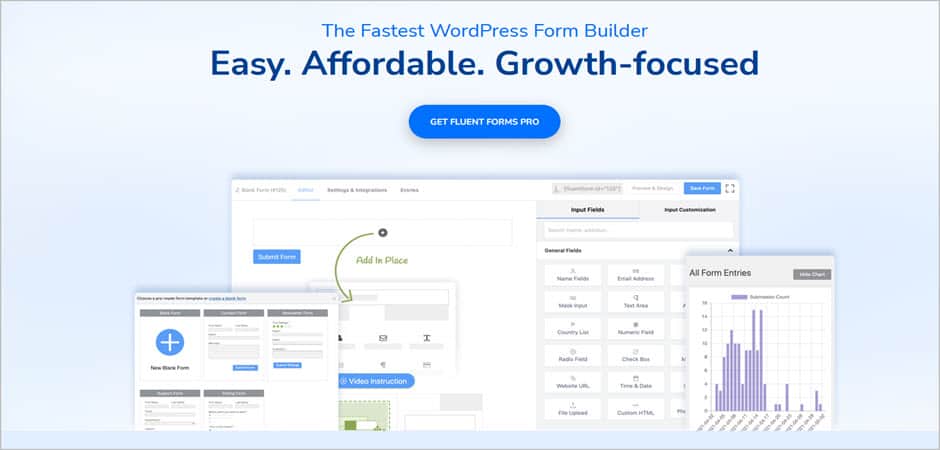
Fluent Forms è uno dei migliori costruttori di moduli che ti consente di creare qualsiasi tipo di modulo in un minuto. Ti permette di aggiungere un modulo di contatto o di qualsiasi altro tipo in qualsiasi posizione.
Con la sua avanzata interfaccia di drag-and-drop, puoi creare facilmente moduli straordinari in poco tempo senza scrivere alcun codice. Puoi anche creare moduli a più colonne con campi di modulo dotati di logica condizionale intelligente.
Tuttavia, il plugin offre anche decine di modelli pronti all'uso tra cui scegliere. Offre varie funzionalità avanzate come l'invio di moduli tramite Ajax, la limitazione di tempo, la notifica di invio del modulo, il layout del modulo a più colonne, uno strumento di analisi dei dati integrato e molto altro ancora.
Fluent Form è completamente conforme al GDPR e protetto da reCAPTCHA, proteggendo il modulo dall'invio di spam. Inoltre, i moduli sono intrinsecamente responsive.
Per aggiungere un modulo nel footer, dovrai prima creare il modulo. Successivamente, dovrai andare su Aspetto e fare clic su Widget. Devi trovare il widget di Fluent Forms, trascinarlo nella barra laterale e salvare le impostazioni.
Caratteristiche principali
- Creatore di moduli d'ordine con trascinamento della selezione
- Invio di moduli AJAX
- Supporto per Shortcode e Widget
- Notifica email alla riuscita dell'invio del modulo
- I moduli sono conformi al GDPR
- Protetto da reCAPTCHA
- Caricamento file (Pro)
- Export & Import Contact Form
- Advanced Form Styler (Pro)
- Advanced Form Fields (Pro)
Prezzo
You can download the free version from the WordPress repository. Get the Pro Version for $59 for a single website.
Monarca

Monarch takes your social media sharing to the next level. Like WP Notification Bar, Monarch is not a footer plugin; it can help you place social media icons in your footer section.
It supports over 20+ social media networks and lets you display the sharing buttons in 5 different locations, and can add hover effects to make them look more interactive. It also offers you three button shapes, colors, and nine hover effects for buttons.
You can display them in the sidebar, above & below content, on images & videos, on popups, and on fly-ins. And, also can add 6 automatic pop-ups & fly-in triggers.
Placing social media icons on the footer is also easy. With the help of shortcodes, you can place them on any posts, pages, and widget section. If you want, you can display social network names & social counts.
Caratteristiche principali
- Supports 20+ Social Network
- Add Social Sharing Buttons in 5 Different Networks
- 6 Automatic Pop-Up & Fly-In Triggers
- Clean & Customizable Design
- Monarch Dashboard to Manage Social Icons
- Check Your Statistics
- Import & Export Monarch Data
- Mobile-Friendly Social Icons
Prezzo
The pricing of Monarch starts from $89.
ConvertForce
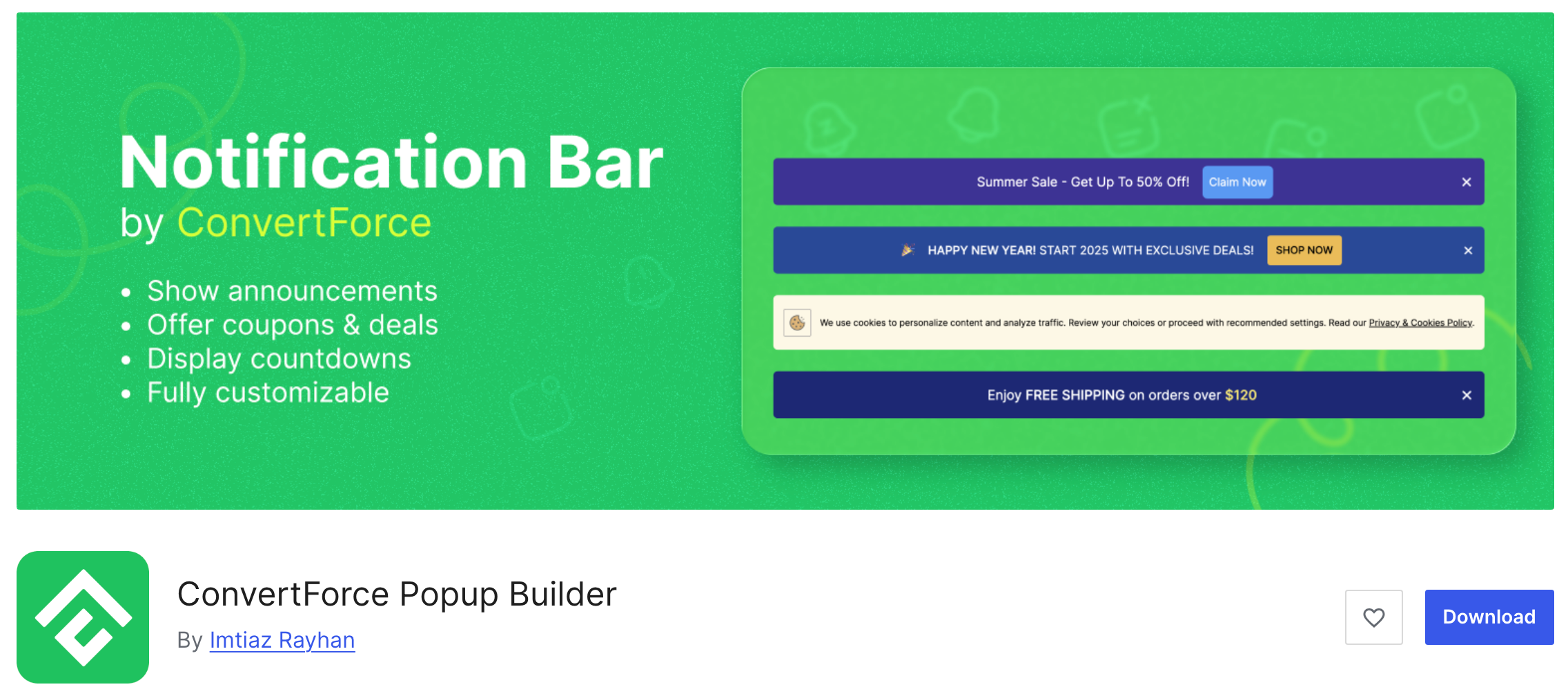
ConvertForce is not strictly a footer plugin for WordPress.
However, it allows you to display conversion-focused messages and announcements in different areas of your website, including the footer section.
With ConvertForce, you can easily add notification bars, promotional messages, and call-to-action buttons that appear at the top or bottom of your website. This makes it a useful tool for showing discount offers, announcements, newsletter signup prompts, or important updates without modifying your theme’s footer code.
For example, you can place a notification bar at the bottom of your site to promote a sale, highlight a limited-time offer, or encourage visitors to subscribe to your email list. Because it works visually inside WordPress, you can quickly design and publish these messages without touching any code.
ConvertForce is built for the WordPress block editor (Gutenberg), which means you can design your notification bars and messages using blocks, giving you more flexibility and control over the layout and content.
Caratteristiche principali
- Create notification bars to display announcements or promotions
- Show messages at the top or bottom of your website
- Perfect for footer-style promotional bars and CTAs
- Fully compatible with the WordPress Block Editor (Gutenberg)
- Set Notification Bar Priority
- Easy customization of text, buttons, and layouts
- Lightweight and simple to use
- Helps promote offers, announcements, and email signups
Prezzo
ConvertForce is completely free and can be downloaded from the WordPress plugin repository.
Conclusione
Hope you have learned enough about the best WordPress footer plugins. Choose anyone from the list based on your requirements. To match your needs, please carefully check each plugin’s Top Features.
If you have enjoyed the post, consider sharing it on your social media, and do not forget to share your thoughts about these plugins in the comment section below.
If you want to learn more about WordPress plugins, we have a list below for you.
Recommended Reading:
Affiliate Disclosure: This post contains affiliate links. That means if you make a purchase using any of these links, we will get a small commission without any extra cost to you. Thank you for your support.
Lascia un commento
Devi essere connesso per inviare un commento.