
·
How to Create a Table in WordPress Using Google Sheets Data (Step-by-Step)
Managing structured data is very easy with Google Sheets. Many website owners use it to organize product lists, price tables, stock data, event schedules, comparison charts, and reports. But storing data is only one part of the work. The real challenge starts when you want to show them nicely on WordPress websites. Because WordPress does…
·
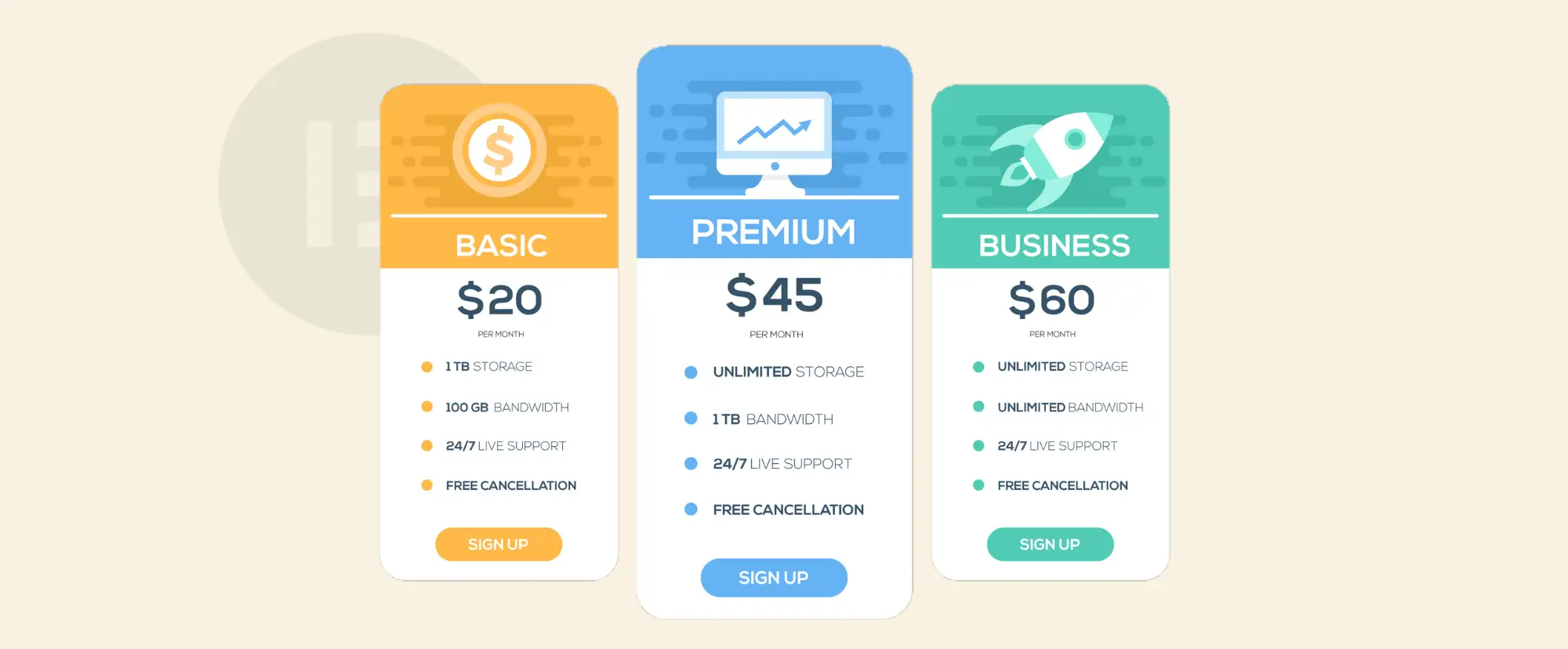
How to Add a Custom Pricing Table in Elementor (Using WP Table Builder)
If you build websites with Elementor, you already know it comes with a built-in Pricing Table widget. It works well for simple pricing sections. But sometimes you may want better layout flexibility, advanced row and column control, which aren’t always available in default widgets. WP Table Builder could be very useful in such situations. It…

·
How to Import a CSV File and Display It as a Table in WordPress
Many website owners today store important data in CSV files. You can create it using tools like Microsoft Excel or Google Sheets. But uploading a CSV file directly to WordPress does not show the data as a table on your website. You need the right steps to make it work. If you want to show…
·
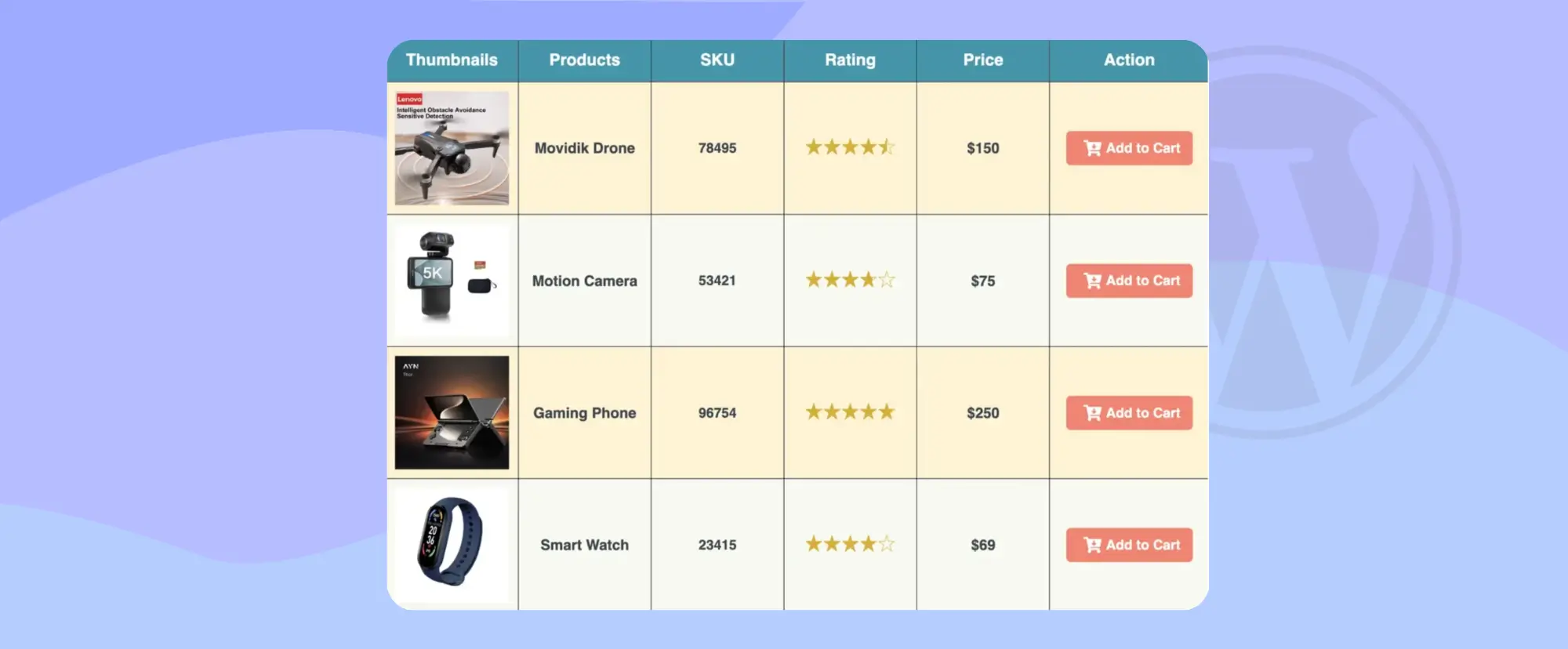
How to Create a Custom WooCommerce Product Table (With Add to Cart Buttons)
If you run an online store with WooCommerce, you already know that product layout matters a lot. The default shop page shows products in a grid view. This works fine for many stores. But sometimes, your customers need a faster and clearer way to see many products at once. This is where a custom WooCommerce…
·
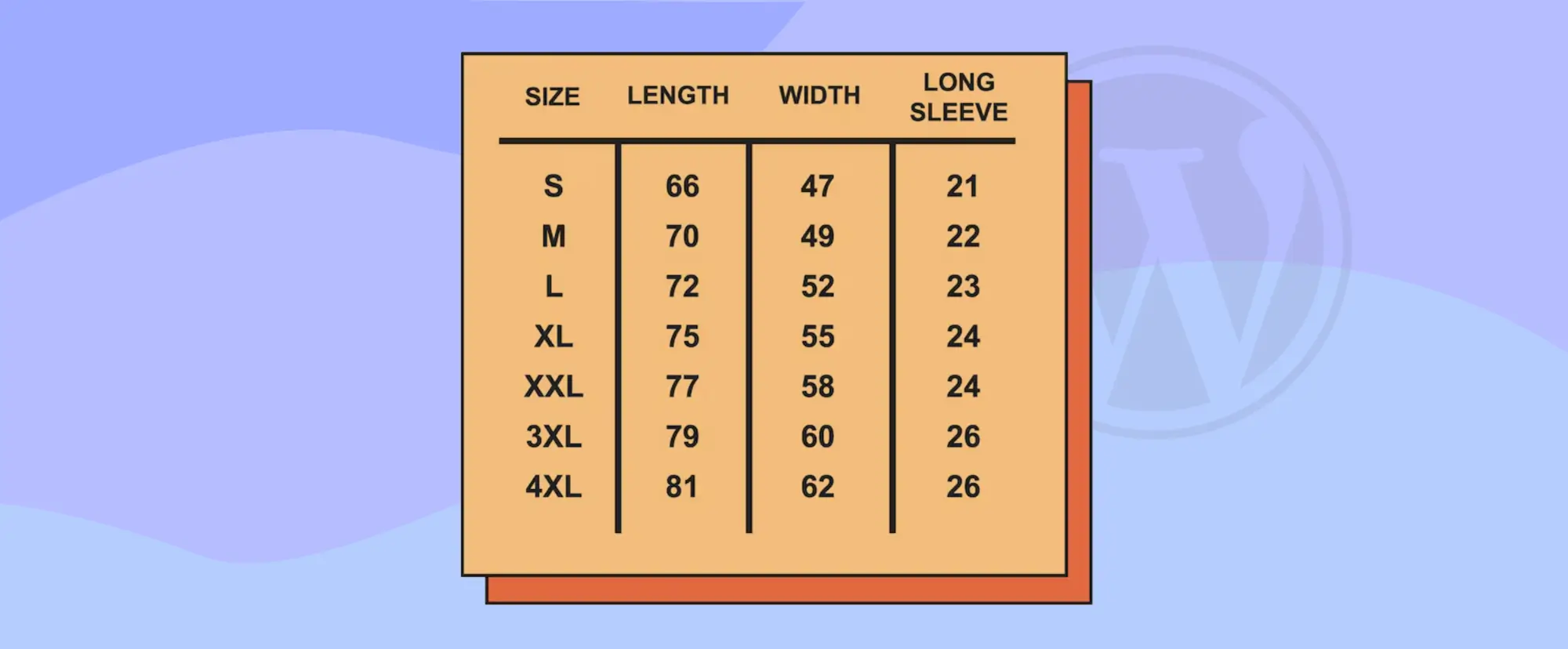
How to Add Size Guide in WordPress (Using a Table)
When you sell products online, clear size information is very important. Because customers cannot touch or test the product before buying. They rely only on the details you show on your website. If the size guide is missing or confusing, they may choose the wrong option. This often leads to returns, refunds, and unhappy buyers.…

·
How Tables Can Make Your Posts LLM Friendly
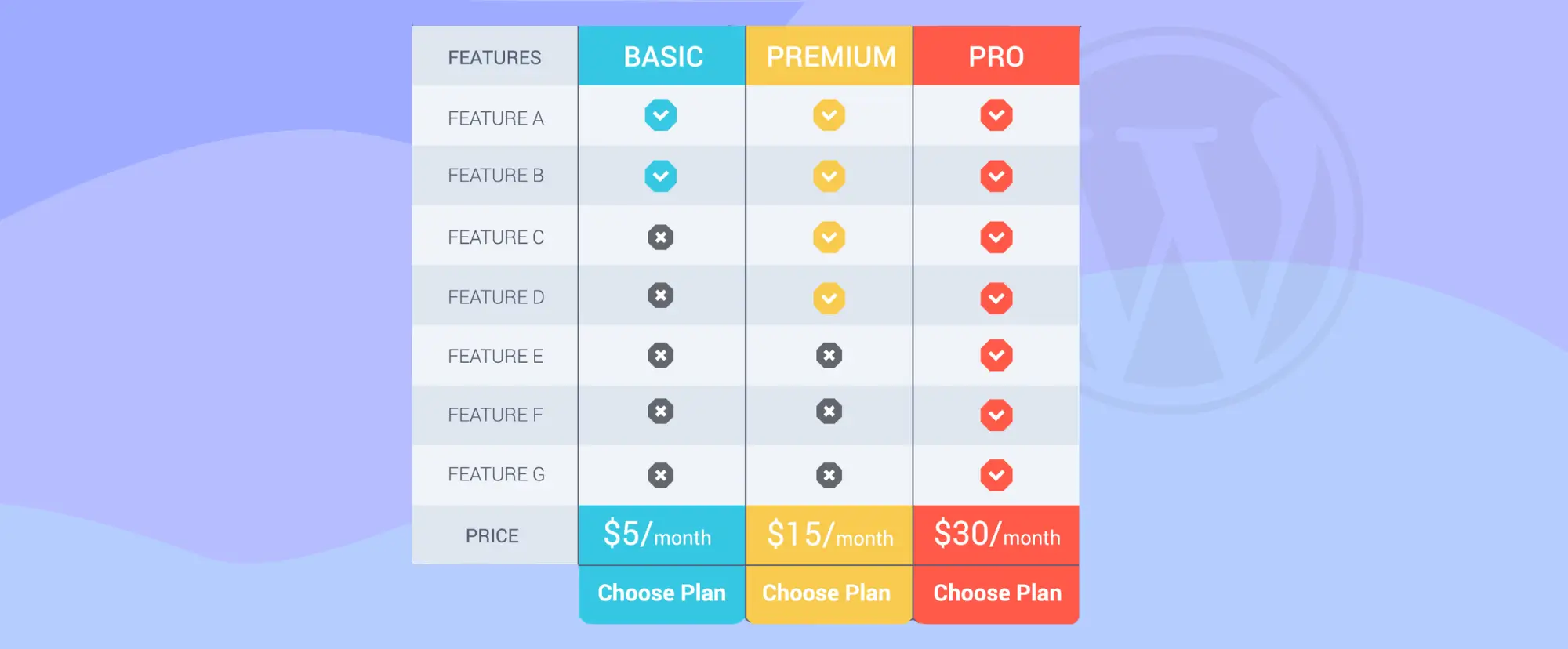
AI tools like Google AI Overviews, ChatGPT, and Perplexity AI are changing how people discover content. Many readers no longer click ten links to compare tools. They ask a question and expect a clear answer. These systems scan blog posts, extract key facts, and build short summaries. If your content is not structured clearly, it…
·
How to Create a Feature Comparison Table (Step by Step)
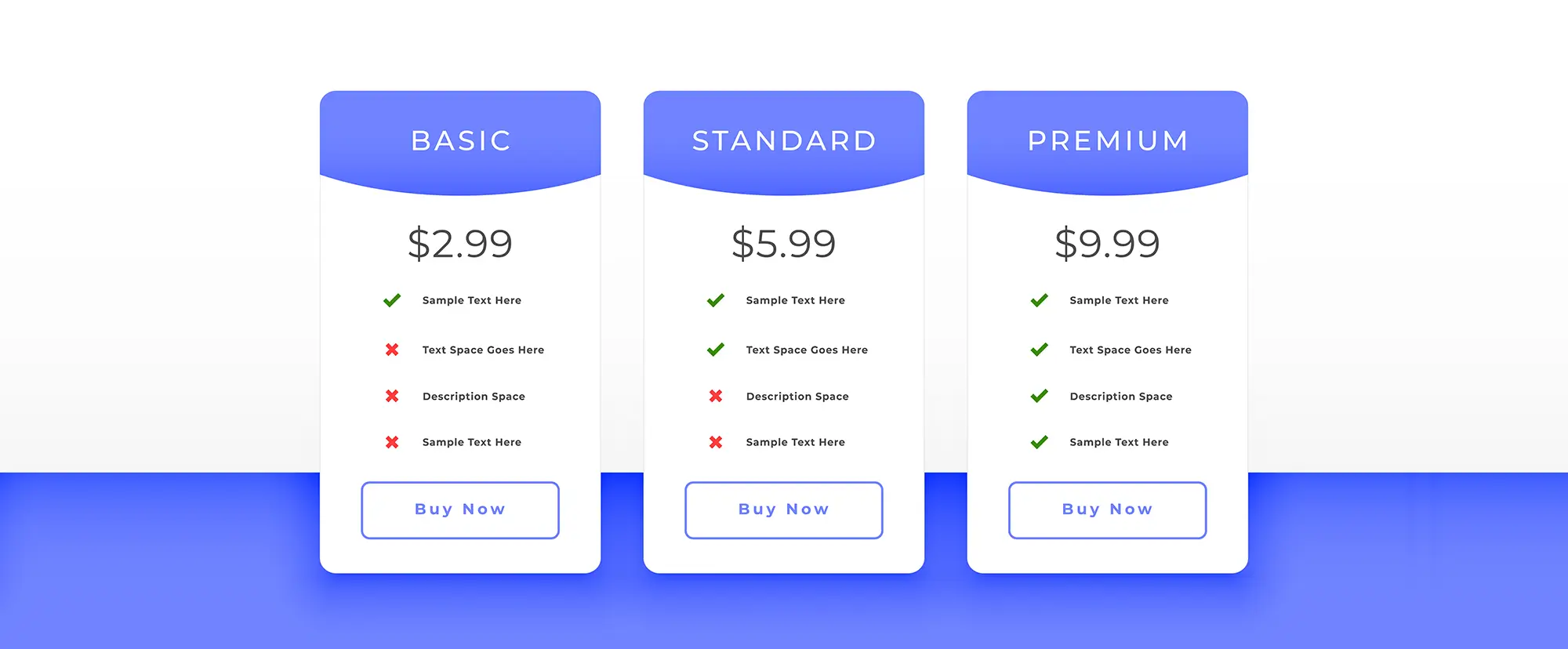
When people visit your website, they want clear answers. They want to know which product, plan, or service is right for them. A feature comparison table helps them see the differences quickly because it shows features side by side in a simple layout. This makes decision-making easier and faster. If you run a business website,…
·
10 Pricing Table Optimization Tips That Help Visitors Decide Faster (With Real Examples)
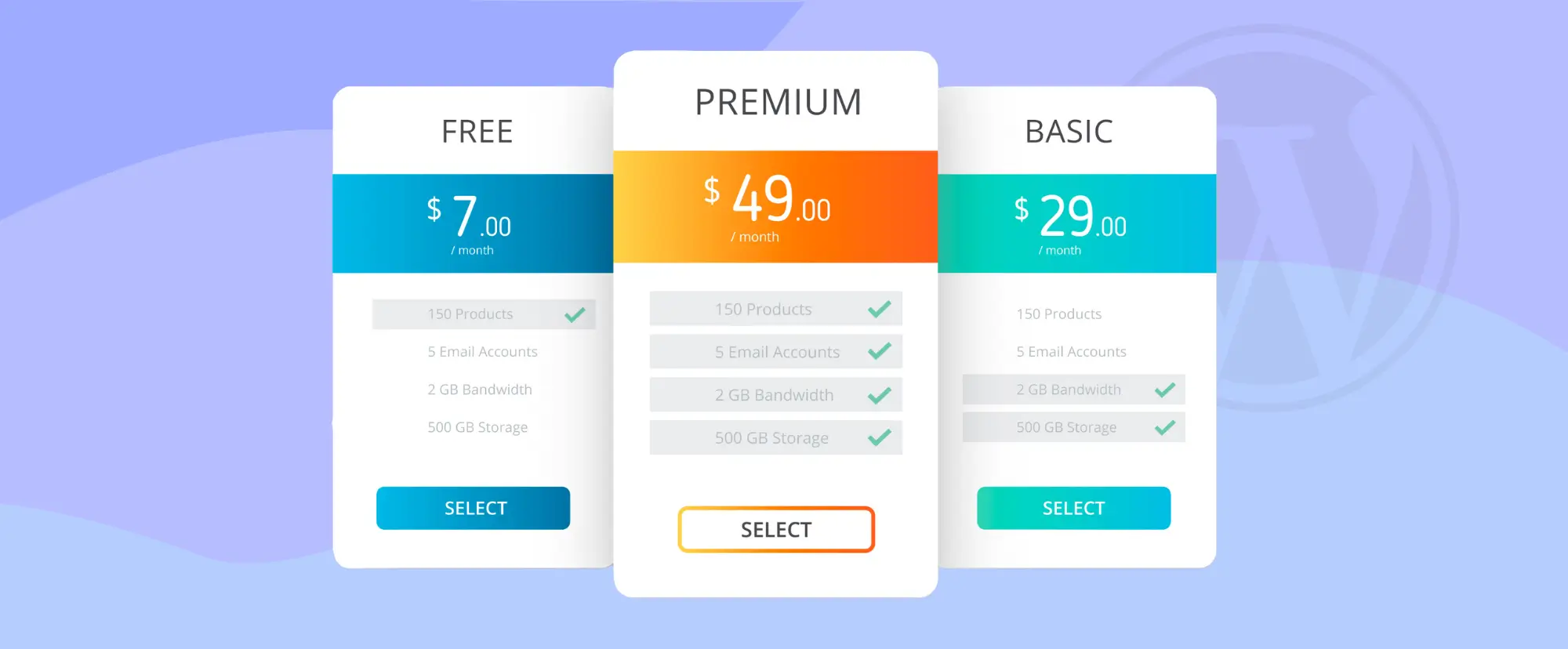
A pricing table is not just a list of plans and prices. It is the place where visitors decide whether they will trust you with their money. Many businesses spend months improving their product, but only a few hours designing the pricing page. That is a big mistake. A clear and well-structured pricing table can…
·
How to Create a High-Converting Pricing Table in WordPress
A pricing table is the place where visitors stop browsing and start thinking about buying a product. When users reach the price page, they no longer ask what your product does. They ask some serious questions: Which plan is right for me? Is this worth the price? Can I trust this decision? A high-converting pricing…

·
How to Showcase Clients’ Logos in WordPress (Step-by-Step Guide)
Displaying your clients’ logos on your website is one of the easiest ways to build instant trust and credibility. Whether you run an agency, offer services, or work as a freelancer, showcasing logos of brands you’ve worked with helps visitors feel confident about choosing you. A clean logo grid works especially well on homepages, landing…
