 Skip to content
Plugin | Dedicated Plugin | Gutenberg native | Popups & bars | Chat buttons | Best for |
Block editor, CTAs | |||||
Power users, Targetting | |||||
Navigation, Social menus | |||||
Login menus, User roles | |||||
Side panel, Navigation | |||||
WhatsApp, Contact |
Floating buttons stay fixed on screen as visitors scroll, giving them one-tap access to actions like live chat, back-to-top, WhatsApp contact, or a buy button. Done right, they reduce friction and keep key actions within reach without cluttering the page.
Choosing the right plugin comes down to your use case. Some plugins are built purely for floating buttons with targeting rules and analytics. Others, like ConvertForce, are broader conversion tools that include floating buttons alongside popups and notification bars.
We tested 6 options across ease of setup, design flexibility, and feature depth. Here’s what we found.
Buttonizer

Buttonizer is the most popular dedicated floating button plugin for WordPress, with 70,000+ active installations. It lets you create single floating buttons or expandable sticky menus where multiple buttons fan out from a main icon, all managed through a visual front-end interface.
The WhatsApp integration is a standout: you can set up click-to-chat buttons with pre-filled messages and business hour scheduling. Beyond that, Buttonizer covers the full range of floating button use cases, from phone and email to Facebook Messenger, Telegram, scroll-to-section, and custom JavaScript actions.
Demo:
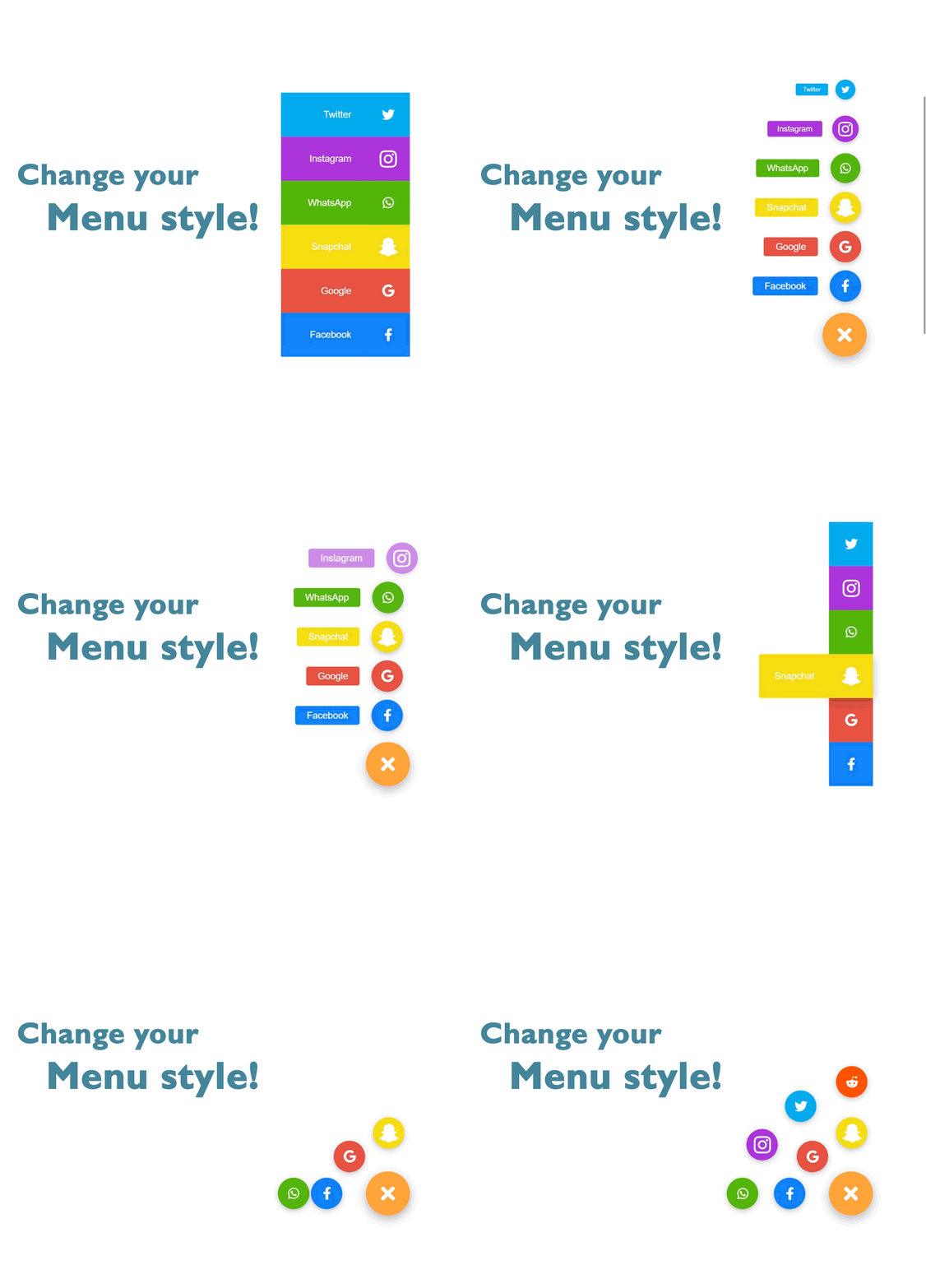
Key Features:
- 40+ click actions including WhatsApp, Messenger, Telegram, call, SMS, and email
- Smart filters: show/hide by page, device, scroll position, or time of day
- Popup builder with marketing popup templates
- Built-in analytics dashboard to track clicks and conversions
- Unlimited buttons, groups, and styling options
- RTL language support
Price:
Free plan available with 5,000 monthly pageviews. Paid plans start at $10/month (Growth, 50,000 pageviews, 1 site), $18/month (Expert, unlimited pageviews, 1 site), and $29/month (Agency, unlimited sites).
ConvertForce
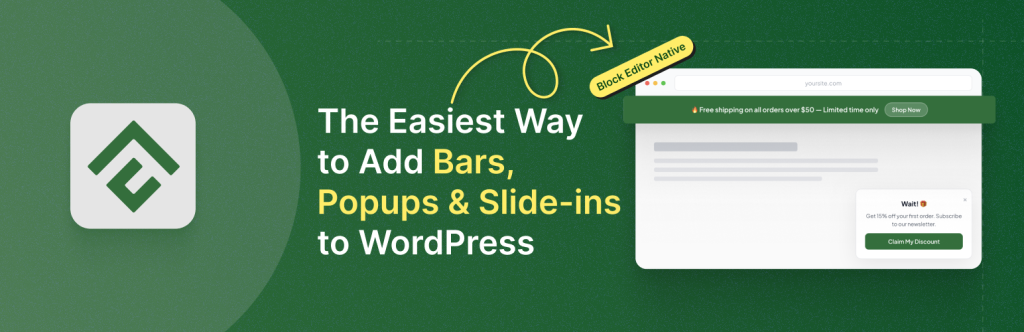
ConvertForce is a Gutenberg-native conversion plugin by the team behind Ultimate Blocks. While most plugins on this list are built specifically for floating buttons, ConvertForce takes a different approach: floating buttons are created using its Slide-in campaign type, giving you full block editor control over design and content.
This makes it a good fit if you already use the block editor and want floating buttons alongside other conversion tools like notification bars, popups, and inline CTAs, all from a single plugin. Since it uses native WordPress blocks, there is no separate page builder to learn.
The main trade-off compared to dedicated floating button plugins is the lack of click-action shortcuts. There is no one-click WhatsApp or phone button setup. You build the button yourself using blocks, then link it manually.
Demo:
Key Features:
- 3 campaign types: Notification Bar (top/bottom), Lightbox popup, and Slide-in (used for floating buttons)
- Full block editor design control inside the campaign editor
- Customizable position, background, animation, and sticky behavior
- Close button can be disabled to keep the button always visible
- Lightweight with minimal performance impact
- Compatible with all WordPress themes and block plugins
Price:
The free version is available in the WordPress repository. The pro plans start at $39.50 per month.
Simple Floating Menu
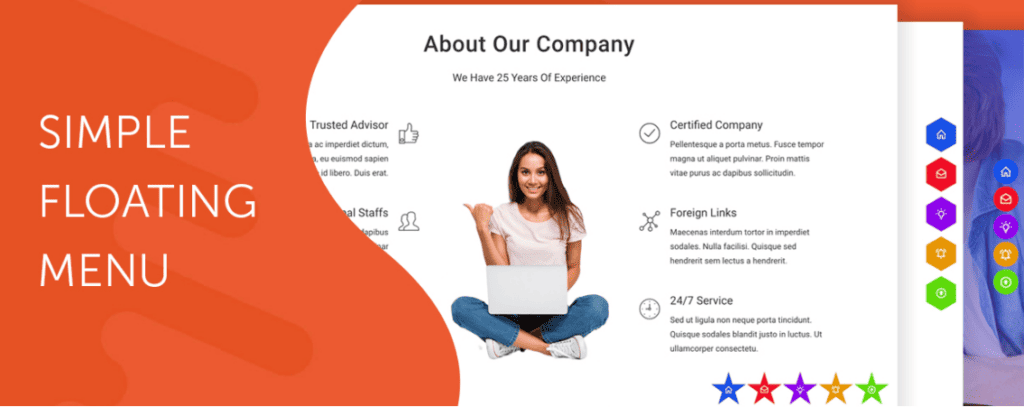
Simple Floating Menu is a completely free plugin by HashThemes with 10,000+ active installations and a perfect 5/5 rating across 38 reviews. It covers the core floating menu use cases well: sticky side navigation, social media menus, and one-page scroll links, all without touching a line of code.
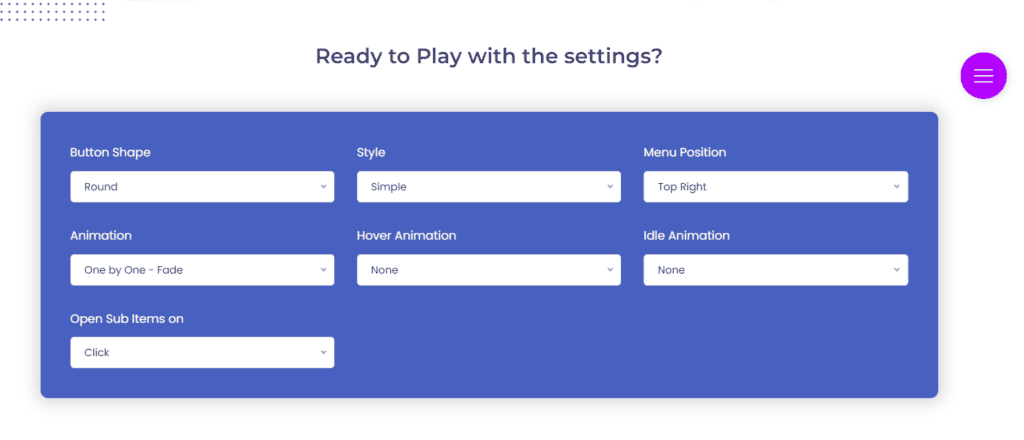
Setup is straightforward. You pick your icons, set a position, choose a button shape, and publish. The plugin does not have a visual front-end editor, but its admin panel is clean enough that most users can get a menu live in a few minutes.
The main limitation is that it is a menu plugin, not a CTA button plugin. If you need click-to-chat, WhatsApp integration, or conversion tracking, look at Buttonizer instead. Simple Floating Menu is the right choice when you want clean, lightweight side navigation without extra features you won’t use.
Demo
Key Features:
- 10,000+ icons across 5 icon packs, with unlimited menu items
- 8 display positions and 9 button shapes
- Customizable button size, icon size, colors, and tooltip text
- 600+ Google Fonts for tooltip typography
- Internal links, external links, and one-page scroll links
- Selective display by page
- Export/Import settings
- GDPR-friendly option to load Google Fonts locally
Price:
Completely free. The premium upgrade is a separate product, Super Floating and Fly Menu, available on Envato Market. Verify current pricing before publishing.
Floating Button
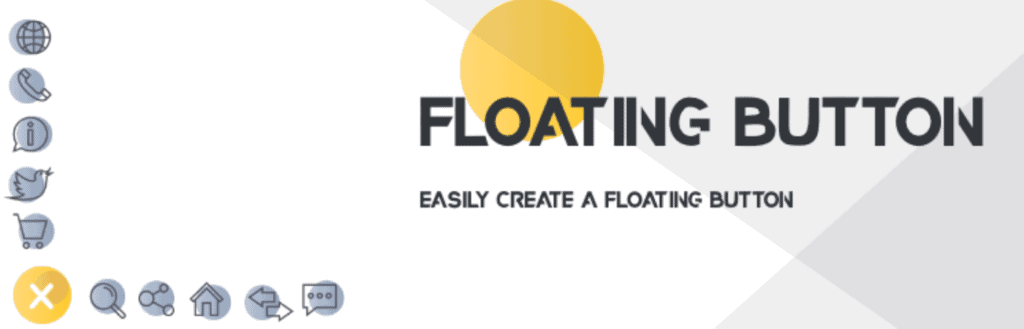
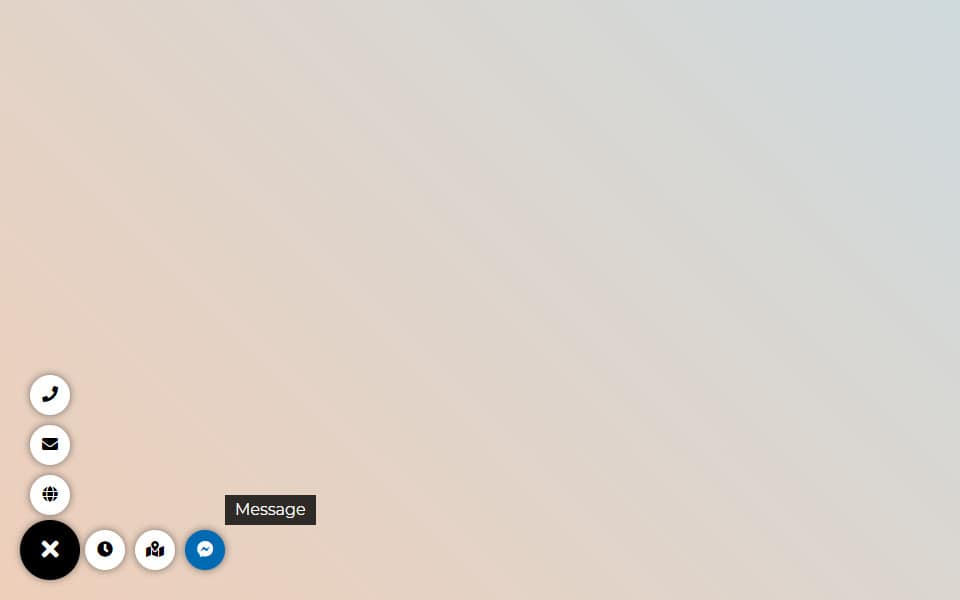
Floating Button by Wow-Company is a straightforward plugin for adding sticky floating menus to WordPress. It lets you place a traditional navigation bar or an additional information block on your site, configured for navigation, social panels, user menus, or contact links.
The free version covers basic use cases well enough. You get button types for Link, Email, Phone, Login, Logout, Register, and Lost Password, along with tooltips, responsive visibility controls, and shortcode support for precise placement. That said, several users in the reviews note that essential features like color customization and button repositioning require the Pro version, so treat the free version as a trial rather than a complete tool.
Where this plugin stands out is the user role and membership use case. The Pro version’s role-based display settings make it useful for sites that need different floating menus for logged-in vs. logged-out users, something most other plugins on this list don’t offer.
Demo:
Key Features:
- Tooltips to provide additional information.
- Easy integration for social sharing buttons.
- Links for LogIn, LogOut, Lost Password.
- Various menu display forms.
- Mouse hover highlighting.
- Built-in user menus.
- Role-based display settings.
- Language-based menu output.
- Screen resolution restrictions.
Price:
Floating Button offers a free version with limited features, while the full-featured Pro version is available for a one-time payment of $20.00.
Flot menu
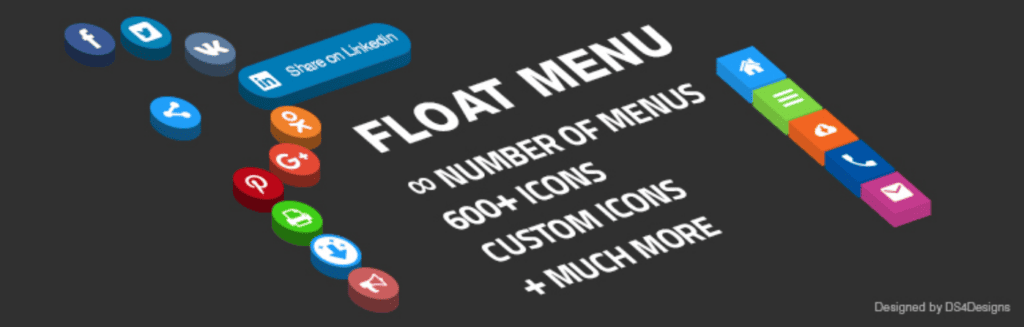
Float Menu, the innovative solution for WordPress websites, brings a unique floating menu experience. It ensures vital functions are accessible regardless of the page’s scroll position, enhancing user interaction with its dynamic movement alongside scrolling.
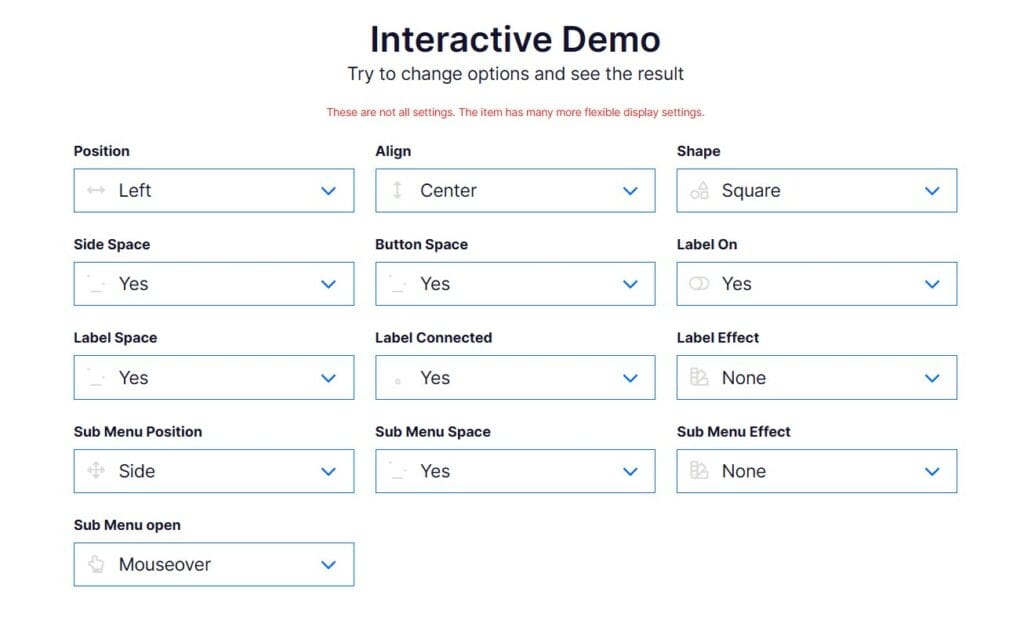
The Float Menu extension easily fits into your site, providing a stylish floating panel with customizable features that match different website styles, making it adaptable. The plugin makes creating and customizing menus easy with its user-friendly interface, offering unlimited options for easy navigation. Positioned on the left or right side of the page, it optimizes user experience without blocking content, letting website owners personalize button labels, adjust spacing, use animations, add attributes, and choose from a wide range of icons. The Pro version, loaded with additional features, offers enhanced customization options, making it a great choice to improve your online presence.
Demo
Key Features:
- Unlimited menus with submenus and search items.
- Customizable button labels with animation effects.
- Adjustable indents between menu items.
- Built-in user menu and social buttons.
- Display various forms, counters, calculators, social buttons, and more.
- Display elements based on ID or class.
- Ability to insert any links and open links in a new window.
- Background color customization for buttons.
Price:
Float Menu offers a free version with the option to upgrade to the Pro version for a one-time fee of $25.00.
Floating Chat Buttons
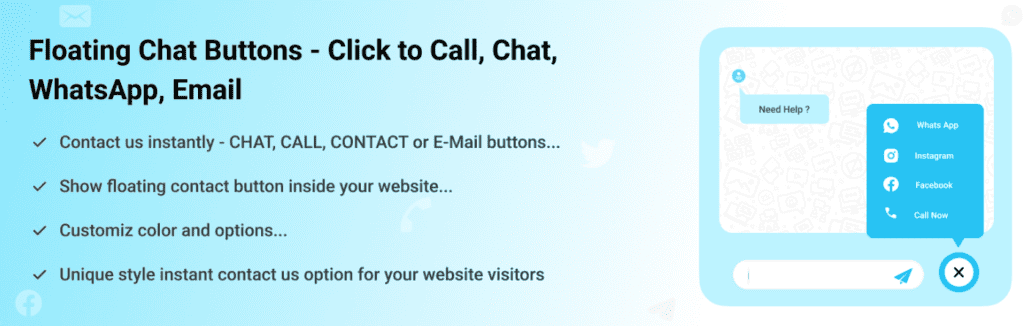
The last plugin we’re discussing, Floating Chat Buttons, helps users interact and get support on websites by easily connecting them with website owners. With the plugin in hand, you can easily initiate contact through various channels such as Chat, Email, callback, and social media platforms.
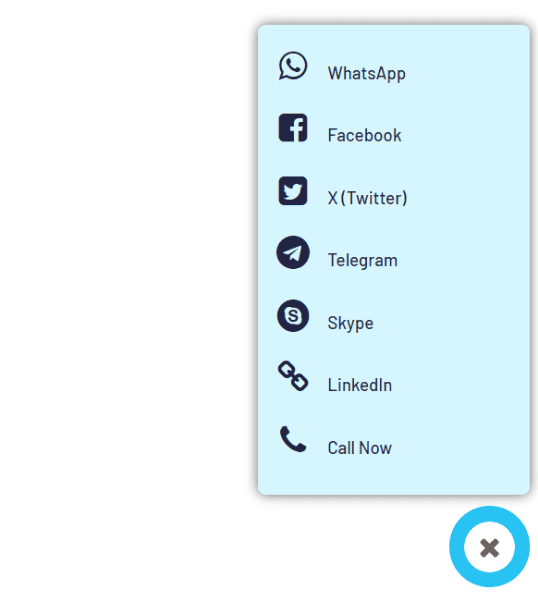
The best part about the plugin is how easy it is to customize, with simple design options and settings, ensuring they fit in perfectly with the existing content. The mobile-friendly design guarantees easy access on any device, making it convenient for users who are ready to go. What makes the plugin special is its variety of communication options, like WhatsApp, Slack, Skype, Telegram, and more. The Callback Request option makes it easier for visitors to ask for help. Plus, website owners can adjust how the button looks to match their site, making the whole user experience thing feel like a breeze.
Demo
Key Features:
- Multiple communication channels.
- Stylish design and easy customization.
- Mobile responsiveness.
- Versatile channels.
- Callback option.
- Social media integration.
Price:
It’s free.
Conclusion
All six plugins on this list work, but they serve different purposes. If you want a dedicated floating button tool with targeting rules and analytics, Buttonizer is the most capable option. If you just need clean side navigation without extra features, Simple Floating Menu or Float Menu will do the job for free. For chat and WhatsApp buttons, Floating Chat Buttons is the simplest path. And if you’re already building with the block editor and want floating buttons alongside popups and notification bars, ConvertForce handles all of that in one plugin.
Pick based on what you actually need, not feature count.
If you have questions or want to share which plugin worked for you, drop a comment below.
Affiliate Disclosure: This post contains affiliate links. That means if you make a purchase using any of these links, we will get a small commission without any extra cost to you. Thank you for your support.
Leave a Reply
You must be logged in to post a comment.