

You are building a new site, or giving an old one a big makeover, and you do not want visitors to see a half-finished mess. You also do not want to lose the people who show up in the meantime.
A WordPress coming soon plugin solves both problems. It hides your site behind a clean page that tells visitors what is coming, collects their email address, and lets you keep working in the background while you stay logged in.
There are dozens of these plugins, and many old roundups still list tools that have not been updated in years. Every plugin below is still active and was updated in 2026.
Quick answer: SeedProd is the best WordPress coming soon plugin overall, with a drag and drop builder and email capture. LightStart is the best completely free option. Under Construction is the fastest to set up, and if your site already runs on Elementor, its built-in maintenance mode means you need no extra plugin at all.
Below, we compare all 8 plugins, including what the free version really does, what the paid version adds, and who each one is best for. All prices and plugin stats were checked on 17 November 2026.
Affiliate disclosure: Some links in this post are affiliate links. If you buy through them, we may earn a small commission at no extra cost to you.
Quick Comparison
All 8 plugins have a free version. The table shows where they differ.
Plugin | Best For | Free Version | Paid Price (from) | Download |
SeedProd | Drag and drop pages with email capture | Yes | $79/year, 1 site | |
LightStart | Free block editor templates | Yes (fully free) | No paid version | |
Under Construction | Fast setup with ready-made templates | Yes | $49/year, 3 sites | |
Elementor | Sites already built with Elementor | Yes (built in) | $60/year, 1 site | |
CMP | Premium-looking pages for free | Yes | $49 for all premium themes | |
Minimal Coming Soon | Clean pages with secret access links | Yes | $79 lifetime, 1 site | |
Maintenance | Simple maintenance pages with 503 | Yes | $59 lifetime, 1 site | |
Nifty Coming Soon | Animated pages on a small budget | Yes | $19.99, 1 site |
We built this comparison table with WP Table Builder, a free drag and drop table plugin for WordPress.
Coming Soon Mode vs Maintenance Mode: What Is the Difference?
Most plugins on this list offer both modes, and picking the right one matters for SEO.
- Coming soon mode is for a new site that has not launched yet. The page sends a normal “200 OK” response, so search engines can index it like any other page.
- Maintenance mode is for a live site that is down for a short time. The page sends a “503 Service Unavailable” response, which tells search engines to come back later and keep your existing rankings.
In both modes, you stay logged in and see your real site, while everyone else sees the coming soon or maintenance page.
How We Picked These Plugins
Every plugin here can put up a simple “coming soon” message. Here is what separates them:
- Ease of use. How quickly a beginner can get a good-looking page live.
- Design options. Templates, a visual builder, backgrounds and countdown timers.
- Lead capture. Whether you can collect emails and send them to your email marketing tool.
- Access control. Whether clients or teammates can preview the real site without a WordPress account.
- Active development. Every plugin here was updated in 2026 and is tested with recent versions of WordPress.
- Price. What the free version covers, and whether paid plans are yearly or lifetime.
1. SeedProd

SeedProd is a drag and drop page builder that started as a coming soon plugin, and it is still one of the most popular tools for the job. Its free version, Website Builder by SeedProd, has 600,000+ active installs on WordPress.org and a 4.9 out of 5 rating from more than 4,600 reviews. It was last updated in November 2026.
You turn on coming soon or maintenance mode with one switch, pick a template, and edit the page visually. You can add a headline, images, a countdown timer, social icons and an email signup form, and the page hides the rest of your site from visitors who are not logged in.
The free version covers basic coming soon and maintenance pages. Every paid plan lets you build coming soon, maintenance, 404 and login pages with PRO templates and blocks, subscriber management and access controls. The Plus plan and above add email marketing integrations with tools like Mailchimp, ConvertKit, ActiveCampaign and MailerLite, plus a theme builder and a library of stock photos.
Here is what to weigh. Email marketing integrations are not in the Basic plan, so if collecting emails is the main goal, you need Plus. SeedProd is also a full website and landing page builder, which is more than you need if you only want a simple holding page.
Verdict: The best WordPress coming soon plugin overall, especially if you want to build an email list before launch.
Key features:
- One-click coming soon and maintenance modes
- Visual drag and drop page builder
- Countdown timer, social icons and signup forms
- PRO templates and blocks (paid plans)
- Subscriber management and access controls (paid plans)
- Email marketing integrations (Plus and above)
- Zapier integration (Pro and above)
Pricing: Free version on WordPress.org. Paid plans list at $79 a year for 1 site (Basic), $199 for 3 sites (Plus), $399 for 5 sites (Pro) and $599 for 100 sites (Elite), with a discount on the first year. 14-day money-back guarantee.
Best for: New businesses and bloggers who want a polished launch page that grows an email list.
2. LightStart
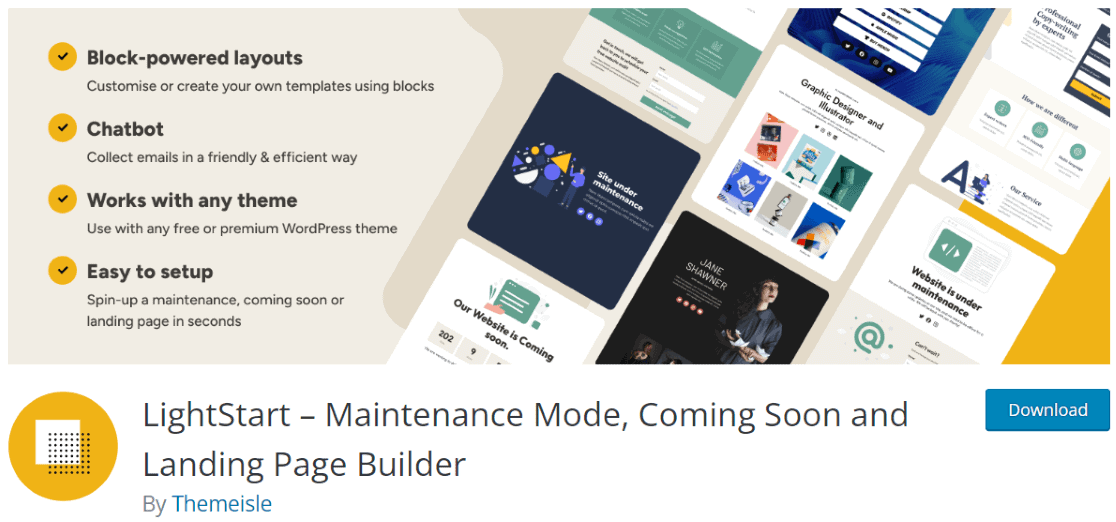
LightStart by Themeisle (formerly WP Maintenance Mode) is a free coming soon, maintenance mode and landing page plugin. It has 400,000+ active installs and a 4.3 out of 5 rating from more than 870 reviews, and it was updated in November 2026.
A setup wizard helps you pick a coming soon, maintenance or landing page template, and you edit the page in the WordPress block editor, the same editor you use for posts. That means you can design it with any blocks you already have, including table, form and countdown blocks from other plugins.
It also includes a subscription form with CSV export, a contact form, a countdown timer, social icons, SEO settings and a fun chat bot that collects emails in a conversation. You can exclude specific URLs from maintenance mode, and it works on WordPress Multisite, with separate settings for each site.
Here is what to weigh. The developers recommend clearing or turning off caching plugins while maintenance mode is active, so visitors do not see cached pages. Reviews are more mixed than for some plugins here, with over 100 one-star reviews among its mostly positive ratings.
Verdict: The best completely free coming soon plugin, and a natural fit if you like working in the block editor.
Key features:
- Coming soon, maintenance and landing page templates
- Pages built in the WordPress block editor
- Subscription form with CSV export
- Countdown timer and contact form
- Chat bot that collects emails
- Exclude URLs from maintenance mode
- WordPress Multisite support
Pricing: Free on WordPress.org, with no paid version.
Best for: Anyone who wants a capable coming soon page for free, especially block editor users.
3. Under Construction
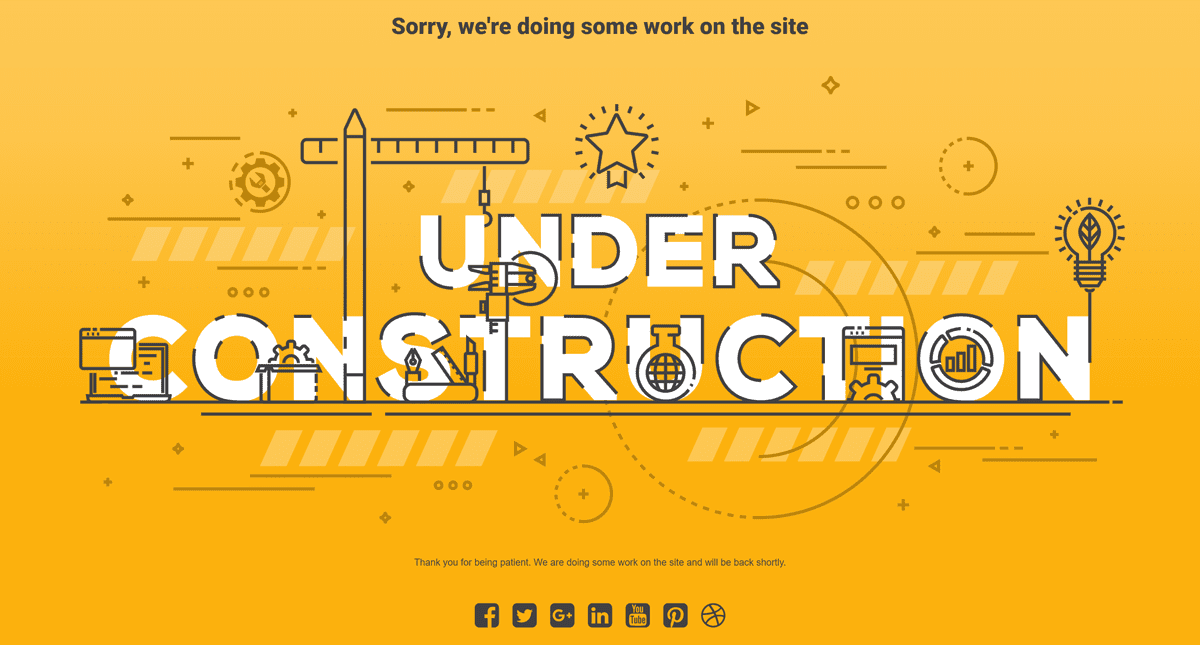
Under Construction by WebFactory is built for speed: install it, pick a design and your page is live in about a minute. It has 500,000+ active installs and a 4.8 out of 5 rating from more than 1,280 reviews, and it was updated in September 2026.
The free version includes a set of ready-made designs, social media icons, Google Analytics tracking and an option to turn the page off automatically on a set date and time. You can choose which users and roles see the real site while everyone else sees the under construction page.
Under Construction PRO adds a simple drag and drop builder, 190+ templates (with 150+ extra templates on the Team and Agency licenses), millions of free HD images, Mailchimp and autoresponder support, and an affiliate and traffic tracking module.
Here is what to weigh. The free version is quick but basic, with limited design control. The refund window is only 7 days.
Verdict: The quickest way to get a good-looking under construction page live, with a large template library in PRO.
Key features:
- Ready-made designs that go live in a minute
- Automatic end date and time
- Access control by user and role
- Google Analytics and social icons
- Drag and drop builder and 190+ templates (PRO)
- Mailchimp and autoresponder support (PRO)
- Affiliate and traffic tracking (PRO)
Pricing: Free on WordPress.org. PRO costs $49 a year for 3 sites (Personal), $119 once for 5 sites (Team, lifetime) or $250 once for 100 sites (Agency, lifetime). There is also a $9.99 monthly option for short projects. 7-day money-back guarantee.
Best for: Site owners who want a nice page up right now, without designing anything.
4. Elementor Maintenance Mode
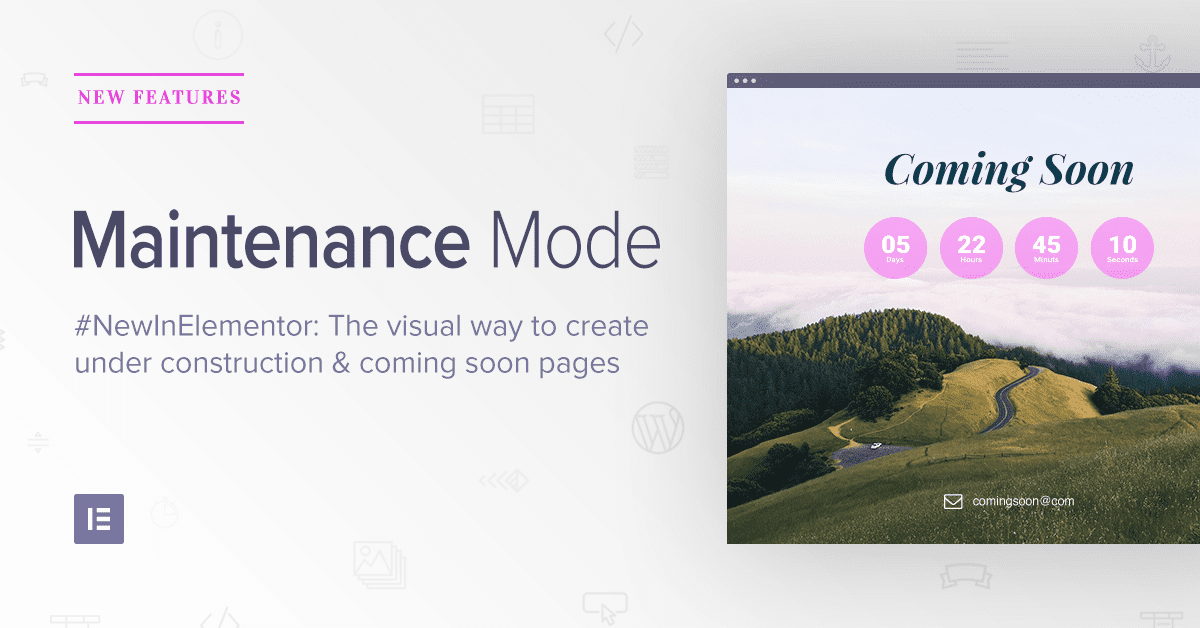
Elementor is not a separate coming soon plugin, but the free Elementor page builder includes a coming soon and maintenance mode feature. Elementor has 10+ million active installs on WordPress.org and a 4.5 out of 5 rating from more than 7,300 reviews.
You design a page template in Elementor, then go to the Maintenance Mode tab on Elementor’s Tools screen in your dashboard, choose Coming Soon or Maintenance, pick who can access the site and select your template. Coming Soon mode keeps your site indexable, while Maintenance mode sends a 503 response so search engines come back later.
Because the page is built with Elementor, you get full design freedom, and you can use Elementor’s template library as a starting point. Elementor Pro adds a form builder for collecting leads, a popup builder and more widgets, including a countdown.
Here is what to weigh. It only makes sense if your site already uses Elementor, since installing a full page builder just for a holding page is overkill. Lead capture forms that save submissions need a paid plan that includes form submissions.
Verdict: The obvious choice for Elementor users, since it needs no extra plugin.
Key features:
- Built into the free Elementor plugin
- Separate Coming Soon and Maintenance modes
- Choose which user roles can see the live site
- Full visual design with the Elementor editor
- Form builder, popups and countdown widget (Pro)
Pricing: The maintenance mode feature is free. Elementor Pro plans start at $60 a year for 1 site (Essential), $84 for 1 site (Advanced Solo) and $108 for 3 sites (Advanced). 30-day money-back guarantee on annual plans.
Best for: Anyone whose site is already built with Elementor.
5. CMP: Coming Soon & Maintenance
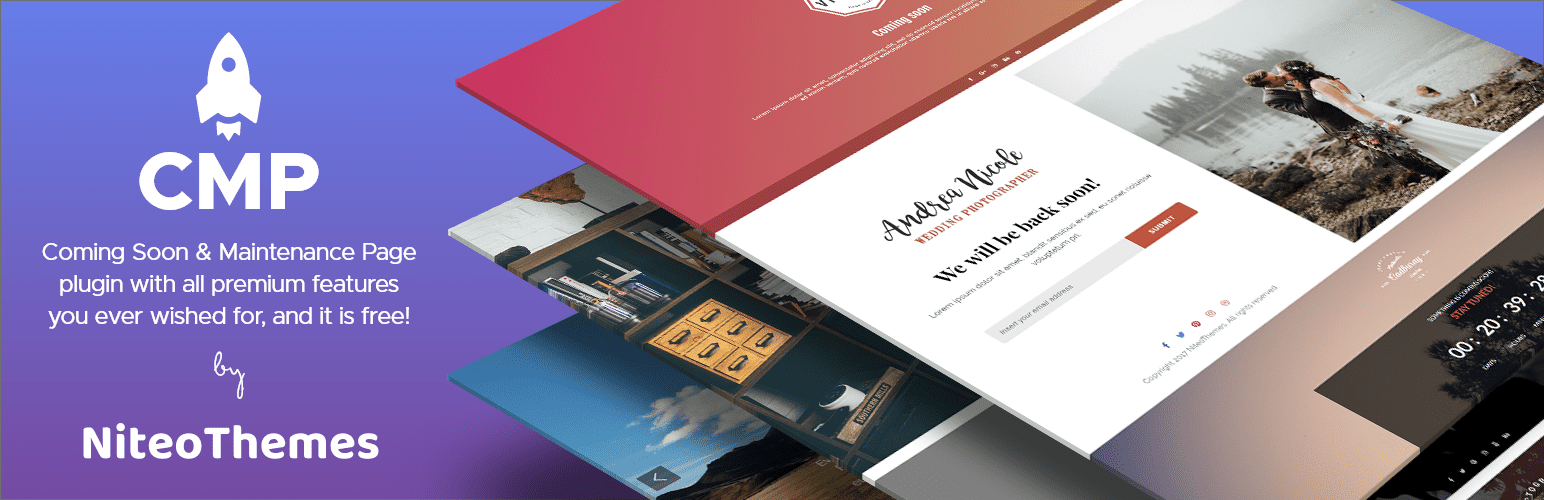
CMP by NiteoThemes gives you premium-looking coming soon pages without paying for a plugin. It has 200,000+ active installs and a 4.7 out of 5 rating from more than 320 reviews, and it was updated in October 2026.
Three themes come bundled with the free plugin: Hardwork, Countdown and Construct. Each one lets you switch between image, video, gradient, color and pattern backgrounds, add effects like constellation, bubbles or snow, and choose a layout. You can add a countdown, a subscribe form, social icons and your own content.
If you want more choice, NiteoThemes sells premium themes, and you can get all of them in a bundle. There are also add-ons that let you design the page in Elementor or Divi and use it as your CMP page.
Here is what to weigh. With only three free themes, the free version has less design variety than template-heavy plugins. The settings screen has many options, which can feel like a lot for a beginner.
Verdict: A great free choice when you want an eye-catching page with backgrounds and effects.
Key features:
- 3 bundled free themes
- Image, video, gradient, color and pattern backgrounds
- Background effects and layout options
- Countdown, subscribe form and social icons
- Premium themes (paid)
- Elementor and Divi add-ons (paid)
Pricing: Free on WordPress.org. Premium themes are sold separately, or you can get all CMP themes in a bundle for $49.
Best for: Creators who want a stylish page for free and do not mind a busier settings screen.
6. Minimal Coming Soon
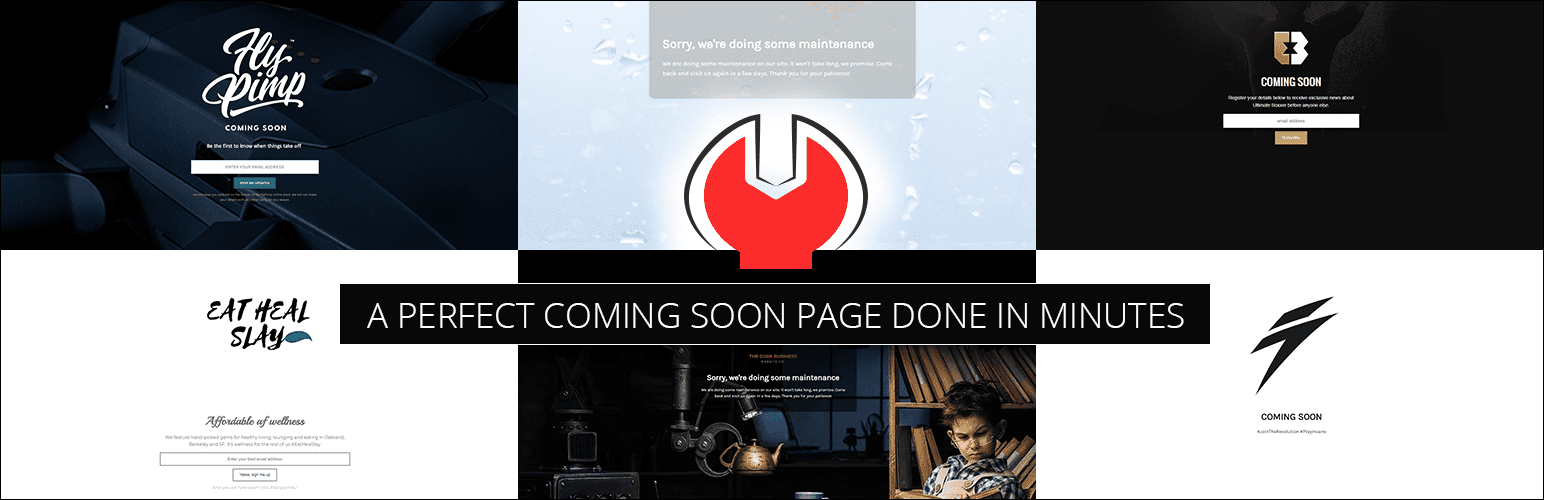
Minimal Coming Soon, also by WebFactory, focuses on clean, simple pages. It has 100,000+ active installs and a 4.3 out of 5 rating from more than 280 reviews, and it was updated in August 2026.
The free version gives you a tidy coming soon page with your logo, text, background and colors, plus fields for custom HTML and CSS if you want full control. It is lightweight and easy to switch on and off.
Coming Soon PRO adds a drag and drop builder, 170+ themes (300+ on the Agency license), millions of free images with Instagram-style filters, built-in SEO checks, email and CRM integrations including Zapier, and a Secret Access Link so clients can preview the real site without logging in. The Agency license also includes white-label mode.
Here is what to weigh. Most of the interesting features are PRO only, and the refund window is 7 days. It overlaps a lot with Under Construction, from the same company.
Verdict: A good pick for freelancers who need clean client pages, secret preview links and a one-time price.
Key features:
- Clean, minimal coming soon pages
- Custom HTML and CSS fields
- Drag and drop builder and 170+ themes (PRO)
- Secret Access Link for clients (PRO)
- Email, CRM and Zapier integrations (PRO)
- White-label mode (Agency)
Pricing: Free on WordPress.org. Coming Soon PRO is sold as lifetime licenses, listed at $99 for 1 site, $149 for 5 sites and $199 for 100 sites. When we checked, they were discounted to $79, $99 and $139. A $7.99 monthly option is also available. 7-day money-back guarantee.
Best for: Freelancers and agencies who build sites for clients.
7. Maintenance
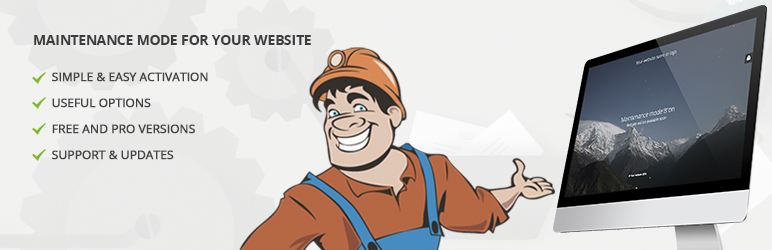
Maintenance by WebFactory is one of the most installed plugins in this category, with 1+ million active installs and a 4.4 out of 5 rating from more than 870 reviews. It was updated in November 2026.
It closes your site with a simple page where you can add a logo, background image, colors and text, and it includes a login form on the page itself. You can turn the “503 Service Unavailable” response on or off, exclude selected pages, add Google Analytics and see the maintenance status in the admin bar. It also supports popular caching plugins and uses Bunny Fonts for GDPR-friendly font loading.
WP Maintenance PRO adds ready-made themes, millions of free images, email and Zapier integrations, a Secret Access Link for clients, SEO tools and rebranding on the Agency license.
Here is what to weigh. The plugin was completely rewritten in June 2026, and several recent reviews say the new version pushes users toward PRO and is harder to use. It is best for a plain maintenance page rather than a designed coming soon page.
Verdict: A widely used option for quick maintenance pages with a proper 503 response, though recent reviews are mixed.
Key features:
- Logo, background, colors and text
- 503 response on or off
- Front-end login form
- Exclude selected pages
- Support for popular caching plugins
- Themes, images and email integrations (PRO)
Pricing: Free on WordPress.org. WP Maintenance PRO is sold as lifetime licenses, listed at $109 for 1 site, $169 for 5 sites and $299 for 100 sites. When we checked, they were discounted to $59, $69 and $119. 7-day money-back guarantee.
Best for: Live sites that need a simple, SEO-safe maintenance page for a short time.
8. Nifty Coming Soon & Maintenance Mode Page
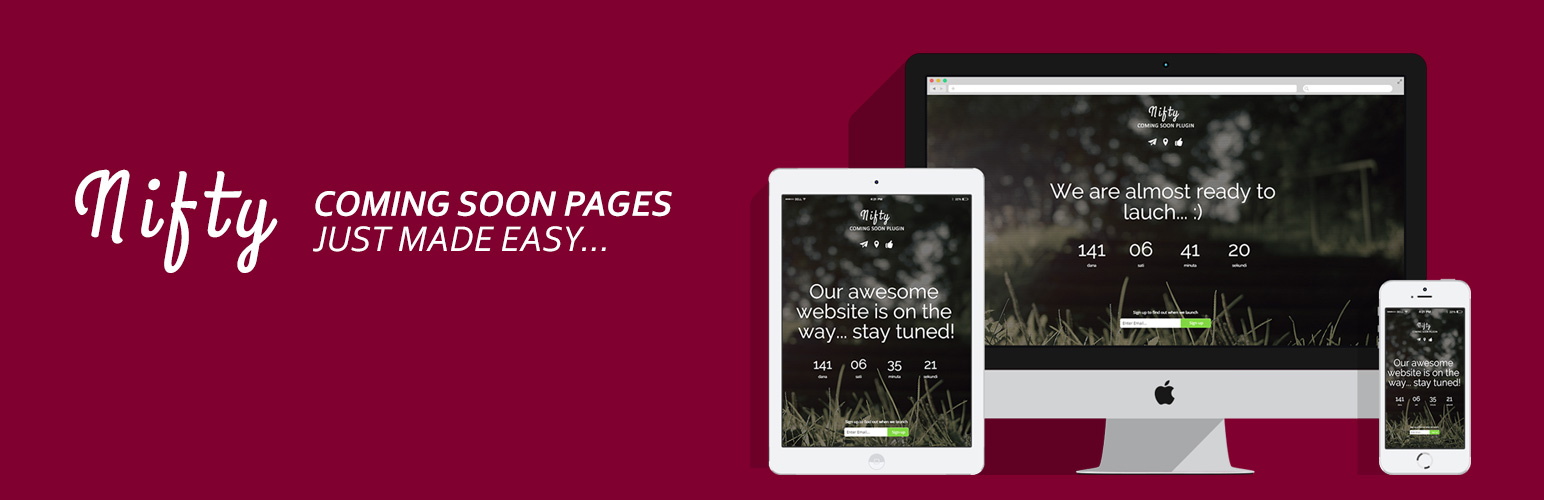
Nifty Coming Soon is a small but well-liked plugin for animated coming soon pages. It has 10,000+ active installs and a 4.8 out of 5 rating from more than 310 reviews, and it was updated in August 2026.
The free version includes a countdown timer, animated coming soon text, a background slider with 16 animations and pattern overlays, 300+ Google fonts, a built-in subscription form and the option to add a Mailchimp signup form. You edit everything in the WordPress Customizer with a live preview.
The Pro version adds 10+ premade themes, video and gradient backgrounds, a Secret Access link, extra content blocks like maps, videos and a progress bar, and a GDPR checkbox on the subscription form.
Here is what to weigh. It has a much smaller user base than the other plugins here, and there is no drag and drop builder.
Verdict: The cheapest paid option on this list, with lively animations in the free version.
Key features:
- Countdown timer and animated text
- Background slider with 16 animations
- Built-in subscription form and Mailchimp support
- Live preview in the Customizer
- Premade themes and video backgrounds (Pro)
- Secret Access link (Pro)
Pricing: Free on WordPress.org. Pro costs $19.99 for 1 site or $59.99 for 5 sites. 14-day money-back guarantee.
Best for: Small sites on a tight budget that want a bit of movement on the page.
Tip: Show Launch Pricing or Features on Your Coming Soon Page
A coming soon page converts better when it tells visitors exactly what they will get. If you are launching a product, a course or a service, a small pricing or feature table gives people a reason to join your list now.
You can build that table with WP Table Builder, our drag and drop table plugin, and add it to your coming soon page with its block or shortcode. That works in plugins that use the block editor, like LightStart, in Elementor’s Shortcode widget, and in builders that accept shortcodes. See the pricing table demo for an example.
WP Table Builder is free on WordPress.org, with 50,000+ active installs and a 4.8 out of 5 rating from more than 680 reviews as of November 2026. The free version includes the drag and drop builder, text, images, buttons and mobile-friendly layouts. If you want to highlight your recommended plan or keep the header visible on long tables, WP Table Builder Pro adds row and column highlights, tooltips, sticky headers, 25+ templates and an AI Assistant. Pro starts at $39 a year for 1 site, with lifetime plans from $99 and a 30-day money-back guarantee.
FAQs
What is the best WordPress coming soon plugin?
SeedProd is the best choice for most sites, thanks to its drag and drop builder and email marketing integrations. If you want a completely free plugin, LightStart is the strongest option, and Elementor users can use Elementor’s built-in maintenance mode.
Is there a free coming soon plugin for WordPress?
Yes. LightStart is completely free, and SeedProd, Under Construction, CMP, Minimal Coming Soon, Maintenance and Nifty Coming Soon all have free versions on WordPress.org. Elementor’s maintenance mode is also free.
What is the difference between coming soon mode and maintenance mode?
Coming soon mode is for a site that has not launched yet and sends a normal 200 response, so search engines can index the page. Maintenance mode is for a live site that is temporarily down and sends a 503 response, which tells search engines to come back later.
Will a coming soon page hurt my SEO?
Not if you use the right mode. A short maintenance period with a 503 response keeps your rankings safe. For a new site, a coming soon page with a clear title, description and some text can even start building search visibility before launch.
How do I see my site while coming soon mode is on?
Stay logged in to WordPress. Logged-in administrators see the real site, while visitors see the coming soon page. To check what visitors see, open your site in a private browser window.
Can clients preview the site without a WordPress account?
Yes, with a secret access link. Minimal Coming Soon PRO, WP Maintenance PRO and Nifty Coming Soon Pro all offer a shareable link that shows the real site. With other plugins, you can create a user account for the client or whitelist their user role.
Conclusion
For most sites, SeedProd is the best coming soon plugin, especially if growing an email list before launch matters. If you want something free, start with LightStart, and if your site runs on Elementor, use its built-in maintenance mode.
Whichever you choose, add a clear headline, a launch date and a signup form, so every early visitor has a reason to come back.
Related Posts:
- Best WordPress Maintenance Mode Plugins
- Best WordPress Landing Page Plugins
- Best Countdown Timer WordPress Plugins
- Best WordPress Popup Plugins
- How to Create a High-Converting Pricing Table in WordPress
Leave a Reply
You must be logged in to post a comment.