 Skip to content

A few years ago, an “AI website builder” was mostly a tool that wrote some placeholder text and suggested a color palette. That has changed a lot. Today’s AI builders can create full pages from a single prompt, clone an existing site, turn a screenshot into a design system, and even let AI agents like Claude or Cursor work on your site directly.
The catch is that these tools are built for very different people. Some are made for small business owners who want a site live by the end of the day. Others are made for designers who want AI to speed up their work without taking control away. And a few are made for developers who care about clean code as much as speed.
So instead of calling one tool “the best,” we’ve matched each builder to the kind of user it serves best. Here’s a quick overview, followed by a closer look at each one.
Builder | Best For | Free Option | Starting Price | |
10Web AI Website Builder | Getting a complete, hosted WordPress site live in minutes | Free site generation | $10/month (billed yearly) | |
Elementor + Angie | Site owners and designers who want AI inside a visual editor | Yes (Elementor and Angie are free) | Free, or Elementor One at $180/year | |
CrocoBuilder | Developers building complex, dynamic sites with AI | 30-day money-back guarantee | $79/year |
1. 10Web AI Website Builder
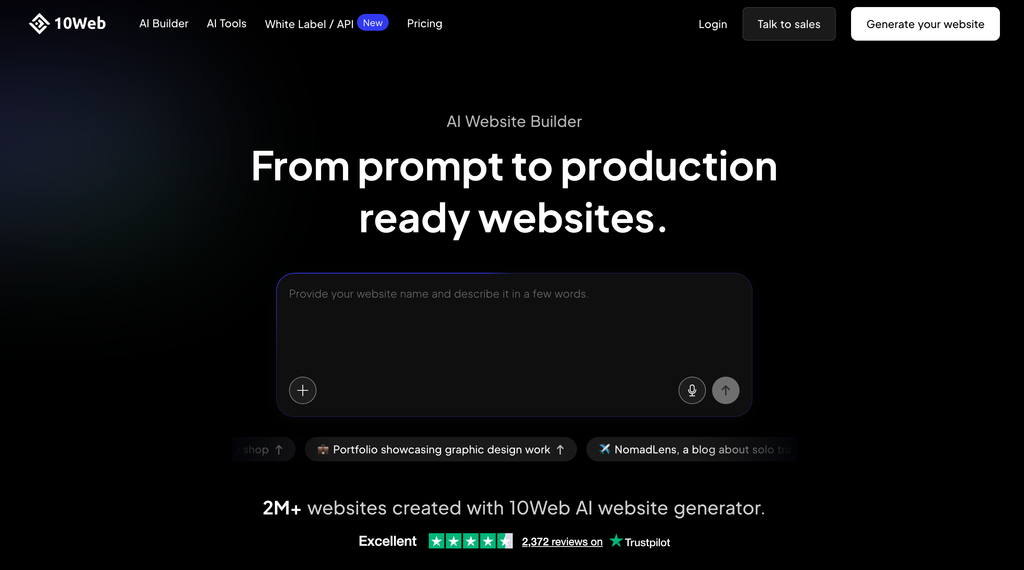
If you want the shortest path from “I need a website” to a live WordPress site, 10Web is the easiest place to start. You answer a few questions about your business, and its agentic website builder generates a complete multi-page WordPress site with written content, images, and layout already in place. It also sets up hosting for you, so you don’t have to find a host or install WordPress yourself.
10Web now works with a set of specialized AI agents. The Redesign agent takes an outdated page and turns it into a modern one. The Cloning agent recreates any page from its URL. The Figma agent converts your Figma designs into working web pages. This makes 10Web useful both for new sites and for moving an old site to WordPress.
Once your site is generated, you edit it in 10Web’s visual editor, which is based on Elementor. That means you still have a familiar drag-and-drop editor for fine-tuning, and underneath it all is a full WordPress install, so you can add any plugin you like.
Hosting is included in every plan. It comes with automated WordPress updates, daily backups, a staging site for testing changes, free SSL, and a 90+ PageSpeed score target. The higher plans add Google Cloud hosting and Cloudflare CDN. If you sell online, 10Web also includes an ecommerce dashboard for managing products, orders, and payments.
The trade-off is that 10Web is a platform, not a plugin. Your site lives on 10Web’s hosting, and you pay a monthly or yearly subscription for the whole bundle. If you already have hosting you’re happy with, one of the other options may suit you better.
Key Features
- Agentic website builder that generates a full WordPress site from a short questionnaire
- Redesign, Cloning (from any URL), and Figma-to-website agents
- Visual editor based on Elementor for easy customization
- Managed WordPress hosting included, with free SSL and a free custom domain for the first year
- Automated updates, daily backups, and a staging environment
- 90+ PageSpeed score target with built-in speed optimization
- Ecommerce dashboard for products, orders, and payments
- Agency and white-label plans for building sites for clients
Price
You can generate your site for free before paying. The AI Starter plan costs $10/month billed annually ($120 for the first year) for 1 website and 100 AI credits per month. AI Premium ($15/month, 2 sites) and AI Ultimate ($22.50/month, 4 sites) add more sites, storage, and credits, and agency plans start at $42.50/month for 10 sites. All plans include a 30-day money-back guarantee.
2. Elementor + Angie
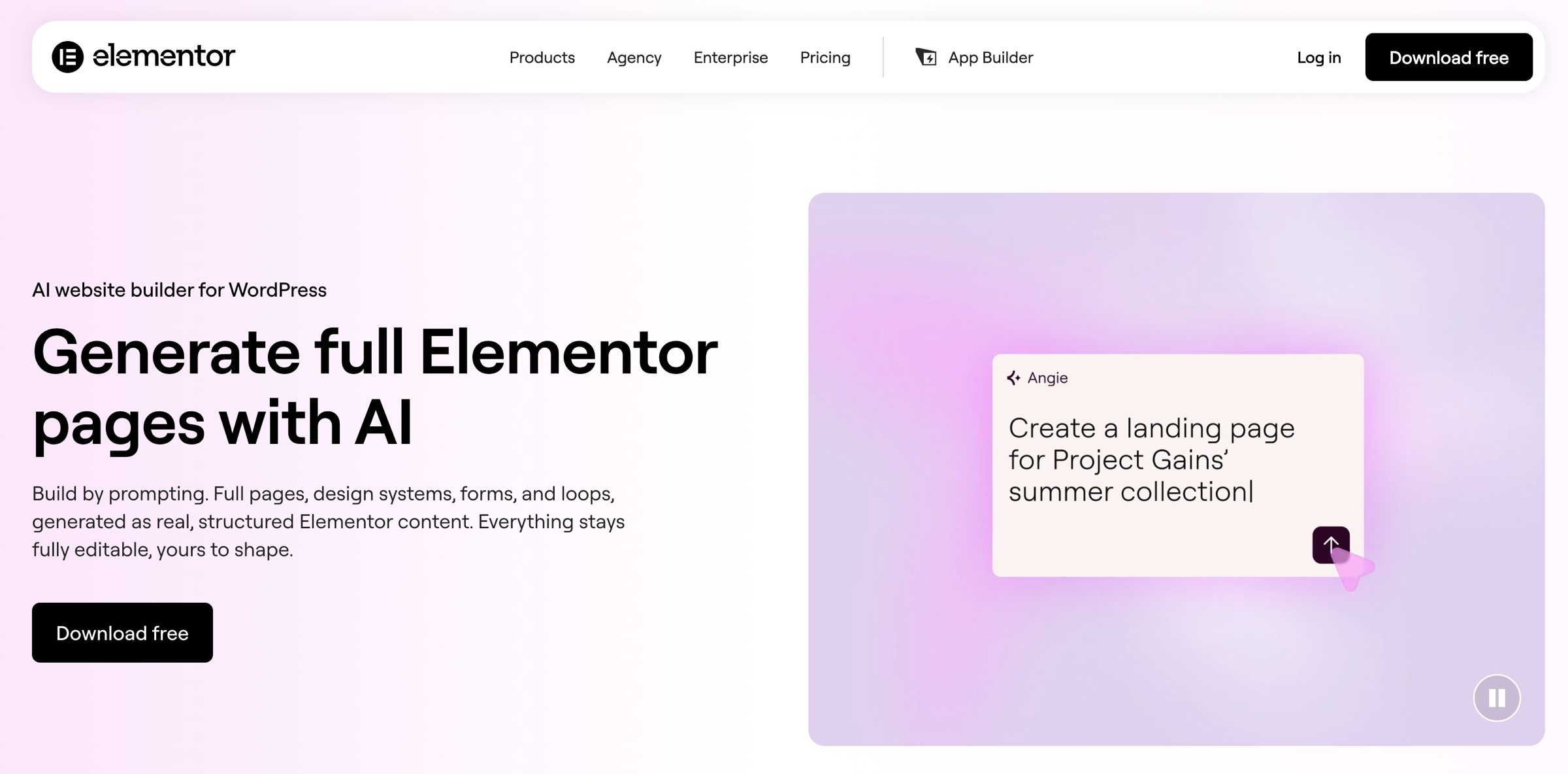
Elementor is the most popular page builder for WordPress, and its AI features have grown a lot since they first launched. The biggest change is Angie, Elementor’s agentic AI. Instead of just suggesting text, Angie takes real action inside your site: you describe a page, and it builds the full layout on the canvas with sections, content, and styling included.
What makes Angie useful is that everything it creates is normal Elementor content. It isn’t a locked template or a pasted block of code. You can open any section it builds and change it by hand, just as if you had made it yourself. Angie can also create a starting design system for you. Show it a screenshot or give it your brand details, and it sets up your colors, fonts, and reusable styles.
For more advanced work, Angie Code creates custom Elementor widgets, small code snippets, custom post types, and even simple front-end tools like quizzes and calculators from a plain-language prompt. It works inside a safe test environment first, so you can preview the result before anything goes live on your site. With Elementor Pro, Angie can also build forms and dynamic post loops.
Inside the editor, Elementor AI still handles the everyday tasks too: writing and rewriting text, generating images, and creating custom code or CSS. And if you use outside AI tools, Elementor now offers an MCP connection that lets you connect your sites to Claude, Codex, Cursor, and similar tools.
The main thing to understand is pricing. Angie has a free plan, but the full AI toolkit inside Elementor is part of the Elementor One subscription, not the regular Elementor Pro plans. Also, unlike 10Web, Elementor doesn’t host your site, so you’ll need your own WordPress hosting.
Key Features
- Angie agentic AI builds full pages from a prompt, directly on the canvas
- Everything generated stays fully editable in the Elementor editor
- Design systems (colors, fonts, reusable classes and variables) generated from a screenshot or brand info
- Angie Code for custom widgets, code snippets, custom post types, and small front-end apps
- AI-built forms and dynamic loops (requires Elementor Pro)
- AI text, image, and code generation inside the editor
- Safe test environment to preview AI changes before they go live
- MCP connection for Claude, Codex, Cursor, and other AI tools
- Works with WooCommerce, ACF, and other popular plugins
Price
Elementor and the Angie plugin are free, and Angie includes daily-renewing AI credits. For AI generation inside the editor, Elementor One costs $15/month billed annually ($180 for the first year, renewing at $228/year) for 1 site with 25,000 monthly credits, along with Elementor Pro features, image optimization, and accessibility tools. One Agency covers unlimited sites for $432 in the first year. The regular Elementor Pro plans (from $60/year) do not include AI generation.
3. CrocoBuilder
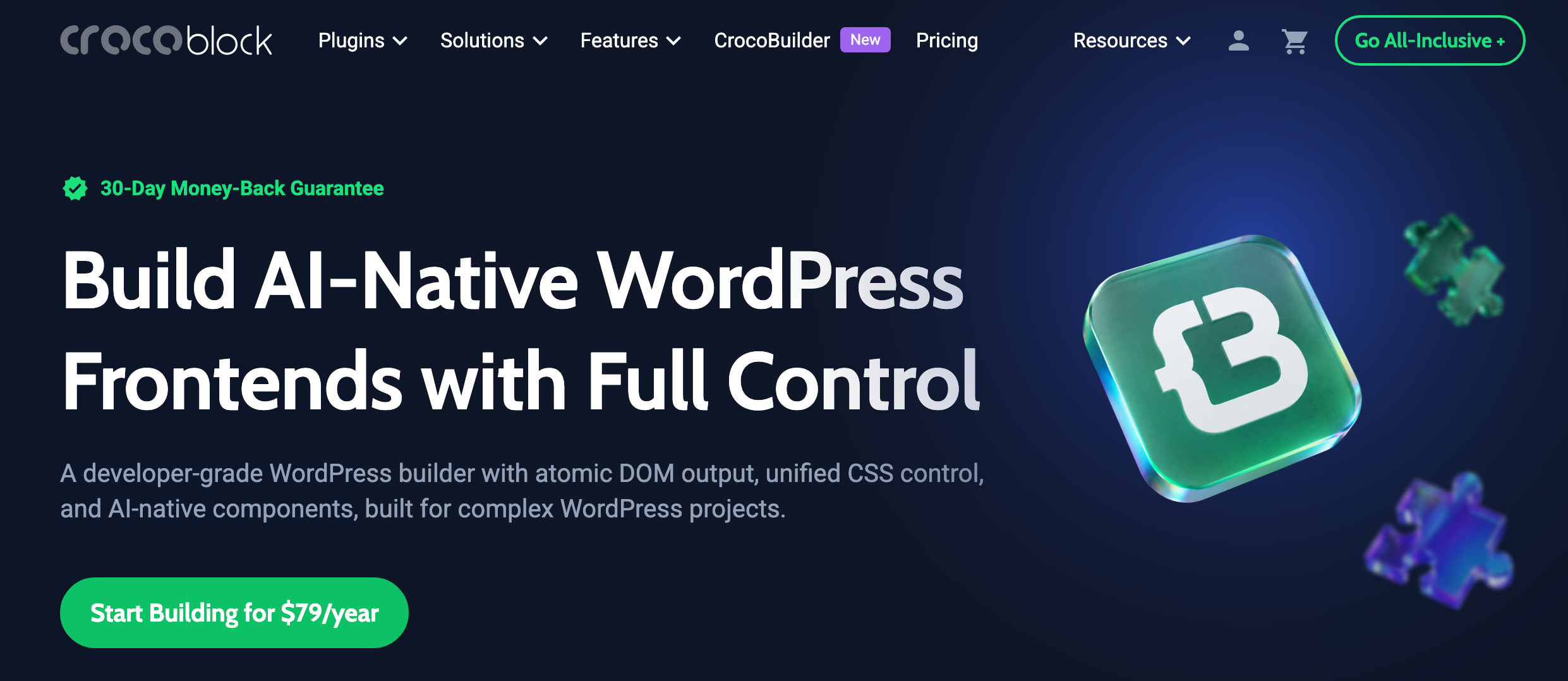
If you want to build complex WordPress websites with AI while keeping full control over the code, CrocoBuilder is a developer-focused frontend builder worth considering. It comes from Crocoblock, the team behind JetEngine and the JetPlugins, and it combines AI-assisted website creation with a visual workflow, predictable code output, unified CSS controls, and reusable components.
CrocoBuilder uses an “atomic DOM” approach. In simple terms, every element you add in the builder becomes exactly one piece of HTML on the page, with no hidden extra wrappers. That means cleaner code and easier maintenance. Its CSS Sync feature keeps the visual style controls and the raw CSS connected, so a change in one updates the other. Global styles, CSS variables, classes, and custom breakpoints make it easier to manage the design of an entire site from one place.
AI is built directly into the building process. The AI Assistant can generate pages, layouts, sections, styles, and custom components from prompts. Developers can also create components with HTML, CSS, and JavaScript, then edit the generated code freely without losing compatibility with the builder.
For dynamic WordPress projects, CrocoBuilder includes a Loop Builder, Query Builder, Theme Builder, conditional visibility, interactions, and reusable components. It also supports MCP integrations, so AI tools such as Claude Code, Cursor, Gemini, and GitHub Copilot Agent can work with your site’s structure, styles, and pages.
CrocoBuilder is a new product, so a few integrations (such as WooCommerce, JetEngine, and a popup builder) are still on its public roadmap. It’s also clearly aimed at developers and agencies. If you just want a simple site quickly, 10Web or Elementor will feel easier.
Key Features
- AI-powered WordPress website and component builder
- Clean, predictable atomic DOM output
- Unified CSS controls, variables, classes, and custom breakpoints
- AI-generated HTML, CSS, and JavaScript components
- Loop Builder, Query Builder, and Theme Builder
- Reusable components with properties and slots
- Conditional logic and interactive elements
- MCP integration with modern AI coding tools
- Full visual and code control
Price
CrocoBuilder starts at $79/year for 1 site. The All-Inclusive Plus plan, which also includes 23 JetPlugins and ready-made templates, costs $249/year, while the Lifetime plan costs $999. All plans include a 30-day money-back guarantee.
Which AI Website Builder Should You Choose?
The right choice depends on how much of the work you want the AI to do and how much control you want to keep.
- Choose 10Web if you want a complete website, hosting included, with the least effort. It’s the closest thing to “describe your business and get a website.”
- Choose Elementor with Angie if you want AI to speed up your work inside a visual editor you can fully control. It’s the best all-rounder, and you can start for free.
- Choose CrocoBuilder if you’re a developer or agency building complex, dynamic sites and you care about clean code, reusable components, and working with AI coding tools.
Whichever builder you pick, treat the AI’s first draft as a starting point. Review the text for accuracy, replace generic images with your own where you can, and check every page on mobile before you publish.
And if your new site needs comparison tables, pricing tables, or product boxes, WP Table Builder works alongside any of these builders. Its AI Assistant lets you edit tables with plain-English requests, such as “add a column” or “make the header dark blue.”
Frequently Asked Questions
Can AI build a complete WordPress website?
Yes. Tools like 10Web can generate a full multi-page WordPress site with content and images from a short questionnaire. You’ll still want to review and personalize the result before launching.
Do I need coding skills to use an AI website builder?
Not for 10Web or Elementor with Angie. Both let you describe what you want in plain language and edit the result visually. CrocoBuilder can also be used visually, but it’s designed for people comfortable with HTML and CSS.
Is there a free AI website builder for WordPress?
Elementor and its Angie plugin are free to start, with daily-renewing AI credits. 10Web lets you generate your site for free, but you need a paid plan to publish and host it.
Related Posts:
Affiliate Disclosure: This post contains affiliate links. If you make a purchase using any of these links, we will earn a small commission at no extra cost to you. Thanks for your support.
Leave a Reply
You must be logged in to post a comment.