 Skip to content
Tool | Best For | Free? | Starting Price | Lifetime Deal |
Designers & content-heavy sites | $89/year | $249 (Unlimited Sites) | ||
Gutenberg-native sites | $39/year | $179 (Unlimited Sites) | ||
Developers & performance | $79/year | $599 (Unlimited Sites) | ||
Agencies & client work | $89/year | Not Available | ||
WooCommerce & agencies | $99/year | Not Available | ||
Beginners & quick builds | $69/year | Not Available | ||
Marketers & conversion pages | $149/qtly | Not Available | ||
Legacy/existing projects only | $82/lifetime | $592 (10 Sites) |
Elementor is the most popular WordPress page builder. No argument there. But popularity comes at a price. Literally.
Elementor’s current plans start at $59/year for a single site and scale up to $999/year for 1,000 sites. There’s no lifetime option anymore. For freelancers managing multiple client sites or small businesses on a budget, that adds up fast.
The good news: the alternatives have never been better. Whether you want a cheaper drag-and-drop builder, a Gutenberg-native solution, or a performance-first tool that won’t bloat your site, there’s a solid option for every use case. Let’s break each one down.
Divi

Divi is one of the oldest and most established page builder plugins in the WordPress ecosystem. It has over 800,000 active users and a reputation for being feature-rich without the Elementor price tag.
The builder comes with 880+ templates, 110+ pre-made website packs, and 46 content modules. You get full control over section types, row layouts, spacing, fonts, and colors through a live front-end editor that updates in real time.
Where Divi really stands out against Elementor is the lifetime deal. For $249 you get unlimited sites, forever. That includes the Bloom email opt-in plugin and Monarch social sharing plugin at no extra cost. For agencies or anyone managing more than a handful of sites, the math is obvious.
The yearly plan at $89 also covers unlimited sites, which already undercuts Elementor significantly.
Key Features
- Drag & Drop Page Builder
- Real-Time Visual Editing
- Custom CSS Control
- Robust Design Options
- Responsive Editing
- Inline Text Editing
- Numerous Content Modules
- Pre-designed Templates
Price
$89/year or $249 lifetime. Both plans cover unlimited sites.
Ultimate Blocks
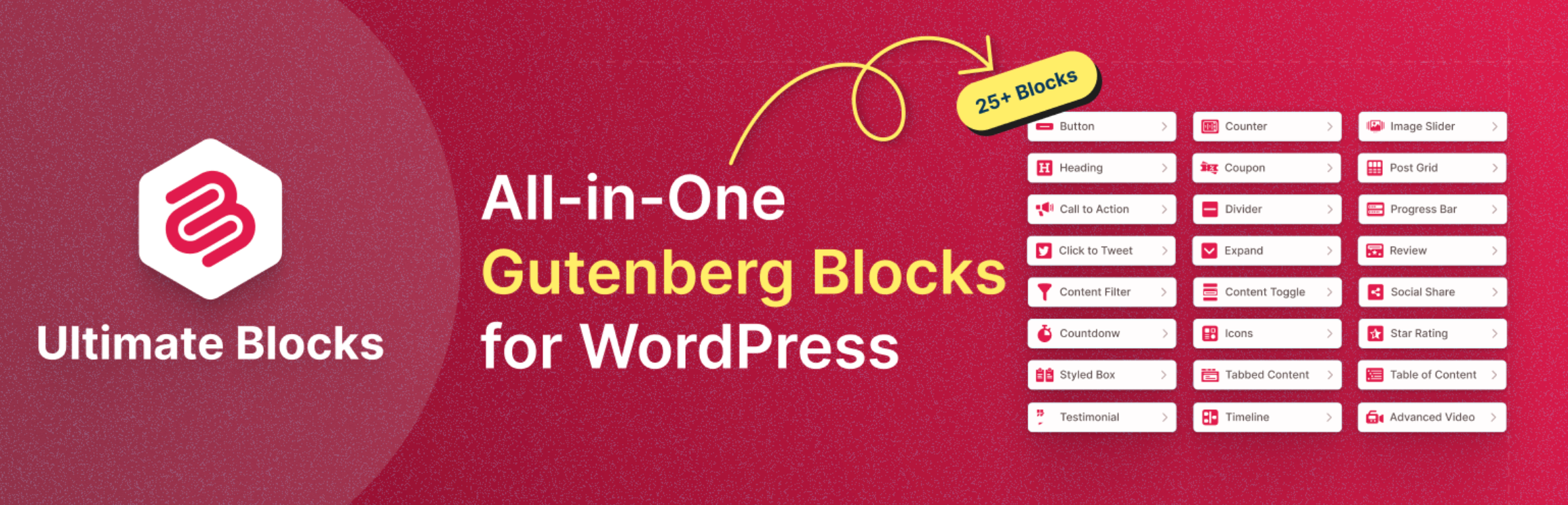
Ultimate Blocks is the Gutenberg-native alternative on this list. If you are already using the WordPress block editor and want to extend it with more powerful content blocks, this is the pick.
Unlike traditional page builders, Ultimate Blocks works entirely within Gutenberg. No separate editor, no frontend overlay, no conflict with your theme. You get 25+ content blocks covering everything from call-to-action buttons and tabbed content to star ratings, content toggles, and styled lists.
The performance advantage over Elementor is real. Ultimate Blocks is modular, meaning you can disable any block you are not using. Only the code for active blocks loads on your site, which keeps things lean.
It is worth being clear about what this is and is not. Ultimate Blocks is a content block plugin, not a full page builder. It will not replace Elementor for building complex custom layouts or headers and footers. But for bloggers, content sites, and anyone who wants to build better pages without leaving Gutenberg, it is a strong fit.
Key Features
- 25+ Amazing Blocks
- Works Natively in Gutenberg
- Modular (disable unused blocks)
- Gutenberg Block Editor-Only
- Lightweight & Performance-Oriented
- SEO-Optimized Blocks
- Responsive Design Layout
Price
Ultimate Blocks has a free version available on WordPress.org. Pro plans start at $39/year.
Bricks Builder
Bricks Builder has quickly become one of the most talked-about page builders in the WordPress developer community. It is a full site builder, meaning you can design everything from headers and footers to archive pages and single post templates, all within one tool.
The editor runs inside the WordPress admin and gives you granular control over every element on the page. You can write custom CSS, work with dynamic data, use query loops for custom post types, and build WooCommerce layouts without relying on third-party add-ons. For developers, that level of control is hard to find in a single builder.
Performance is one of the reasons Bricks gets recommended so often. It generates clean, lightweight HTML with minimal bloat, and consistently scores well on Core Web Vitals compared to heavier builders. If site speed is a priority, that matters.
The learning curve is steeper than Elementor. Bricks is not designed for beginners and does not try to be. If you are comfortable in WordPress and want more control over your output, that tradeoff is worth it. If you are new to page builders, start somewhere else.
Key Features
- Full Site Builder (headers, footers, templates)
- Query Loops & Dynamic Data
- WooCommerce Builder
- Custom CSS & JavaScript
- Clean, Lightweight Code Output
- Active Developer Community
Price
$79/year for 1 site. Lifetime plans are also available starting at $599 for unlimited sites.
Beaver Builder

Beaver Builder has been around since 2014 and has built a reputation for being one of the most stable and reliable page builders in the WordPress ecosystem. It does not chase trends or add flashy features every update. What it does, it does consistently well.
The front-end drag-and-drop editor is clean and straightforward. You see changes in real time, and the interface stays out of your way. It comes with a solid set of modules covering the essentials: text, images, buttons, carousels, sliders, and more. Nothing overwhelming, nothing missing.
Where Beaver Builder particularly shines is agency and freelancer workflows. Higher tier plans include white labeling, multisite support, and user access controls, which makes it easy to hand off sites to clients without exposing the builder settings. The codebase is also developer-friendly, with hooks, filters, and custom module support built in.
It is not the most feature-rich builder on this list, and the template library is smaller than Elementor or Divi. But if you value stability, clean code, and a builder that will not break your site after an update, Beaver Builder is a safe bet.
Key Features
- Live Drag-and-Drop Editor
- White Labeling (higher plans)
- Custom JavaScript
- Multisite Support
- Custom Modules & JavaScript
- User Access Controls
- Developer-Friendly Architecture
Price
Free version available with limited modules. Pro starts at $89/year for unlimited sites.
Breakdance
Breakdance launched in 2022 from the team behind Oxygen Builder, bringing a lot of Oxygen’s power but with a much friendlier interface. In a short time it has gained serious traction, particularly among agencies and WooCommerce store owners.
The editor is visual and intuitive, closer to Elementor in feel than Bricks or Oxygen. But under the hood it generates clean, performant code. You get a full site builder with theme builder capabilities, a popup builder, a form builder, and one of the most capable native WooCommerce builders available right now, all without needing separate plugins for each.
The free version is genuinely useful and not just a stripped-down teaser. It gives you access to the core builder with enough functionality to build a complete site. The pro version unlocks the full element library, WooCommerce features, and priority support.
One thing worth noting: Breakdance is not on WordPress.org. You download it directly from their website. That is not a dealbreaker, but it is something to be aware of if you rely on the repository for plugin management.
Key Features
- Full Site Builder with Theme Builder
- Native WooCommerce Builder
- Popup & Form Builder Built In
- Clean, Performant Code Output
- Beginner-Friendly Interface
- Generous Free Version
Price
Free version available at breakdance.com. Pro starts at $99/year.
Brizy
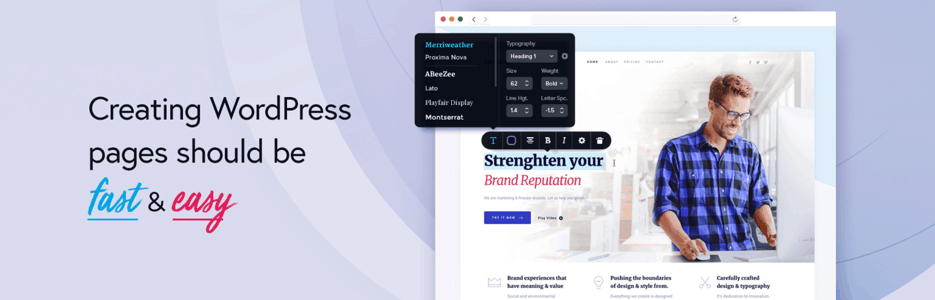
Brizy is one of the more beginner-friendly options on this list. The interface is clean, uncluttered, and easy to pick up without any prior experience with page builders. If you want to build something quickly without a steep learning curve, Brizy is worth considering.
It comes with 150+ pre-made blocks covering sections like heroes, pricing tables, testimonials, and CTAs. You can mix and match these to put together a complete page in a short amount of time. Global styling lets you set fonts and colors once and apply them across the entire site, which saves a lot of repetitive work.
The free version is available on WordPress.org and covers the basics well enough for simple sites. The pro version adds more blocks, templates, and the ability to define user roles and control access, which is useful for client handoffs.
Brizy is not the deepest builder on this list. Developers looking for custom code control or dynamic data support will find it limiting. But for small business owners, bloggers, or anyone building straightforward sites, it gets the job done without getting in the way.
Key Features
- Beginner-Friendly Interface
- 150+ Pre-made Blocks
- Global Styling
- User Role & Access Controls
- Real-Time Visual Editing
- 100% Responsive
- Cloud Auto-save
Price
Brizy has a free version available on WordPress.org. Pro plans start at $49/year for 3 sites.
Thrive Architect

Thrive Architect is another finest alternative to Elementor, especially for bloggers and marketers. This page builder mainly focuses on conversion. With over 270 landing page templates, it will help you to boost your conversions significantly.
It lets you create visually appealing, stunning, and engaging content for your website. Just like Elementor, it has a simple and user-friendly drag-and-drop builder.
Thrive Architect’s pre-built conversion-focused templates and elements include call-to-action buttons, testimonials, credit card icons, lead generation forms, social share, pricing table, content boxes, contact forms, countdown timers, etc. You can create customizable pages like sales pages, opt-in pages, and webinar pages with its assistance.
Key Features
- Ultra-flexible Column Layouts
- Attention-grabbing Text & Image Combinations
- Total Font Customization
- Full-width Layouts
- Hover Effects
- Pre-built Conversion Elements
- 278 Landing Page Template
- Drag & Drop Editing
Price
Thrive Architect comes up with Thrive Suite that costs $228 per year or 25 sites. The great thing is, Thrive Suite has some great plugins like Thrive Theme Builder, Thrive Leads, Thrive Apprentice, and more.
WPBakery
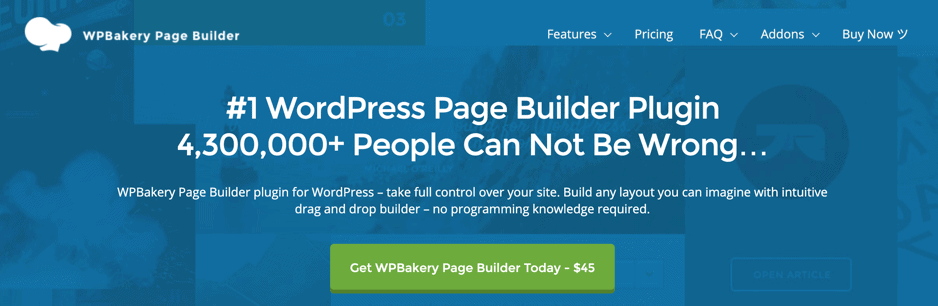
There was a time when WPBakery Page builder had its glory to every single web developer. When I was learning front-end web development, I was taught page building using WPBakery page builder. I’ve also used it to make professional websites for my clients.
You can make websites using this page builder without writing any codes and can manage WordPress content in minutes. It has managed to attract more than 4.3 million professional web developers to choose this page builder.
If you are looking for an intuitive and easy front-end page builder Elementor alternative for WordPress, WPBakery is the right choice. It offers you the best advanced visual page builder, real-time front-end site building, flexible row common layouts, etc.
Moreover, you will get 50+ content elements, 200+ add-ons & integrations, Grid Builder, and multilingual support. It is fully compatible with Yoast SEO and WooCommerce too.
Using this page builder, you will drag and drop elements just like Elementor, though it may seem difficult to use if you have used Elementor first because the vast number of widgets and hefty customization options can overwhelm you if you are a beginner.
You will have to research hard for your desired customization options. Though its complicated design interface gives the newbie front-end developers a hard time, many people still use it for its versatile options.
Key Features
- Drag & Drop Page Builder
- Intuitive Inline Frontend Editor
- Backend Editor
- Template Library
- Ready Content Elements
- 200+ Addons
- Awesome Design Options
- 100% Responsive Design
- Grid Builder
Price
Its membership costs $45 a year and $245 for a lifetime membership.
Conclusion
Hope this post helped you to choose the best Elementor alternative.
If you’ve any questions regarding the post, please feel free to ask via comment. And if you’ve found the post helpful, please consider sharing the post from your favorite social media site.
Related Posts
- 10 Best Elementor Addons & Widgets 2023 (Free & Paid)
- Elementor Black Friday Sale 2022 – Get Up To 30% OFF!
- 7+ Best Elementor Pricing Table Plugins (Free & Paid)
- 10 Best Elementor Table Plugins & Widgets
Affiliate Disclosure: This post contains affiliate links. That means if you make a purchase using any of these links, we will get a small commission without any extra cost to you. Thank you for your support.
Leave a Reply
You must be logged in to post a comment.