 Skip to content
ChatGPT changed what’s possible inside WordPress. Whether you want to build a chatbot, generate content, automate workflows, or edit tables with a simple text command, there’s now a plugin for it.
But with so many options, picking the right one isn’t obvious. Some are built for content writers. Some are better for developers. Some do everything passably; others do one thing really well.
We tested and reviewed the 7 best WordPress ChatGPT plugins available right now, covering free and paid options across different use cases. The comparison table above gives you the quick view. The full breakdown below covers what each plugin actually does, who it’s for, and what it costs.
Plugin | Best For | Primary AI Feature | Pricing |
Chatbots & content generation | Chatbot builder + content generation via OpenAI/Claude | Free / Pro from $59/year | |
All-in-one AI automation | Content writing, image generation, chatbot, WooCommerce | Free / Pro from $9.99/mo | |
SEO-focused content creation | AI content writing with competitor analysis & NLP keyword clustering | Free / Pro from $5.50/mo | |
Workflow automation with AI | ChatGPT-powered automated workflows and task triggers | Free / Pro from $99/year | |
Building comparison & pricing tables | Chat-based table editing via OpenAI API | Free / Pro from $39 | |
Automated content publishing | Bulk AI post generation and auto-publishing | Pro from $249 | |
Visitor engagement & live chat | Conversational chatbot with onsite retargeting | Pro from $49 |
1. AI Engine

AI Engine is the most versatile ChatGPT plugin in this list. It connects WordPress to AI models including OpenAI, Claude, and others; and lets you build chatbots, generate content, create AI-powered forms, and automate tasks, all from your WordPress dashboard.
The chatbot builder is a standout feature. You can create intelligent chatbots with conversation memory, real-time audio, multi-file upload support, and customizable themes. Embed them anywhere on your site using a shortcode, or connect them to external AI tools like Claude or ChatGPT through MCP (Model Context Protocol), giving those tools direct access to your site.
Content creation is handled through a Copilot feature inside the WordPress editor. You can correct grammar, rewrite text, translate posts, or generate content from scratch without leaving the editor. Image and video generation from text prompts is also built in.
What makes AI Engine particularly useful for developers is its internal API and MCP support. Other plugins can tap into it, and you can build custom AI-driven workflows, REST endpoints, and even SaaS applications on top of WordPress. Usage tracking and analytics are built in too, so you can monitor token consumption and costs over time.
Key Features
- Chatbot builder with voice, memory, and multi-file support
- Copilot in the WordPress editor for writing and rewriting
- AI Forms with conditional logic and file uploads
- Knowledge base and embeddings via Pinecone, Qdrant, or OpenAI Vector Store
- Function calling to connect AI with WooCommerce, bookings, or custom APIs
- MCP support for connecting Claude, ChatGPT, and other AI agents to your site
- Usage analytics and token cost tracking
- Internal API and REST endpoints for developers
Price
Free | AI Engine Pro starts at $59/year, for a single site use.
2. AI Puffer

If you need one plugin that handles everything AI-related on your WordPress site, AI Puffer is worth a close look. Previously known as GPT AI Power, it covers chatbots, content writing, image generation, AI forms, automation, and WooCommerce tools, all from a single dashboard. The free version is generous too, making it one of the better options if you want to test before committing to a paid plan.
The content writer is one of the most capable in its class. You can generate articles, blog posts, or product descriptions from text, CSV files, RSS feeds, or URLs. Templates, custom prompts, and a Smart SEO score tool are all included, so the output is structured for search from the start.
The chatbot builder lets you train bots on your own site content, PDFs, or uploaded files, and supports real-time voice input and playback. For WooCommerce stores, there is a dedicated AI module for bulk-generating product titles, descriptions, SEO tags, and even selling AI credits to customers.
One thing that sets AI Puffer apart is its “bring your own API key” model. You connect directly to OpenAI, Google Gemini, Azure, DeepSeek, xAI, or Ollama using your own account. No hidden credits or usage markups on the plugin side.
Key Features
- AI chatbot builder with voice input, web search, and custom knowledge base
- Content writer supporting text, CSV, RSS, and URL inputs
- AI Forms with drag-and-drop builder and web search integration
- Automation engine for scheduling content tasks and Smart SEO improvements
- Image generation via DALL-E 3, GPT-4o, Google Imagen, and Replicate
- WooCommerce AI tools for bulk product copy and SEO fields
- Bring-your-own-API-key support for OpenAI, Gemini, Azure, DeepSeek, xAI, and Ollama
- REST API access for programmatic use
Price
Free | Pro plan starts at $9.99/per month.
3. GetGenie
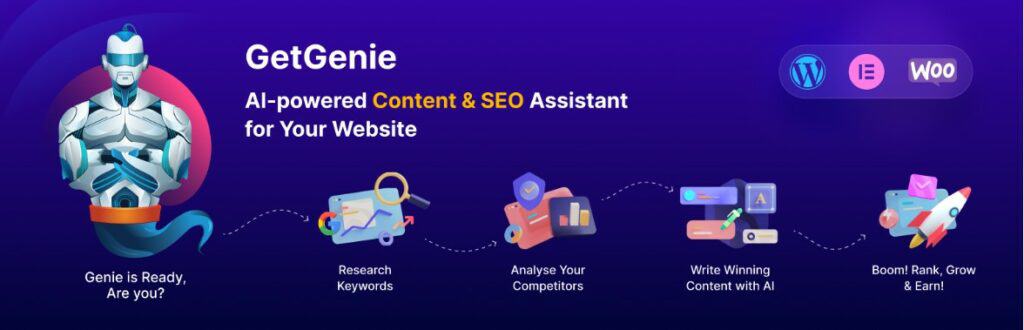
GetGenie is the most SEO-focused plugin in this list. Where most AI plugins focus on content generation alone, GetGenie combines AI writing, keyword research, and competitor analysis inside a single WordPress plugin — without needing a separate SEO tool.
The Blog Wizard walks you through creating a full post from scratch: topic, title, outline, and body content, with NLP keyword suggestions and a live content score updating as you write. You can see which related terms to include and how your draft compares to competing pages in search results, all without leaving the editor.
Competitor analysis is genuinely useful here. GetGenie pulls live SERP data, analyzes top-ranking posts for your target keyword, and gives you a breakdown of what they cover so you can write something more complete. It is a practical shortcut for content gap research.
A recent addition worth noting is the Boss Mode, which lets you give voice commands inside Genie Mode and Genie Chat for faster prompting. The plugin also added templates for AI Overview answers, local SEO pages, and Google Business Profile posts in its latest updates, covering a broader range of content types than before.
Also Read: 7 Best AI Writer WordPress Plugins
Key Features
- Blog Wizard for full post creation with title, outline, and body
- NLP keyword clustering and live content scoring
- SERP competitor analysis for target keywords
- 30+ AI writing templates including meta descriptions, product copy, and sales pages
- Boss Mode for voice commands in Genie Mode and Genie Chat
- AI Overview Answer Builder and Local SEO templates
- Google Business Profile post generator
- Keyword research available directly in the playground
Price
Free | Premium plans start at $5.50/month (billed annually).
4. OttoKit
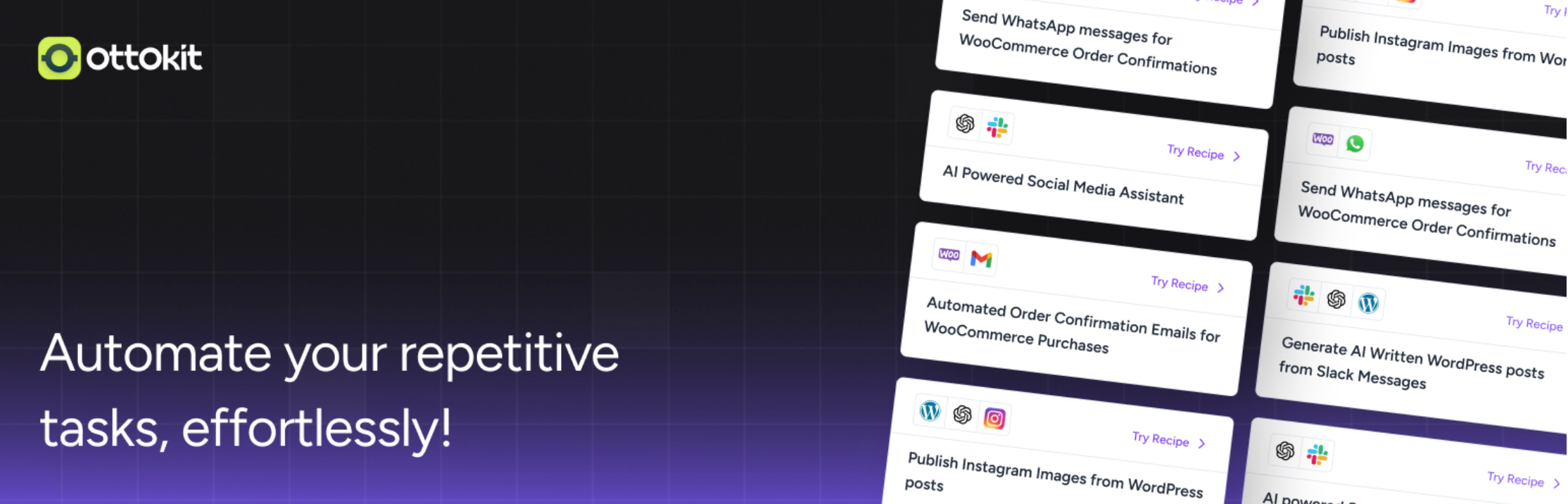
OttoKit is a workflow automation platform built specifically for WordPress. It rebranded from SureTriggers in June 2025 to reflect its expanded AI automation capabilities. If you want ChatGPT to do something when a specific event happens on your site, OttoKit is the tool that makes that connection possible.
The core concept is straightforward: a trigger event kicks off one or more automated actions. A new form submission sends a personalized follow-up email. A WooCommerce purchase enrolls a customer in a course. A new user signup triggers a ChatGPT-generated welcome message. OttoKit supports 1,330+ integrations including OpenAI, WooCommerce, Slack, Mailchimp, WhatsApp, and LearnDash.
What makes it relevant to this list is its native ChatGPT integration. You can use OpenAI as an action step inside any workflow, meaning ChatGPT can generate text, classify inputs, draft replies, or produce dynamic content as part of a larger automated sequence. OttoKit is also MCP-native, meaning AI agents like Claude and ChatGPT can connect directly to your tools and take automated actions inside your workflows.
The free plan includes 20 workflows, 1 WordPress connection, and access to all available integrations. It is a cloud platform with a dedicated WordPress plugin that connects your site to the platform.
Key Features:
- Trigger-based workflow automation with 1,330+ app integrations
- Native OpenAI integration for ChatGPT-powered workflow steps
- MCP support for AI agent connections
- Conditional logic and multi-step workflows
- WooCommerce, LearnDash, and major WordPress plugin support
- Usage tracking and task monitoring across workflows
- Drag-and-drop workflow builder, no coding required
- Lifetime plan available alongside annual subscriptions
Price
Free Version | The Premium Version starts from $99 per year.
5. WP Table Builder
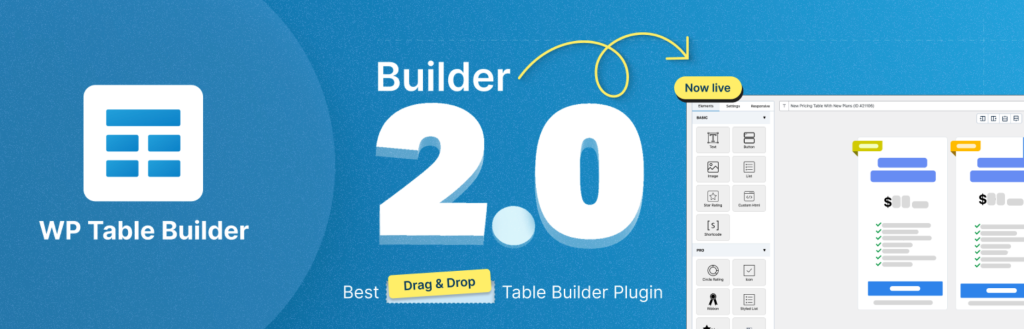
WP Table Builder is a drag-and-drop WordPress table plugin used by 50,000+ websites to create comparison tables, pricing tables, product lists, and more. What makes it stand out now is its built-in AI Assistant, powered by the OpenAI API.
Instead of clicking through menus and settings, you can simply type what you want in the chat panel inside the editor. Ask it to duplicate a column, change a button color, remove images from every column, or add a feature to a row, and the AI applies the changes instantly. It is a genuinely faster way to build and edit tables, especially for users who work with complex layouts.
The AI Assistant works right inside the table editor with no separate tool or setup needed. It is a practical addition to a plugin that already covers the full range of table-building needs.
Key Features
- AI Assistant powered by OpenAI API for chat-based table editing
- Drag-and-drop editor with 14 content elements
- Pre-built table types: comparison, pricing, product list, pros and cons, and more
- Star ratings, buttons, badges, progress bars, icons, and styled lists
- Responsive table controls with custom breakpoints
- Searchable and paginated tables
Price
Free | Pro plans start at $39.
6. Aimogen
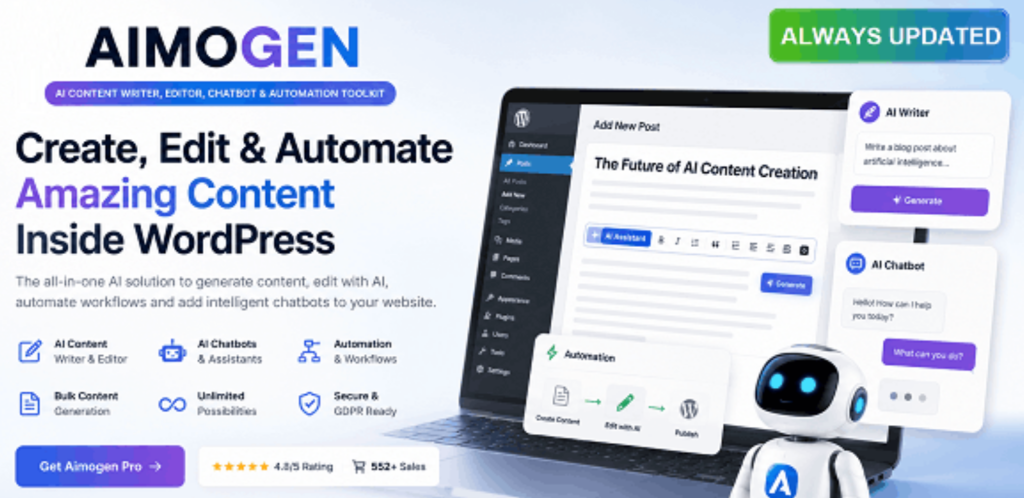
Aimogen Pro is a WordPress plugin that combines multiple AI tools into a single solution for creating, editing, and automating content, as well as adding interactive chatbots to your site. It is sold on CodeCanyon and has grown significantly from its original incarnation as a basic AI post generator.
The post generation tools are the core draw. You can create individual posts, run bulk content jobs from a list of titles, or set up automated publishing schedules that run without manual input. The plugin also handles updating and refreshing existing posts, so older content on your site can be rewritten or expanded with new AI-generated material automatically.
A recent major addition is Autonomous AI Agents, a system that allows AI to take actions on your site, use tools, and complete complex tasks step by step automatically. It also supports image generation via DALL-E, Stable Diffusion, and even Cloudflare Workers-based AI image generation, which lets you create images for free using your own Cloudflare Worker setup.
Like AI Puffer and AI Engine, Aimogen uses a bring-your-own-API-key model, connecting to OpenAI, Anthropic, and other providers directly without hidden credit systems.
Key Features
Key Features
- Single and bulk AI post generation from title lists or custom prompts
- Automated content scheduling and auto-publishing
- AI content editor for rewriting, translating, summarizing, and updating existing posts
- AI chatbot with custom personas, voice input, and voice output
- Image generation via DALL-E, Stable Diffusion, and Cloudflare Workers
- Autonomous AI Agents for multi-step automated site tasks
- Bring-your-own-API-key support for OpenAI, Anthropic, and more
- Featured image generation from royalty-free sources including Pixabay and Pexels
Price
The regular license price is $249, with 6 months of support.
7. AI Chatbot for Automated Live Chat
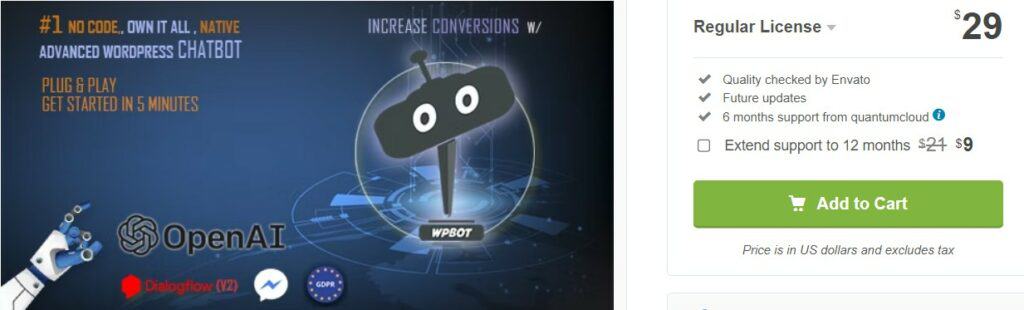
AI ChatBot is a fully native WordPress chatbot plugin focused on visitor engagement, lead generation, and automated support. It runs entirely from your WordPress dashboard with no external platform required, though it connects to OpenAI, Google Dialogflow, Gemini, and OpenRouter if you want AI-powered responses.
It can answer FAQs, collect leads, and book appointments through chat forms. It also supports offline basic flows, which is rare among chatbot plugins. The free version covers basic chatbot functionality and button-driven conversations without any AI service needed, making it one of the more accessible starting points on this list.
For users who want to train the bot on their own data, WPBot supports three methods: RAG vector database, fine tuning, and GPT Assistant. The onsite retargeting feature, available in Pro, detects exiting visitors and shows them targeted offers or coupons to improve retention.
Pro users can also connect to Facebook Messenger, Instagram, and WhatsApp, and white label the chatbot for client use across up to 50 WordPress sites.
Key Features
- Native WordPress chatbot with no external platform dependency
- OpenAI, Gemini, Dialogflow, and OpenRouter integration
- RAG vector database, fine tuning, and GPT Assistant for custom AI training
- Conversational forms for lead generation and appointment booking
- Onsite retargeting with exit intent popups and special offers
- Facebook Messenger, Instagram, and WhatsApp chatbot support
- Multi-language support including right-to-left languages
- White label option for agencies
Price
Free | The regular license for Chatbot for WordPress with OpenAI is priced at $49.
Conclusion
The 7 plugins in this list cover a wide range of use cases. AI Engine and AI Puffer are the strongest all-rounders for content and chatbots. GetGenie is the go-to if SEO is your priority. OttoKit is the right pick for automating workflows with AI in the mix. WP Table Builder solves a specific problem really well. Aimogen suits anyone who wants to scale content publishing with minimal manual input. And WPBot keeps things focused on visitor engagement and support.
The right choice depends on what you actually need. If you are still unsure, start with the free version of whichever plugin fits your use case closest and test it with real content before committing to a paid plan.
One thing worth keeping in mind across all of these: AI-generated output still needs a human review before publishing. The quality has improved a lot, but the final check should always be yours.
If you found this helpful, feel free to share it. And if you have questions about any of the plugins, drop them in the comments below.
Leave a Reply
You must be logged in to post a comment.