


Images are one of the first contents that a visitor first checks out when browsing a website.
For this reason, you need to have amazing images for your website. Let your images talk to your customers. Make your images look attractive to grab visitors’ attention the moment they see them.
For that purpose, you can use the hover effects WordPress plugins that help you add fantastic hover effects to your images and add content along with buttons.
Now, you can take your website to an apex of beauty with the help of the 7 best hover effects WordPress plugins below. Let’s check them out.
Plugin | Active Installs | Ratings | Download |
Image Hover Effects Ultimate | 20,000+ | ; | |
Hover Effects | 7,000+ | ; | |
Image Hover Effects | 1,700+ (Sale) | ; | |
Hover Effects Pack | 1,400+ (Sale) | ; | |
Flipbox | 10,000+ | ; | |
Emage | 2,200+ (Sale) | ; | |
Galleryberg | 300+ | ; |
Image Hover Effects Ultimate

Image Hover Effects Ultimate is one of the best free hover effects WordPress plugins based on CSS3. It offers cool animations and transitions.
It is a perfect choice for a non-coder since it is beginner-friendly. It offers you an incredible image gallery, lightbox, image comparison & magnifier, other than numerous hover effects.
It is also suitable for e-commerce website owners since they can add image hover time to each product page. Therefore, customers will be able to see the full product description just by hovering over the product image.
Plus, the plugin automatically resizes images for thumbnails. If you want, you can even manually resize your images too. With its Image Hover Media Manager, you can easily make additional customization such as image rotation, flip, crop, etc.
Since this Image hover effects WordPress plugin is performance-oriented, and developer-friendly, it is lightweight and enables you to add custom CSS to redesign the end product further.
The pro version offers more than 500+ highly customizable hover effects. Other exciting features include image hover background color, customizable hover icons, borders and shadow settings, and more.
Key Features
- Clone Hover Effects
- Image Auto Resizing for Thumbnails
- Classic Hover Layout or Grid Layout
- Overlay Effects
- Image Alignment Settings
- Shortcode Support
- Image Hover Cache
- Customizable 500+ Hover Effects (Pro)
- Border & Shadow Settings (Pro)
- Customizable Hover Icons (Pro)
- Image Hover Font Color (Pro)
Available Versions & Price: This image hover effects plugin is available in a free version. The Pro Version costs $19.99/year for a website.
Hover Effects
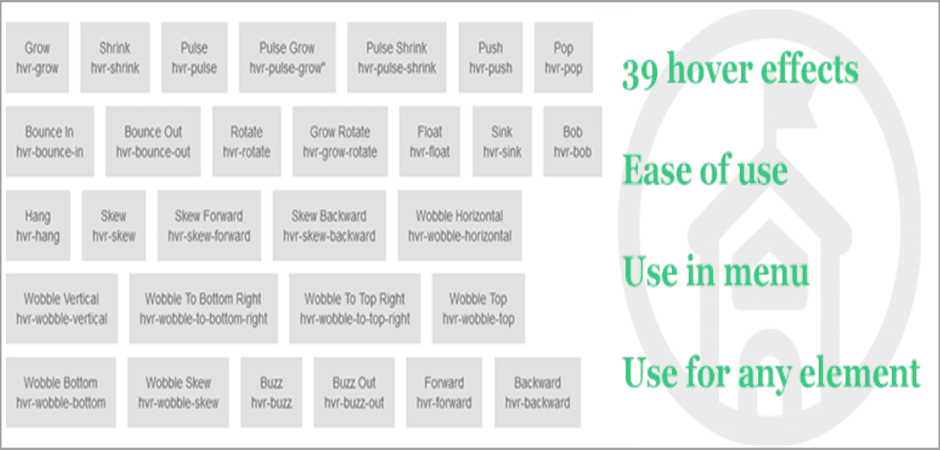
Hover Effects is a straightforward plugin that allows you to add hover effects to any content. It offers you a collection of 39 hover effects that you can use for any element. You only need to copy the specific hover effect class name and add it to the component.
Compared to the first hover effects WordPress plugin on the list, it offers you the complete freedom of adding hover effects to any item. You can add the effects class to highlight a link, and you can add the hover effect to buttons, logos, SVG, featured images, etc.
To add a hover effect to the menu item, you need to select the effect and copy the class. After that, you need to go to the Appearance menu, select the menu item, and add the class under CSS Classes. Thus, you can also call this plugin a fine WordPress Menu Hover Effects plugin.
Key Features
- Lightweight Plugin
- Offers 39 Hover Effects
- Add Hover Effects to Links, Icons, Menu, Logo, Buttons, etc.
- Add Hover to Any Element That Supports Adding Class
- 2D Transitions
- Shadow & Glow Transitions
Available Versions & Price: Get this WordPress hover effects plugin for free.
Emage – Image Hover Effects for Elementor
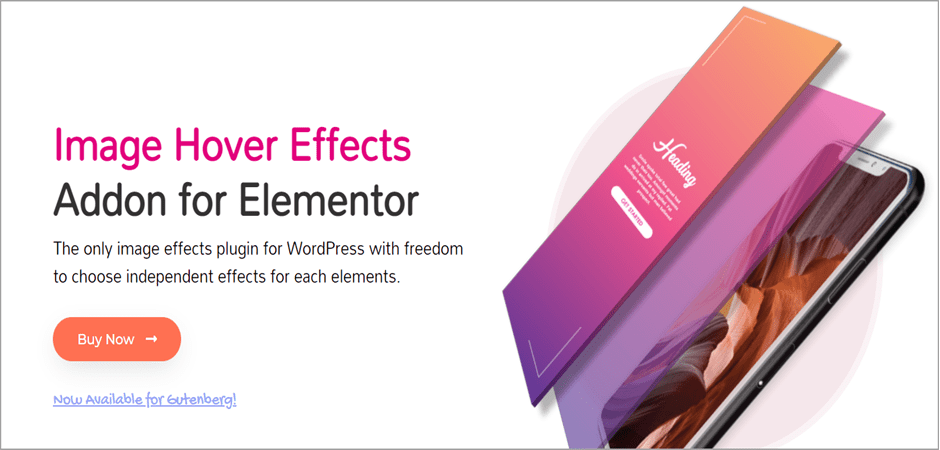
Lastly, we have Emage, one of the best premium hover effects plugins available for Elementor. With the Emage, you can showcase your content more beautifully.
This hover effect WordPress plugin offers you the ultimate freedom to choose individual effects for each element. You can apply hover effects for image, overlay, and content separately. It offers you 150+ hover effects that attract visitors’ attention quickly.
Furthermore, it offers the Post Grid option as a separate add-on, which helps you elevate your hover effects. It also supports Gutenberg Block Editor and Elementor.
You can create exceptional magazine-style post grids capable of showing post titles, dates, authors, comments, excerpts, category tags, etc. Plus, all the images you upload match the height to look even better.
Key Features
- Separately Control Hover Effects for Each Content
- 150+ Hover Effects
- 9 Alignment Options
- Add links on Title, Subtitle, Content, & Button
- Image Hover Post Grid Addon
- Gutenberg Block Support
- Typography Control
- Fundamental to Advanced Image Hover Effects
Available Versions & Price: The plugin’s price starts from $16/website.
Flipbox
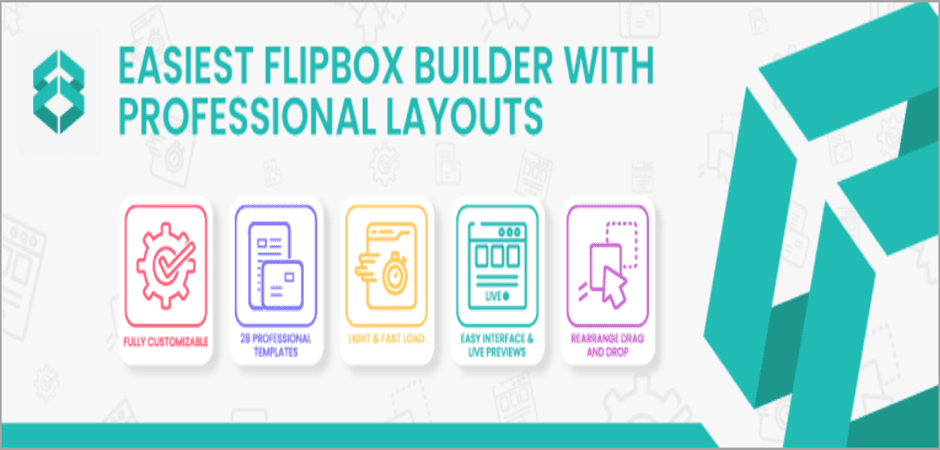
It is one of the best WordPress flip box plugins. It effortlessly adds hover effects, allowing you to add a box to the image and flip it to show the screen.
It also allows you to add a CTA button to the flip box. This simple plugin works like a regular info box but only shows an incredible CSS3 hover effect when visitors hover over the box.
You can select several flip animations for your flip box. More than 120+ effects are packed with the hover effects WordPress plugins. And it also offers 28 unique flip box templates to choose from.
The content of image overlays is entirely customizable and can add images, videos, icons, maps, etc., inside the flip box. Again, you can add images in square or circle shapes.
Using this hover effect WordPress plugin, you can represent your content data fantastically and descriptively at once. It’s a great way to promote your product better.
Key Features
- 28 Unique Flip Box Templates
- 120+ Content Hover Effects
- CSS3 Animation Effects
- Custom CSS Support
- Mobile Responsive
- Animated Sliding Panel
- Optional Display Text with Icon or Image
- Highly Customizable & Flexible Flip Boxes
Available Versions & Price: Download and enjoy the plugin for free.
Image Hover Effects
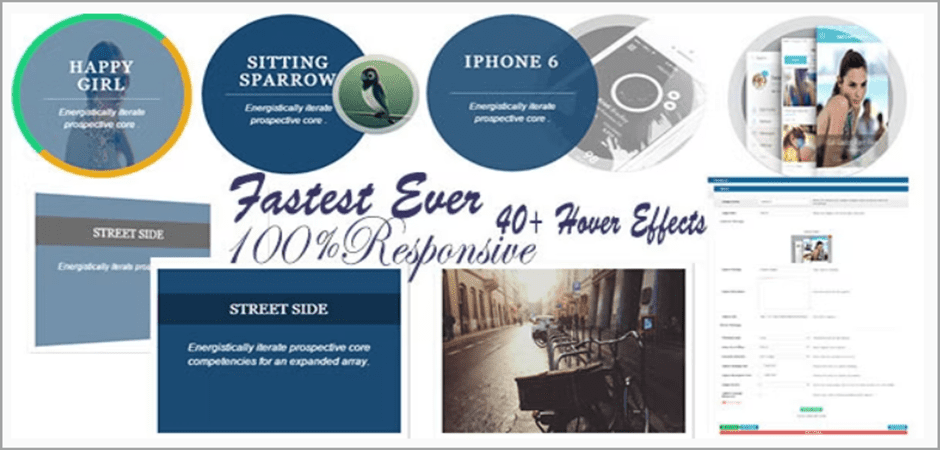
Image Hover Effects offers an impressive collection of 40+ hover effects you can apply to your image on the front end. It also provides you with an additional 10+ effects to use when scrolling.
Adding hover effects on pages or images is a piece of cake using the plugin since it is beginner-friendly. You can easily apply custom width and height for images, choose custom borders, etc.
Additionally, it comes with an exclusive image slider and a lightbox module to display your image in a slider and show the image via lightbox when clicked. It offers you advanced options to add animation to your images.
Since it is a performance-oriented hover effect WordPress plugin, it has been designed with CSS3 codes to render the fastest animation effects. The plugin is entirely responsive and will adapt to any screen size.
Key Features
- Pure CSS3 Effects
- Lightbox and Slider Included
- Responsive Layouts
- 40+ Hover Effects
- Grid Options
- 10+ Animation Effects for Scrolling
- Shortcode Generator
- Custom Image Width & Height
Available Versions & Price: You can try the free version or get the Pro Version of this WordPress image hover effects plugin for $18/website.
Hover Effects Pack
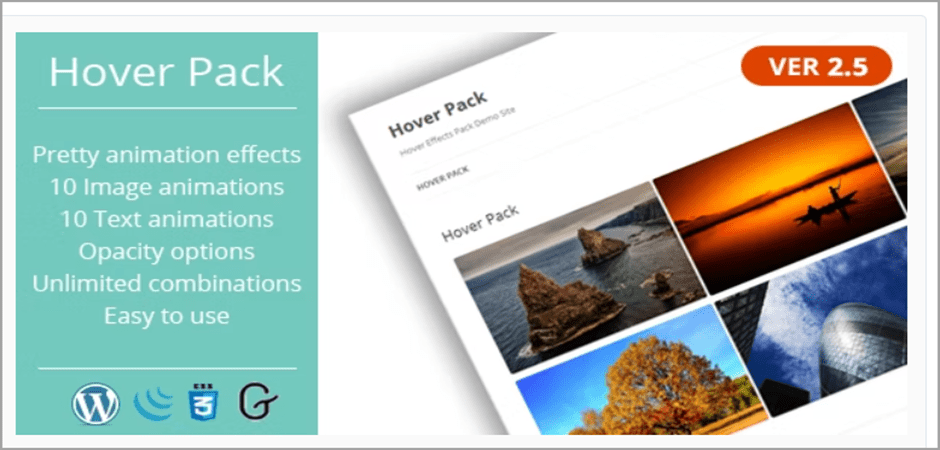
The Hover Effects Pack offers incredible image animations and image hover effects to make your product image look attractive and informative.
The plugin offers 10 hover effects, 10 text animation effects, and 5 text delay options. You can immediately remove your visitors’ attention by adding these effects.
It is packed with a WYSIWYG editor, from which you can add layers and text, customize the layer color, add effects to the image, and more. You can also add a border-radius and set the layers’ opacity.
With the help of a shortcode, you can insert your images on any post and page using any page builder.
Key Features
- Hover Layer & Text Customization
- 10 Hover Effects
- 10 Text Animation Effects
- 5 Text Delay Options
- Shortcode Support
- Add Border Radius to All Effects
- Set Layer Opacity
Available Versions & Price: Premium Version costs $15/website.
Galleryberg
Galleryberg is a modern WordPress gallery plugin built specifically for the Gutenberg Block Editor. It helps you create clean, responsive image galleries without relying on shortcodes or third-party builders. Everything is managed directly inside the WordPress editor, making it an excellent choice for bloggers, photographers, and creative website owners.
The plugin focuses on simplicity and performance while still giving you enough design control to make your galleries stand out. You can choose from multiple gallery layouts such as Grid, Masonry, and Justified, and instantly preview changes as you customize them in Gutenberg.
Galleryberg also includes a built-in lightbox experience, allowing visitors to view images in full size without leaving the page. Captions, hover effects, spacing, and alignment options help you present images in a more engaging way—without overwhelming settings or a steep learning curve.
Since Galleryberg is optimized for speed and uses native WordPress blocks, it stays lightweight and works smoothly with most themes. Whether you’re showcasing photography, portfolio work, blog images, or product visuals, Galleryberg keeps your galleries fast, responsive, and visually appealing.
Key Features
- Gutenberg-native gallery block
- Grid, Masonry, and Justified layouts
- Responsive lightbox for image viewing
- Image captions and hover effects
- Adjustable spacing and alignment controls
- Mobile-friendly and fully responsive
- Lightweight and performance-focused
- Works seamlessly with modern WordPress themes
Available Versions & Price:
Galleryberg is available in both free and premium versions. The free version covers essential gallery features, while the Pro version unlocks advanced layouts, styling controls, and enhanced customization options for professional use.
Conclusion
I hope you liked the post and finally chose one from the list. We recommend selecting the free version first rather than trying the premium version.
If you are an advanced user, you may try the premium version first. Let us know your thoughts in the comment section regarding these plugins. Also, do not forget to share the post on your social media if you like it.
We also have a list below regarding other WordPress plugins that might interest you.
Related Posts
- 6 Best Flip Box & Card WordPress Plugins
- 7+ Best Icon Plugins for WordPress
- 7 Best Interactive Image & Mapping WordPress Plugins
- 7 Best WordPress Image Slider Plugins (Free & Paid)
- 10 Best WordPress Image Plugins For Your WordPress Website
- 7 Best Lightbox WordPress Plugins (Gallery, Video, & Image)
- 6 Best WordPress Before After Image Comparison Plugins (Free & Premium)
Disclosure: This post contains affiliate links. That means if you make a purchase using any of these links, we will get a small commission without any extra cost to you.
Leave a Reply
You must be logged in to post a comment.