


The footer is an essential part of a website. It contains social media widget, brand logo, about us section, contact form, notification bar, etc. You can also add codes and scripts in the footer section.
Though every theme comes with a footer section, you would need footer plugins to customize and add more functionalities.
Plenty of footer WordPress plugins can help you add a footer and customize the footer section. To help you to choose the right plugin, we have made a list of the 9+ best WordPress footer plugins.
Plugin | Purpose | Ratings | More Info |
WPCode | Footer Code | ; | |
ElementsKit | Footer Builder & Templates | ; | |
Twentig | Footer Customization for Default Themes | ; | |
Element Pack Pro | Elementor Footer Builder | ; | |
Header Footer for Beaver Builder | Footer Builder | ; | |
Woody Code Snippets | Footer Builder | ; | |
Footer Mega Grid Columns | Footer Columns | ; | |
Elementor | Footer Builder & Templates | ; | |
Fluent Forms | Footer Contact Form | ; | |
Monarch | Footer Social Follow Widget | N/A | ; |
ConvertForce | Footer Notification Bar | ; |
Now let’s dive into the detail of these plugins.
Insert Headers and Footers
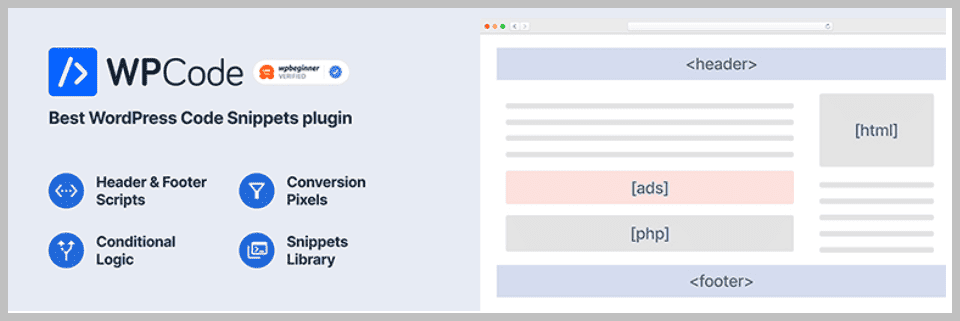
If you want to add custom codes or scripts to your header and footers, Insert Headers and Footers is your best choice.
The plugin lets you add google analytics code, Facebook pixel code, custom CSS, HTML, etc., to your native WordPress header and footer section.
Therefore, you do not need to dive into your theme’s PHP files to edit the footer or header. This Footer WordPress plugin works seamlessly with every theme; besides, you will not lose your custom footer code even after changing your theme.
It is highly recommended for people who are looking to take more advantage of their header and footer.
Key Features
- Easy to Setup
- Insert Scripts
- Add Google Analytics
- Supports Custom CSS
- Inserts Facebook Pixel Code or any other Tracking Code
- Inserts any code or scripts, including HTML & JavaScript
- Disable the plugin on Specific Pages
Price
Try the plugin for free.
Elements Kit
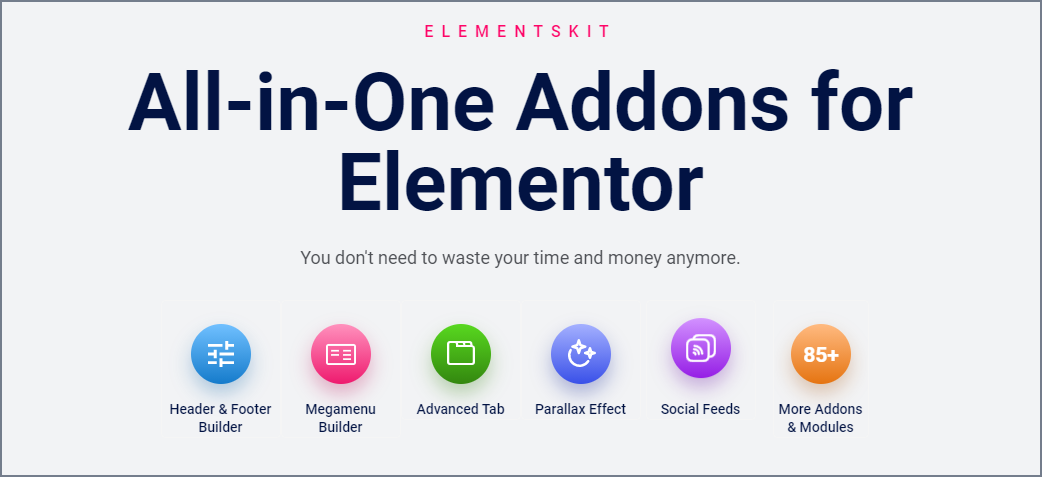
Elements Kit is an Elementor add-on plugin that lets you edit and create every section to build a beautiful website. It will only work with the Elementor page builder.
The plugin provides you with 55+ effective widgets to easily create any section. On top of that, you do not need coding to generate any section. Just drag & drop the widget into your desired template and create beautiful sections.
Therefore you can create not only a header or any page section but also a footer. Moreover, it provides you with ready-made templates, so you do not need to create any section from scratch.
ElementsKit comes with 7+ ready-made homepages, 300+ ready-made sections, and 250+ ready blocks to help you create a website quickly and efficiently. Therefore, it would be needless to install several plugins when you have everything under one hood.
You can customize the footer layout and typography, and add links, forms, logos, etc., in the section. The footer or any section created with this footer plugin for WordPress is entirely responsive and will support every modern device screen.
Key Features
- Header Footer Builder
- 45+ Pre-designed Header & Footer Templates
- Widget Builder
- Mega Menu Builder
- 70+ Free and Premium Widgets
- 35+ Ready Pages
- 500+ Ready Sections
- WooCommerce Widgets
- Sticky Content (Pro)
- Gallery Widget. Filterable, Masonry, Grid (Pro)
- Cross-Domain Copy Paste (Pro)
Price:
You can try the free version from the WordPress repository. The Pro version costs $49 per year for a single website.

Twentig

Next, we have Twentig, a brilliant and Gutenberg-supported WordPress footer plugin that allows you to customize your default WordPress theme the way you desire.
It has many ready-made block templates that can help you instantly create a web section. Besides, it has all the elements to create a page section or Website quickly and efficiently. No coding is required.
You can create a fantastic website from scratch with their tailored design and custom page templates. Instead of creating one, you can import a full website template designed and built by award-winning professionals.
All you need is to choose your desired starter website template and insert it into the customizers. Then, customize the template your heart desires and publish it.
To customize the footer, you can customize the footer layout, footer widgets layout, width, add social icons, etc.
Key Features
- Header & Footer Customization
- Ready-made Templates
- Gutenberg Ready
- Typography & Color Customization
- Advanced Theme Customization
- Flexible Import Page Sections
Price
Get the plugin for free.
Elements Pack Pro
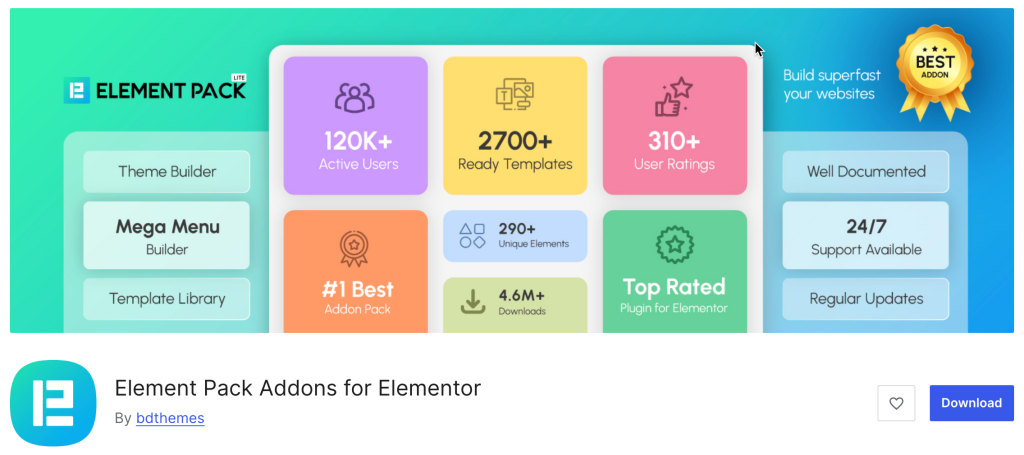
Elements Kit was an all-in-one addon, and Element Pack Pro is very much in that same league. Developed by BdThemes, it is arguably the most comprehensive addon library for Elementor, designed to give you total control over every section of your site – especially the footer.
While many plugins offer a handful of widgets, Element Pack Pro brings a massive library of over 290+ widgets and 2,700+ design templates to the table. This includes a dedicated Header and Footer builder that allows you to move beyond the limitations of your theme and design a custom footer area from scratch using a visual drag-and-drop interface.
Top Features
- Header & Footer Builder
- 2,700+ Ready-Made Assets
- Live Copy-Paste
- Visibility Controls
- Third-Party Integrations
- Performance Focused
Price
Free version available. Premium starts at $49/year for a single site, with lifetime plans available from $99.
Header Footer for Beaver Builder
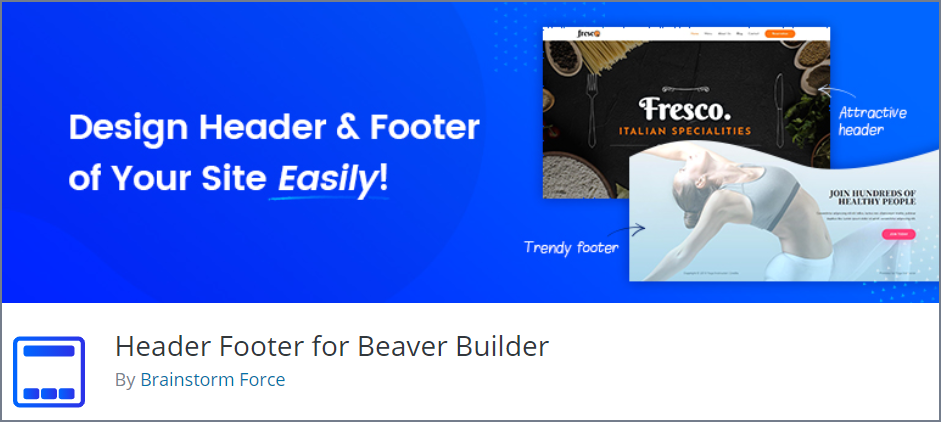
If you are a massive fan of Beaver Builder, you can level up its functionalities by installing Header Footer for the Beaver Builder WordPress footer plugin. It’s a straightforward plugin that enables you to use customized templates and pages as your site’s header or footer.
To create and design a custom header or footer, you will not require any coding knowledge since the plugin allows you to drag and drop widgets to create a unique-looking header and footer using Beaver Builder.
The plugin is one of the best free solutions to style and customize the header and footer section with any content you want. This plugin simply adds the Beaver Builder Header Footer settings in the page builder settings page to insert the custom template you saved or created earlier.
The only drawback of the plugin is that it works only on six themes right now: Astra, Beaver Builder theme, Genesis Theme, Primer Theme, GeneratePress Theme, and Never Theme.
Key Features
- Lightweight and straightforward
- Beginner-friendly
- Responsive Design
- Customized Templates as Header & Footer
Price
Download the free version and enjoy the plugin.
Woody Code Snippets
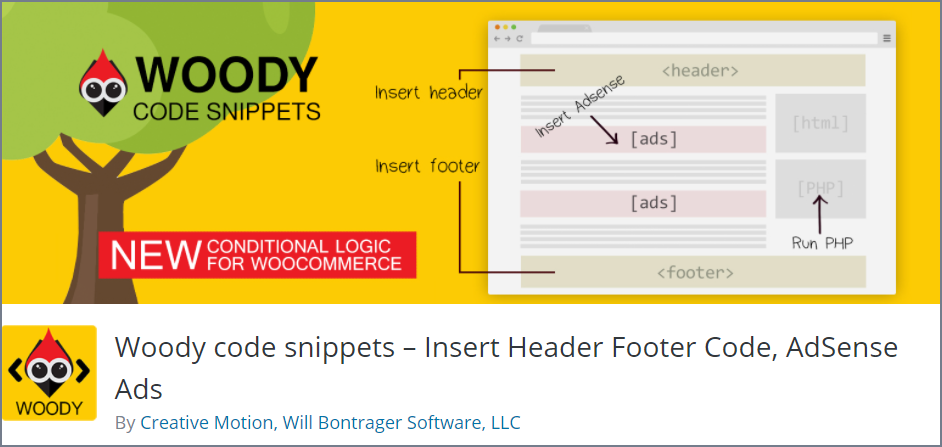
Adding different custom codes with Woody Code snippets is effortless and straightforward.
This footer plugin doesn’t let you edit the theme’s PHP files like the Insert Headers and Footers. Instead, you just have to insert codes to your header and footer.
You can easily add Google Analytics, Facebook Pixel, Adsense code, or any other tracking code in the footer.
You can further level up your footer by adding social media widgets or other widgets that pull content from other external sources.
However, you can show or hide code snippets based on conditional logic. You can even import or export code snippets so that you can use them anytime you want.
Top Features
- Insert headers and footers
- Insert Google Analytics, Yandex, Metrika
- Show or hide widgets based on conditional logic
- Insert Facebook pixels, Facebook Scripts, etc.
- Insert PHP code snippets
- Export and import templates
- Rollback changes with code revisions (Premium)
- Cloud storage for snippets (Premium)
Price
Get the plugin for Free.
Footer Mega Grid Columns
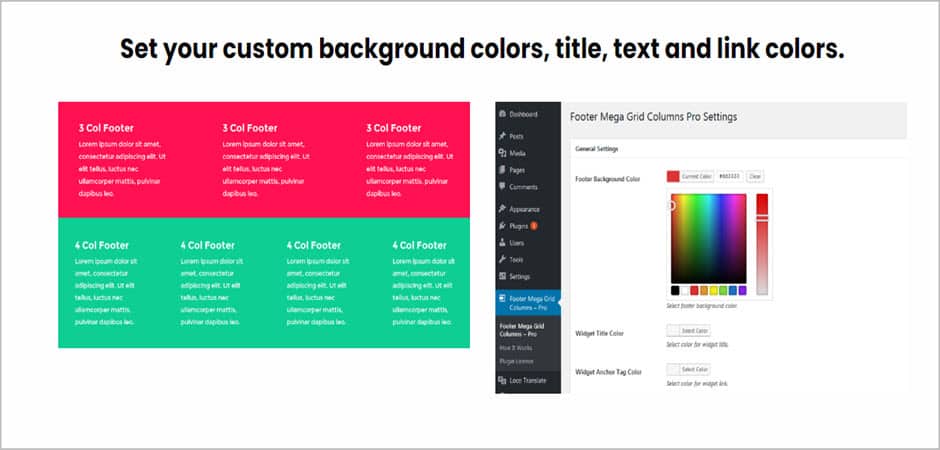
Footer Mega Grid Columns works only with legacy, classic, and old widget screens. It is a free plugin that lets you create footer areas in the grid.
This footer WordPress plugin registers a footer widget area for your theme and lets you add and show widgets in a grid view with several columns. You can also add third-party widgets too.
Footer Mega Grid Columns also offers a pro version that lets you set your custom grid when adding the widget in the footer mega grid columns area.
The pro version of this footer plugin offers your grid setting, and advanced customization such as background colors, title, text, and link colors.
Key Features
- Widget Grid settings (Pro)
- Custom Background Color (Pro)
- Set Title, Text, and Link Color (Pro)
- Add Custom Grid for Widget (Pro)
- Custom CSS Support (Pro)
- Shortcode Support (Pro)
- Third Part Widget Support
- Display All Widgets in Grid
- Can Be Used With Most of the Themes
Price
Try the free version from the WordPress repository. The Pro Version costs $129 per year for unlimited websites.
Elementor

There’s nothing that you cannot do to design an amazing website using Elementor. It is the top WordPress website page builder plugin that lets you easily make a website with its drag & drop visual interface.
It offers you more than 100+ widgets to create any page section and web page. Creating footers is also easy using the theme builder. But for creating the footer, you will require the pro version.
Either you can create one from scratch, or you can select one from the templates library. If you select one from the templates library, you will need to customize the content. However, all footer designs are mobile-ready.
You can add almost every widget in your footer. For instance, you can add social icons with hover effects, a contact form, list icons, useful links, logos, backgrounds, etc.
You can create an unlimited number of footers and select different footers for different pages and different devices. Besides, you can also select your footer to be displayed across your whole website or for selected pages.
Key Features
- Responsive Layouts
- Add Custom CSS for further Styling
- Display Footer for Selected Pages or Whole Website
- Add Footer Display Conditions
- Ready-Made Footer Templates
- Hover Effects for Social Media Icons
- Background & Border Customization
Price
Try the free version from WordPress.org or get the Pro Version for $59 for a single website.
Fluent Forms
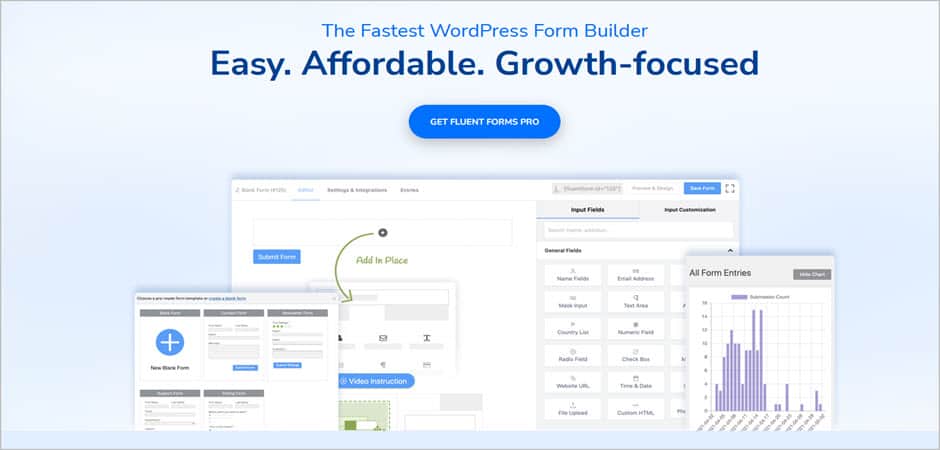
Fluent Forms is one of the best form builders that lets you create any type of form in a minute. It allows you to add a contact or any type of form in any place.
With its advanced drag-and-drop interface, you can easily create amazing forms in a short time without writing any code. You can also create multi-column forms with smart conditional logic form fields.
However, the plugin also offers dozens of ready-made templates to choose from. It offers various advanced features such as Ajax form submission, time restriction, form submission notification, multi-column form layout, built-in data analysis tool, and many more.
Fluent Form is entirely GDPR compliant and secured by reCAPTCHA, shielding the form from spam submission. Plus, the forms are responsive by nature.
To add a form in the footer, you will need to add to create the form first. Then you will need to go to Appearance and click on Widgets. You must find the Fluent Forms widget, drag it to the sidebar, and save the settings.
Key Features
- Drag & Drop Order Form Builder
- AJAX Form Submission
- Shortcode & Widget Support
- Email Notification Upon Successful Form Submission
- Forms are GDPR Compliant
- Secured by reCAPTCHA
- File Upload (Pro)
- Export & Import Contact Form
- Advanced Form Styler (Pro)
- Advanced Form Fields (Pro)
Price
You can download the free version from the WordPress repository. Get the Pro Version for $59 for a single website.
Monarch

Monarch takes your social media sharing to the next level. Like WP Notification Bar, Monarch is not a footer plugin; it can help you place social media icons in your footer section.
It supports over 20+ social media networks and lets you display the sharing buttons in 5 different locations, and can add hover effects to make them look more interactive. It also offers you three button shapes, colors, and nine hover effects for buttons.
You can display them in the sidebar, above & below content, on images & videos, on popups, and on fly-ins. And, also can add 6 automatic pop-ups & fly-in triggers.
Placing social media icons on the footer is also easy. With the help of shortcodes, you can place them on any posts, pages, and widget section. If you want, you can display social network names & social counts.
Key Features
- Supports 20+ Social Network
- Add Social Sharing Buttons in 5 Different Networks
- 6 Automatic Pop-Up & Fly-In Triggers
- Clean & Customizable Design
- Monarch Dashboard to Manage Social Icons
- Check Your Statistics
- Import & Export Monarch Data
- Mobile-Friendly Social Icons
Price
The pricing of Monarch starts from $89.
ConvertForce
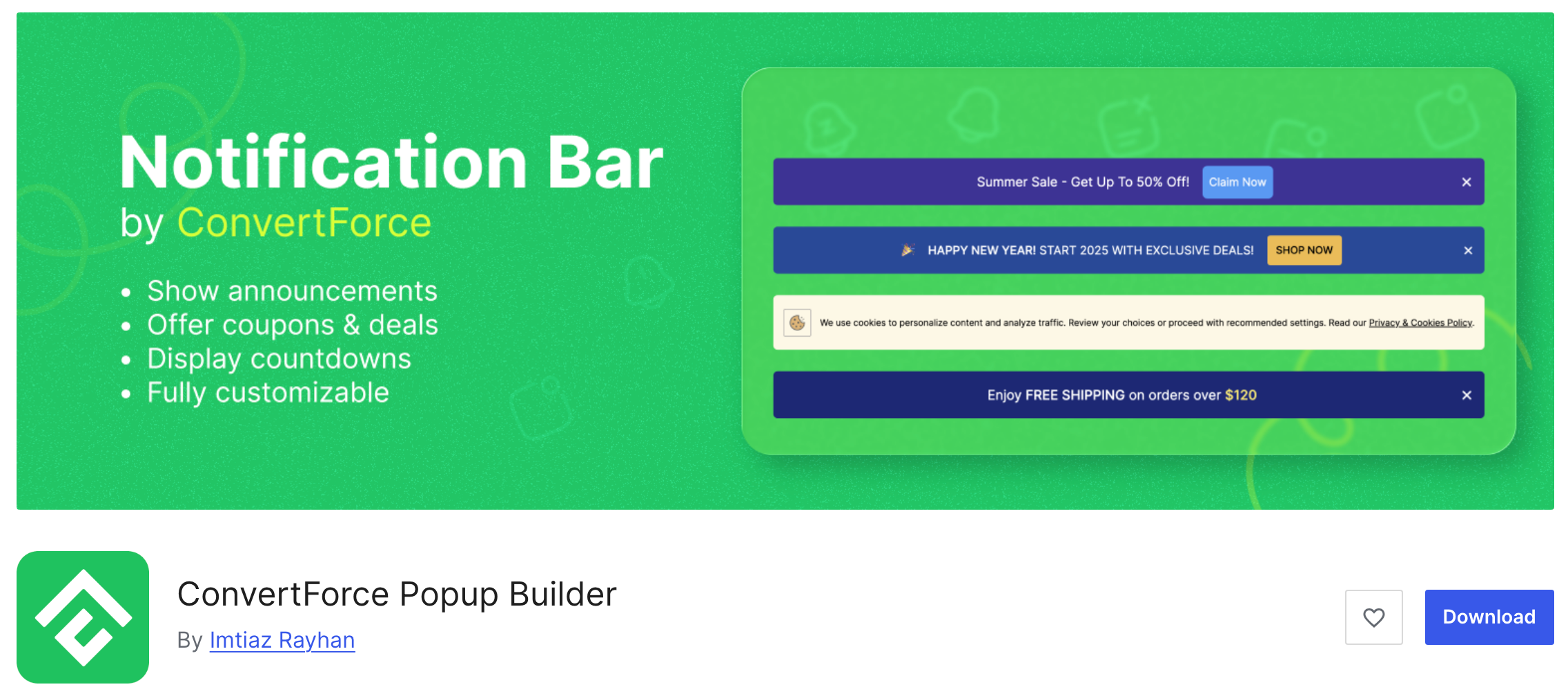
ConvertForce is not strictly a footer plugin for WordPress.
However, it allows you to display conversion-focused messages and announcements in different areas of your website, including the footer section.
With ConvertForce, you can easily add notification bars, promotional messages, and call-to-action buttons that appear at the top or bottom of your website. This makes it a useful tool for showing discount offers, announcements, newsletter signup prompts, or important updates without modifying your theme’s footer code.
For example, you can place a notification bar at the bottom of your site to promote a sale, highlight a limited-time offer, or encourage visitors to subscribe to your email list. Because it works visually inside WordPress, you can quickly design and publish these messages without touching any code.
ConvertForce is built for the WordPress block editor (Gutenberg), which means you can design your notification bars and messages using blocks, giving you more flexibility and control over the layout and content.
Key Features
- Create notification bars to display announcements or promotions
- Show messages at the top or bottom of your website
- Perfect for footer-style promotional bars and CTAs
- Fully compatible with the WordPress Block Editor (Gutenberg)
- Set Notification Bar Priority
- Easy customization of text, buttons, and layouts
- Lightweight and simple to use
- Helps promote offers, announcements, and email signups
Price
ConvertForce is completely free and can be downloaded from the WordPress plugin repository.
Conclusion
Hope you have learned enough about the best WordPress footer plugins. Choose anyone from the list based on your requirements. To match your needs, please carefully check each plugin’s Top Features.
If you have enjoyed the post, consider sharing it on your social media, and do not forget to share your thoughts about these plugins in the comment section below.
If you want to learn more about WordPress plugins, we have a list below for you.
Recommended Reading:
Affiliate Disclosure: This post contains affiliate links. That means if you make a purchase using any of these links, we will get a small commission without any extra cost to you. Thank you for your support.
Leave a Reply
You must be logged in to post a comment.